
A strong collection can lose its impact in a folder of disconnected product photos. The right lookbook creator helps you arrange those images into a sequence, keep the styling consistent, and give interested readers somewhere useful to go next.
This comparison covers six tools for fashion teams at different stages: designing pages, publishing a finished PDF, and adding links to individual styles. Choose a lookbook creator for the work you need to finish, rather than the longest feature list.
Key Takeaways
- Your PDF is finished: Recastia turns the existing pages into a flipbook to share or embed.
- Your collection needs clickable details: FlipHTML5, Publuu, and Paperturn add interactive elements to published pages. Check the relevant plan before building around those features.
- You still need to design the pages: Canva gives you templates; Adobe InDesign gives a designer detailed control over pages and spreads.
- Your audience is a wholesale buyer: Keep style references and a clear contact or ordering route available without turning every editorial spread into a dense product list.
Compare the Lookbook Creator Tools
A layout tool creates the pages. A PDF publishing tool gives those pages an online reading format. Some teams need both.
| Tool | Start With | Main Reason to Choose It |
| Recastia | A designed lookbook PDF | Share the approved visual sequence as a flipbook |
| FlipHTML5 | A document or lookbook template | Combine page design, media, and links to specific products |
| Canva | Collection photos and basic copy | Build coordinated pages from editable templates |
| Adobe InDesign | A designer’s images, text, and layout brief | Control typography, facing pages, and print or online output |
| Publuu | A finished PDF | Add clickable tags with product information and links |
| Paperturn | A PDF and product destinations | Add interactive content and import product links |
1. Recastia
Recastia publishes a completed lookbook PDF as an online flipbook. It fits a fashion team that has already approved the photography, page order, and visual identity and now needs a reading link for the collection.
Key Features
- PDF-to-flipbook publishing.
- Page navigation, zoom, and thumbnails.
- A shareable reading link and website embed code.
Pros: Your existing page design remains the starting point. That is useful when the collection has a deliberate rhythm: a full-look photograph, a quieter detail page, then a new color or silhouette. You can send the complete sequence through one link.
Cons: Finish cropping, type, and page-order changes in your design file before publishing. For shopping tags, compare the product-link tools below; keep buyer order forms in the system that handles those requests.
Best For: Designers and brands with an approved PDF who want to share it online. Use PDF to Flipbook once the page design is ready for readers.
2. FlipHTML5
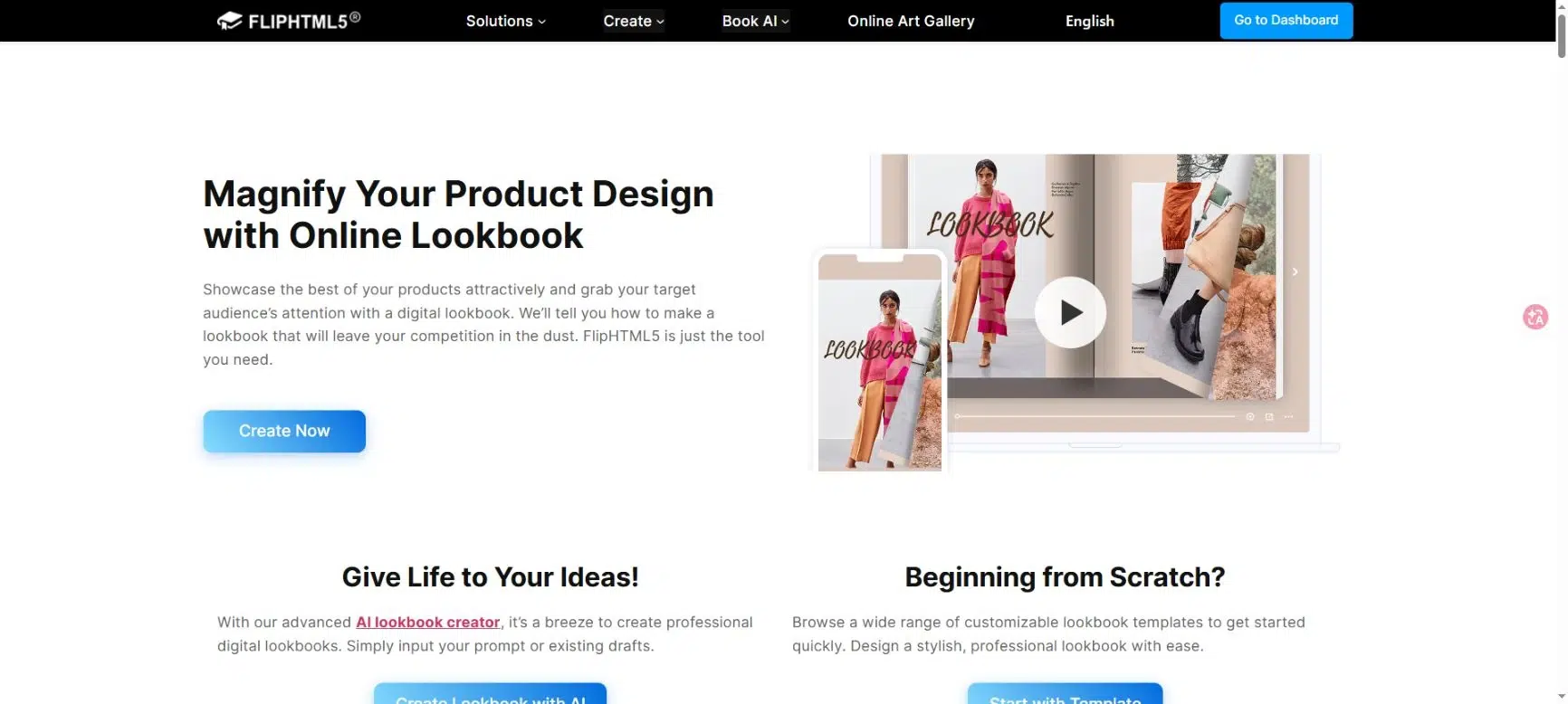
FlipHTML5 combines online lookbook publishing with a page editor for multimedia and links. It is useful when a photograph needs to lead to the exact garment shown, or when a short video explains how fabric moves better than another still image.
Key Features
- Lookbook templates and document conversion.
- Video, audio, photo galleries, and other page elements.
- Hotspots and hyperlinks that lead to product pages or a store.
- Branding and online sharing options.
Pros: You can place a link near the relevant item instead of sending readers to the store’s general homepage. A collection introduction can also include motion without replacing the still photographs that define the visual sequence.
Cons: Interactive elements have plan requirements. For example, the link-element documentation lists Pro, Platinum, and Enterprise access. Maintain a record of product destinations so a link does not silently point to a removed item later in the season.
Best For: Fashion teams that want editorial pages and clear routes to product details within the same digital publication.
3. Canva
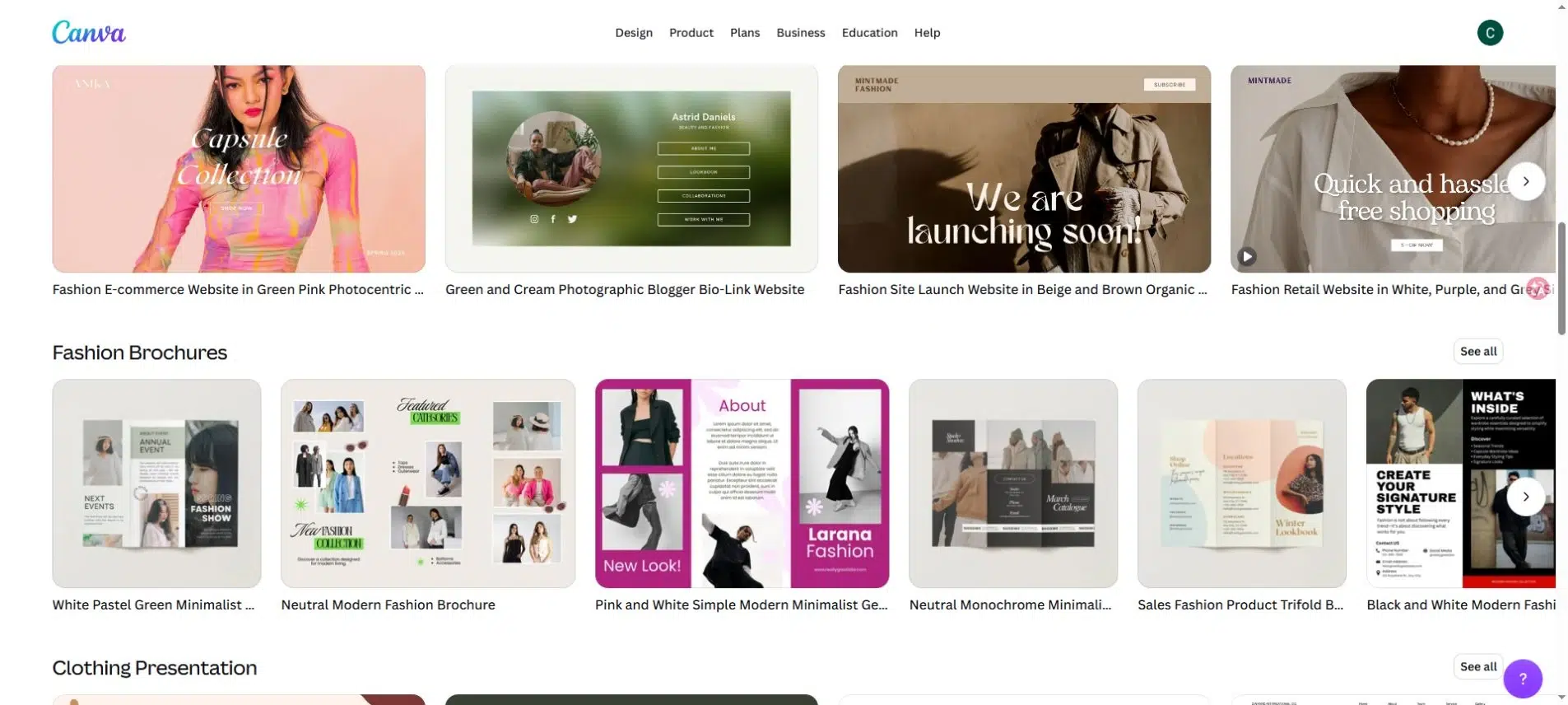
Canva is a starting point when your photographs are ready but your pages are not. Its fashion lookbook collection includes editable designs, with fonts, grids, and backgrounds you can adapt to the collection.
Key Features
- Fashion lookbook templates and photo layouts.
- Editable text, colors, images, and page elements.
- PDF output for a print or PDF-based publishing workflow.
- Image exports for supporting social content.
Pros: A small brand can establish a page style without building a document from a blank canvas. Reusing a small set of layouts also helps related pieces feel like one collection, even when the photography comes from more than one shoot.
Cons: A template still needs art direction. Mixing several unrelated designs can make the lookbook feel like separate campaigns. Check premium assets and export requirements before completing the whole document, especially if a printer will produce a physical edition.
Best For: Independent brands and small marketing teams that need to assemble a lookbook themselves and want editable page layouts.
4. Adobe InDesign
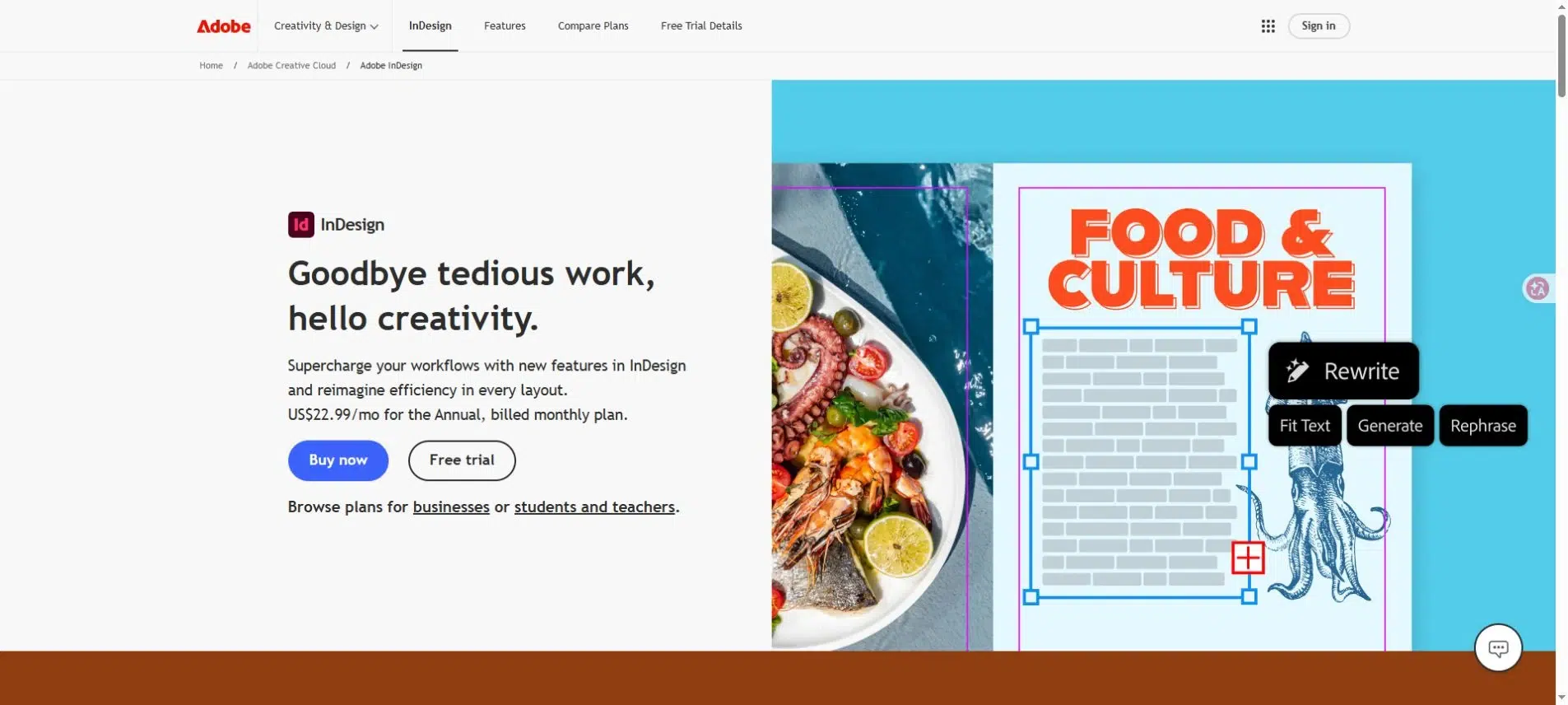
Adobe InDesign suits a lookbook with deliberate typography, page spacing, and facing-page compositions. It is a design application first, with Publish Online available for sharing the document in a browser.
Key Features
- Page and spread layout control.
- Publish Online output with single-page or spread display.
- Support for interactive elements such as buttons, slideshows, audio, and video.
- An option to update an existing online publication.
Pros: A designer can treat each spread as a complete composition and choose how it appears online. That control is useful for a campaign in which the relationship between an image, its opposite page, and the surrounding space is part of the creative direction.
Cons: This requires design work in an InDesign document, not just a PDF upload. Someone must own the layout files and prepare the online version. Plan separate checks for print output and interactive publishing rather than assuming one review covers both.
Best For: Brands working with a designer who needs close control over the collection’s visual presentation and already uses an Adobe production workflow.
5. Publuu
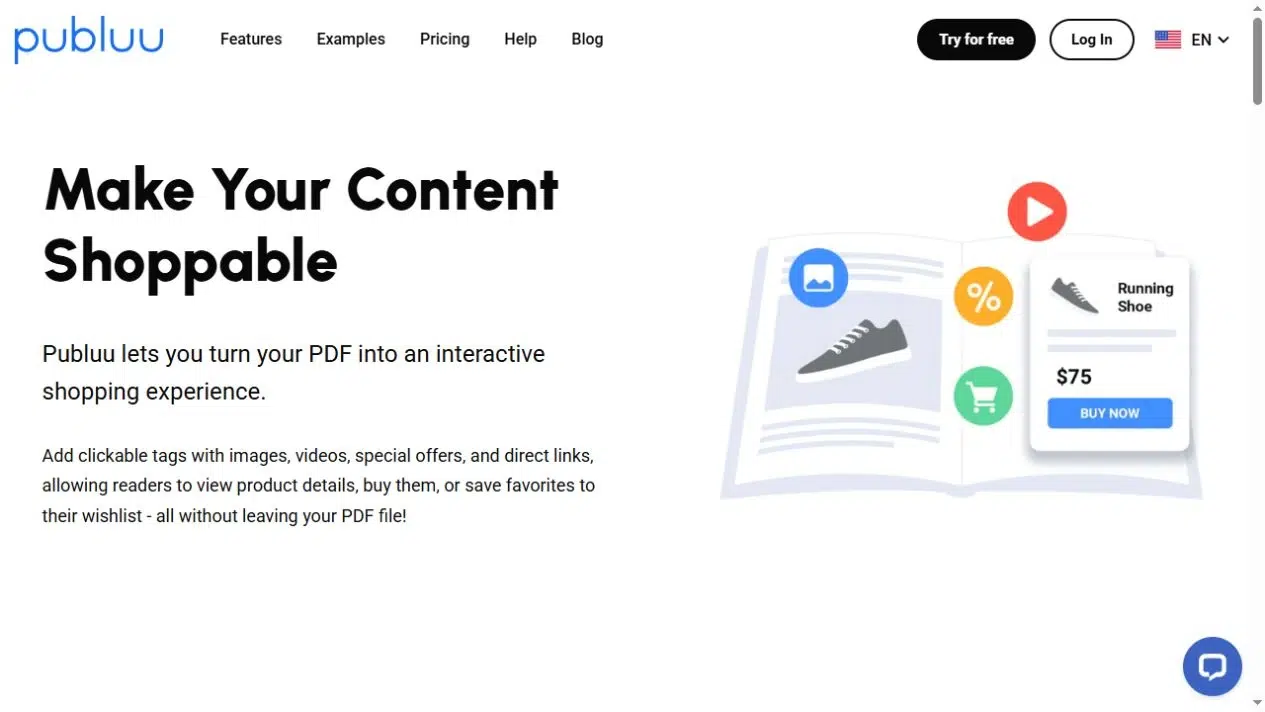
Publuu starts with a PDF and adds interactive content to its pages. Its shoppable-content tools are relevant when a finished lookbook needs more detail about particular products without adding long descriptions to the page layout.
Key Features
- PDF conversion into an online flipbook.
- Clickable tags with images, videos, and links.
- Website embedding and online sharing.
Pros: A tag can give an interested shopper more information while leaving the main photograph uncluttered. Direct links can take that person to the product page where your store handles the purchase.
Cons: Product tags need maintenance as the collection changes. Check each destination after uploading the issue, and again if styles move or sell out. An interactive link is not proof of a live inventory connection, so confirm any stock-related requirement separately.
Best For: A brand with a finished PDF that wants product-level information and shopping destinations in its digital edition.
6. Paperturn
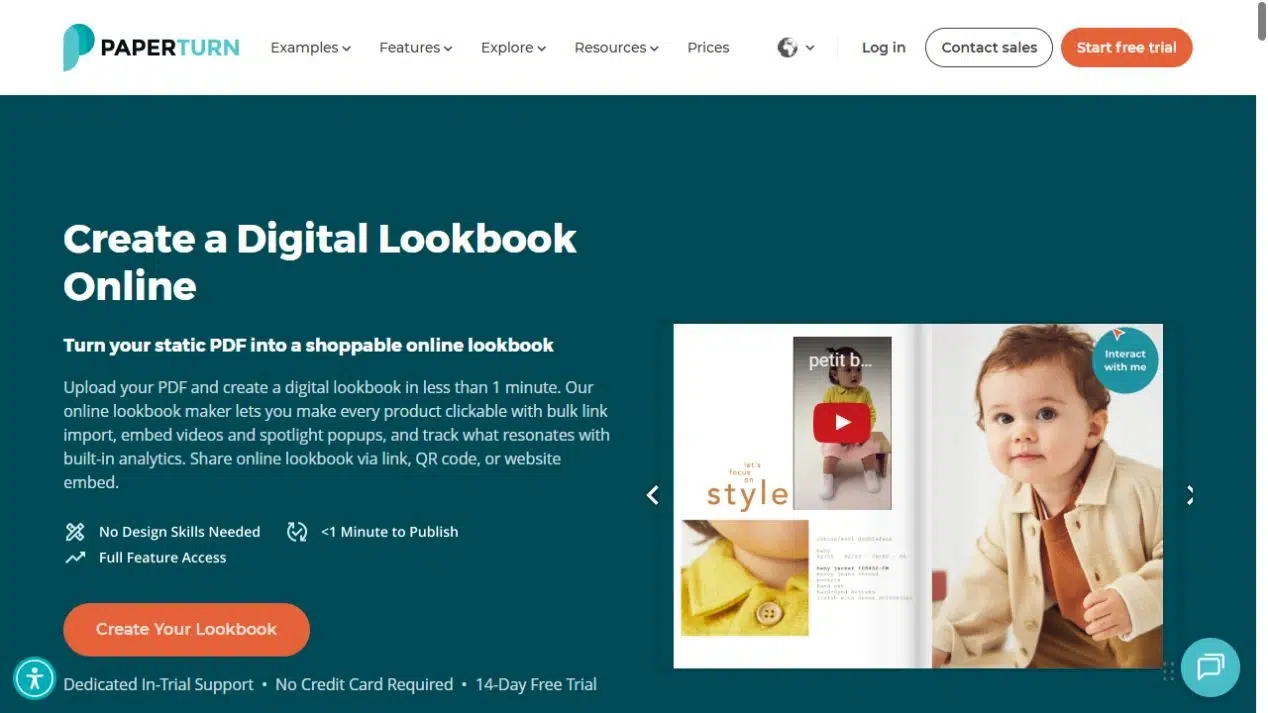
Paperturn publishes PDF lookbooks with product links and interactive additions. Its lookbook tools include bulk product-link import, which is worth examining when the publication contains many items with separate destinations.
Key Features
- PDF lookbook publishing with links and interactive hotspots.
- Spreadsheet import for product links with automatic matching.
- Video, image spotlights, and popups.
- Link, QR-code, and website-embed sharing.
Pros: A prepared product-link list gives the team a practical way to manage a larger collection. You can also add a fabric detail or a short styling video without dedicating another full spread to it.
Cons: Automatic link matching still needs a human review. Check that each destination matches the right style and page, particularly when products share similar names or photographs. Confirm the plan requirements for the interactive and branding options you intend to use.
Best For: Teams publishing a larger PDF lookbook with many product destinations and a separate person responsible for maintaining that link list.
Compare How Each Tool Handles Your Image Sequence
Before committing to a tool, check whether it lets you control the page order where you need to. Canva and InDesign belong in the design stage. With a PDF publisher, prepare the sequence in your source document first.
For a small capsule collection, a useful sequence might be:
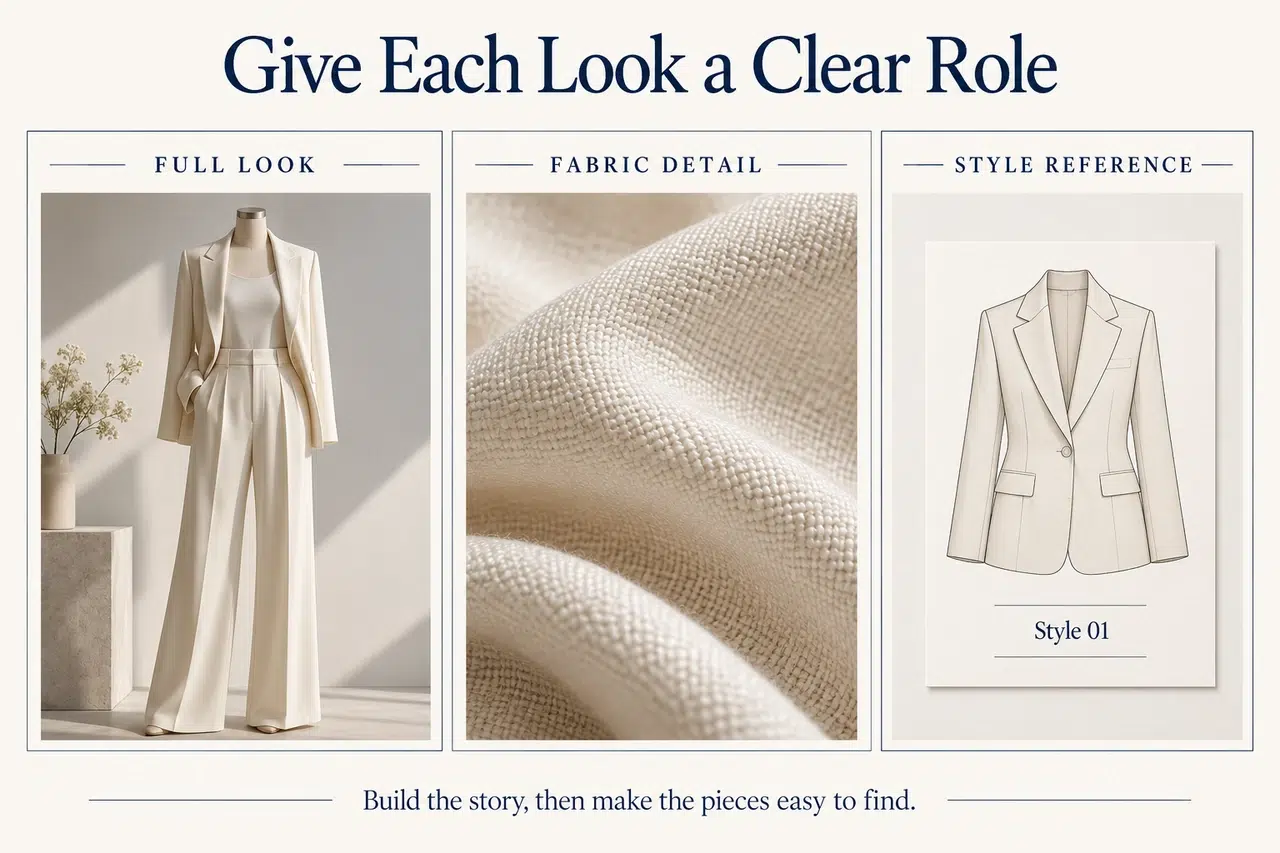
- Opening image: Establish the setting, silhouette, or styling idea for the collection.
- Complete looks: Show how the pieces work together on a person.
- Detail pages: Give fabric, fastening, or construction details enough space to be seen.
- A change of pace: Introduce the next color group or occasion with a clear visual transition.
- Closing route: Tell readers where to view the collection, ask about wholesale, or contact the team.
Use this small sequence to judge the tool’s layouts and reading format, not as a required page count. Check whether the opener has enough room, the detail stays legible, and the closing destination is easy to find.
Keep Spreads Readable and Product Links Specific
Digital lookbooks have to work both as a visual story and as a way to find something. Check those two jobs separately.
Review a Spread as Two Individual Pages
A wide image may look strong across a desktop spread but split awkwardly when viewed one page at a time. Keep faces, garment details, and necessary text away from the center join. Check the single-page view before treating a two-page composition as finished.
Link to the Style Shown
When a look contains several pieces, name them beside the relevant links. “View the linen jacket” gives a clearer destination than repeated “Shop now” labels. If a photograph shows a specific color, use the matching product destination where your store supports it.
For wholesale readers, the useful next step may be a style sheet or buyer contact instead of a consumer checkout. Decide that before adding buttons. Your lookbook should not make a buyer guess where to ask about the collection.
Leave Room for the Photography
Keep price tables, every available size, and extensive ordering details in a separate catalog or line sheet when they would overwhelm the images. The lookbook introduces how the collection looks and feels; a linked product destination can carry the details needed to buy it.
Use a consistent type system, restrained colors, and repeatable caption placement. A different font on every spread makes the layout compete with the clothes.
Choose a Lookbook Creator That Fits Your Collection
Choose a lookbook creator around your starting material. Canva and InDesign belong earlier in the process, when the pages still need designing. Recastia publishes the finished PDF, while the interactive publishers in this list add ways to connect editorial images with product details.
Before selecting a lookbook creator, prepare one complete spread, one detail page, and the destinations you want readers to visit. Review that small section on a phone as well as a larger screen. It will expose layout and link problems before you repeat them across the whole collection.
Bring Your PDF to Life With Recastia
Create, customize, and share your content in a more engaging way.
Frequently Asked Questions
A lookbook emphasizes photography, styling, and the relationship between pieces in a collection. A product catalog usually provides a more systematic reference for individual products and their details. They can link to each other, but a lookbook does not need to carry every specification on its image pages.
You can reuse the photography and design, but the next step may differ. Retail readers usually need a product page; wholesale buyers may need style references, a line sheet, or a sales contact. Prepare separate versions when the information or destinations would otherwise confuse one group.
Keep the editable design, final PDF, approved photographs, and a list of linked destinations. Record who can update the publication. When the season ends, decide whether the old lookbook should remain an archive, link to replacement styles, or direct readers to the current collection.
Include enough to show the collection’s distinct silhouettes, color groups, and styling ideas. There is no useful fixed count for every collection. If several photographs show nearly the same outfit, keep the strongest full look and add a detail only when it reveals something new, such as texture or construction.