





29800+

Videos created
Videos created
Flipbooks created
Presentations created
Websites created


From a single Document to unlimited digital experiences. Recastia uses AI to transform your content into videos, interactive presentations, flipbooks, video podcasts, AI chatbots, landing pages, and immersive virtual experiences—ready to share anywhere.
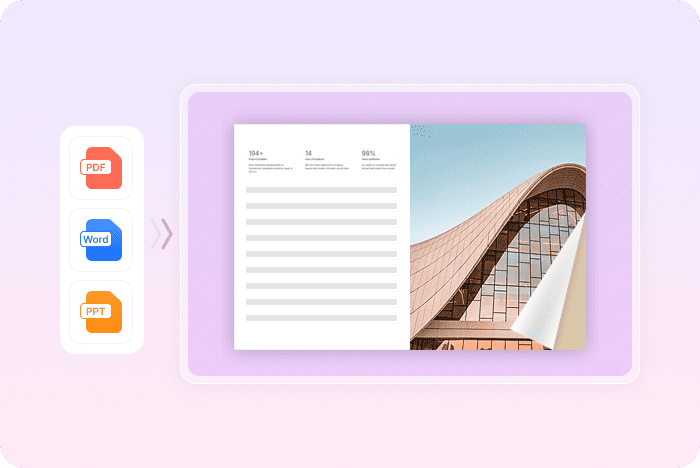
Create online flipbooks from your files with smooth, realistic page-turning. Preserve the original layout and visual details while giving readers an easy, natural way to browse catalogs, magazines, brochures, reports, portfolios, and other page-based content online.
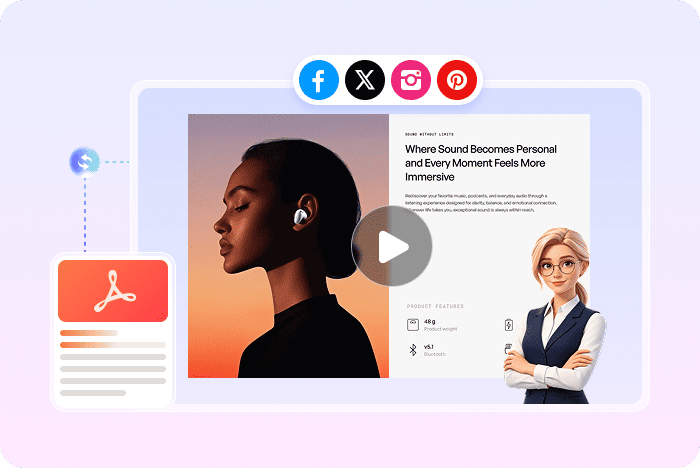
Turn your PDF into an engaging video with AI-generated scripts, a natural voiceover, synced captions, background music, visual effects, and an optional AI avatar presenter. Instead of leaving important information buried in static documents, Recastia helps present it in a format that is easier to watch, understand, and share.
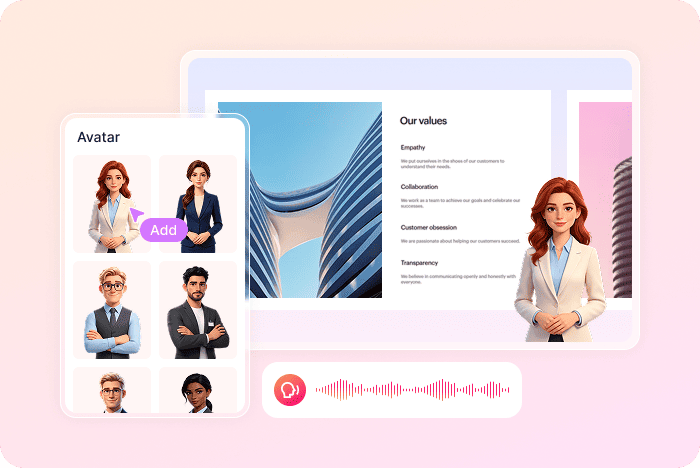
Create interactive slide presentations that explain your content page by page in a browser. Add narration, captions, and an optional AI avatar presenter, then share the finished presentation with a link or QR code. It is ideal for turning static PDFs into guided, easy-to-follow pages that viewers can open instantly without downloading an app.
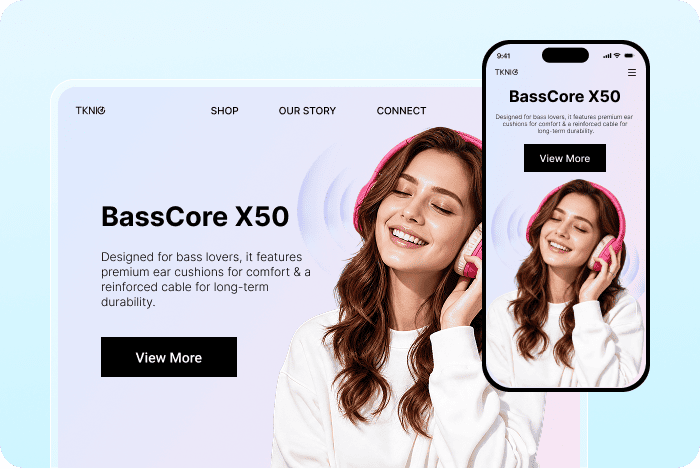
Skip the dev queue entirely. Create a responsive web page from an existing flipbook or uploaded file without writing code. AI extracts the key information, builds the first version, and lets you request changes in plain language. The page automatically adapts to phones, tablets, and desktop browsers, so your content is easier to publish, update, and share online.
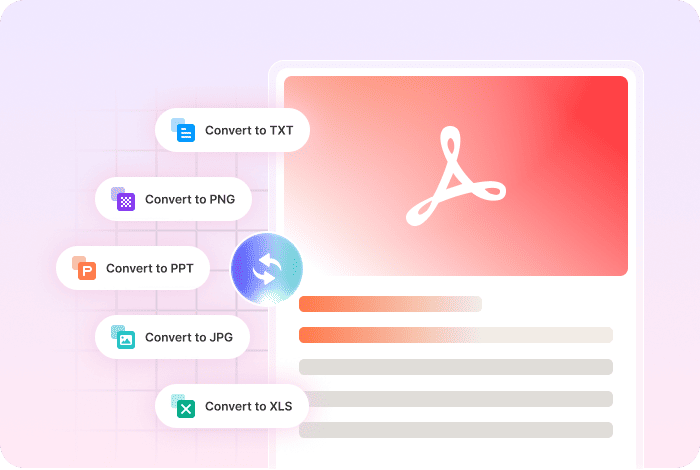
Quickly transform your PDFs into Word, PowerPoint, Excel, images, and more while keeping the original content and layout intact. Your converted files can be hosted online, shared instantly, and accessed from anywhere.
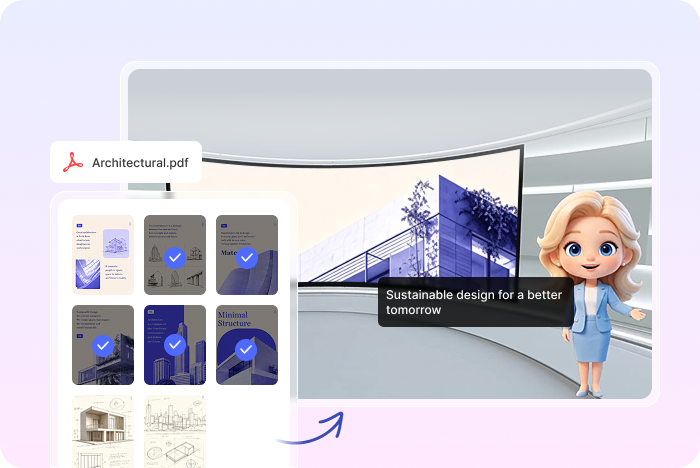
Turn your PDF into engaging video podcasts with just one click. AI transforms your static content into dynamic video experiences featuring expressive digital avatars that bring your content to life. Choose from multiple immersive 3D studios, dynamic presenters, and cinematic camera transitions to create professional, visually engaging videos. Perfect for education, knowledge sharing, content creation, and social media.
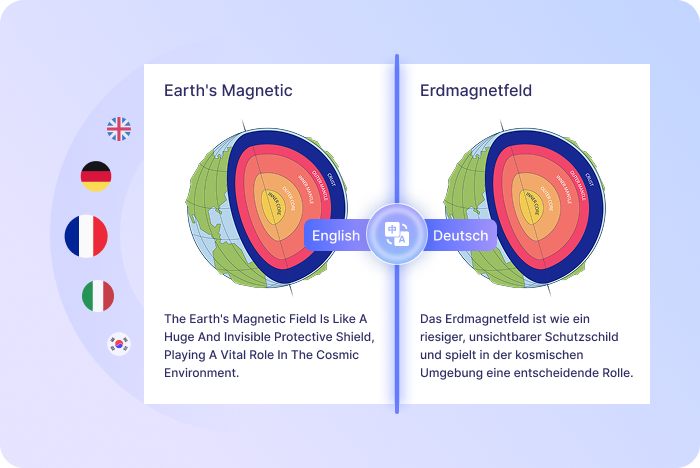
Translate your PDFs into multiple languages with AI in just one click. Preserve your original layout while accurately translating text, making your content accessible to a global audience. Perfect for business, education, publishing, and global content sharing.
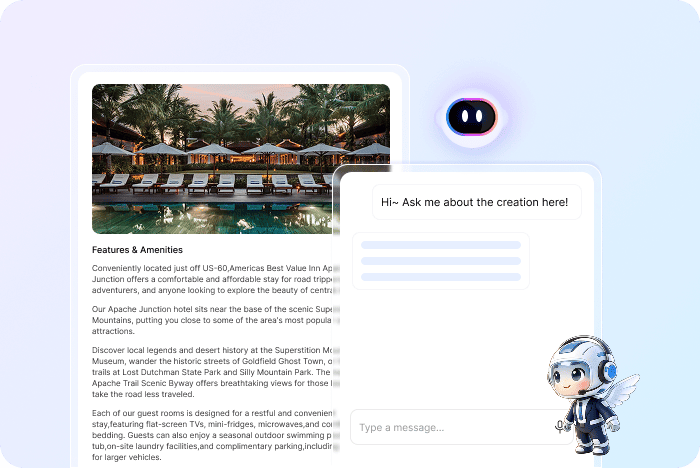
Add an always-available chatbot that answers questions using the content in your files. People can simply ask questions and get relevant answers without searching page by page. You can also customize it with an AI avatar and caption style to match your brand, making information easier to access and reducing repetitive questions.
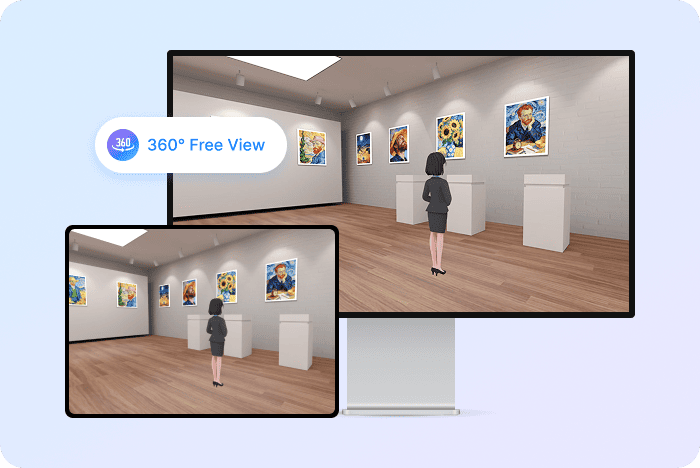
Invite people inside your content. Create a virtual exhibition space that viewers can enter from their phone, tablet, or desktop browser. Let them move freely through a 3D environment, view content from every angle, and interact with it in a more engaging way than flat images or videos ever allow. Start from ready-made templates for showrooms, exhibitions, galleries, company spaces, school projects, and more.
Choose a type, upload your Document, and generate in minutes — one file, three steps, nothing to rebuild.

Select the output that fits your content, such as AI Video, Slide Presentation, Online Flipbook, AI Chatbot, Landing Page, or 3D Exhibition.

Upload the source file that contains the pages, visuals, and information you want Recastia to use.

Repurpose your uploaded content, publish it online, and share it with a single link or QR code.
Questions About PDF to Video and Content Repurposing
Recastia is an AI-powered content repurposing platform. It reads your uploaded file to generate richer content types, so one document can reach your audience in far more than one way.
Recastia supports common document formats such as PDF and images. Available formats may vary by creation type.
You can create engaging videos, AI presenter slides, interactive flipbooks, AI chatbots, landing pages, and 3D Exhibitions from supported source files.
Choose AI Video and upload your Document. Recastia turns it into an engaging video with an AI avatar, voiceover, captions, and background music — or a simpler version without narration if you prefer. Just pick a mode and generate.
No. Recastia helps you generate and publish interactive content without coding or design experience.
Your PDF works as the chatbot’s knowledge source. The AI chatbot uses information from the document to answer visitor questions.


