
Compare five free PDF to video converter options by PDF upload, MP4 export, watermarks, and free-use limits. This guide helps you choose a free PDF to video converter for page-based videos, avatar presentations, study lectures, or short videos made from PDF text. You’ll see what each tool provides for free, which restrictions apply, and whether you can download the finished video.
Key Takeaways
- NoteGPT has the clearest no-sign-up starting point in this group: direct PDF upload and an MP4 without a watermark, with an 80-page upload limit.
- Recastia supports direct PDF upload and free MP4 download, but free videos carry Recastia branding and its public quota figures are inconsistent.
- AI Studios allows up to three AI videos at 720p on its free plan; its public pages do not clearly state the free-plan watermark status.
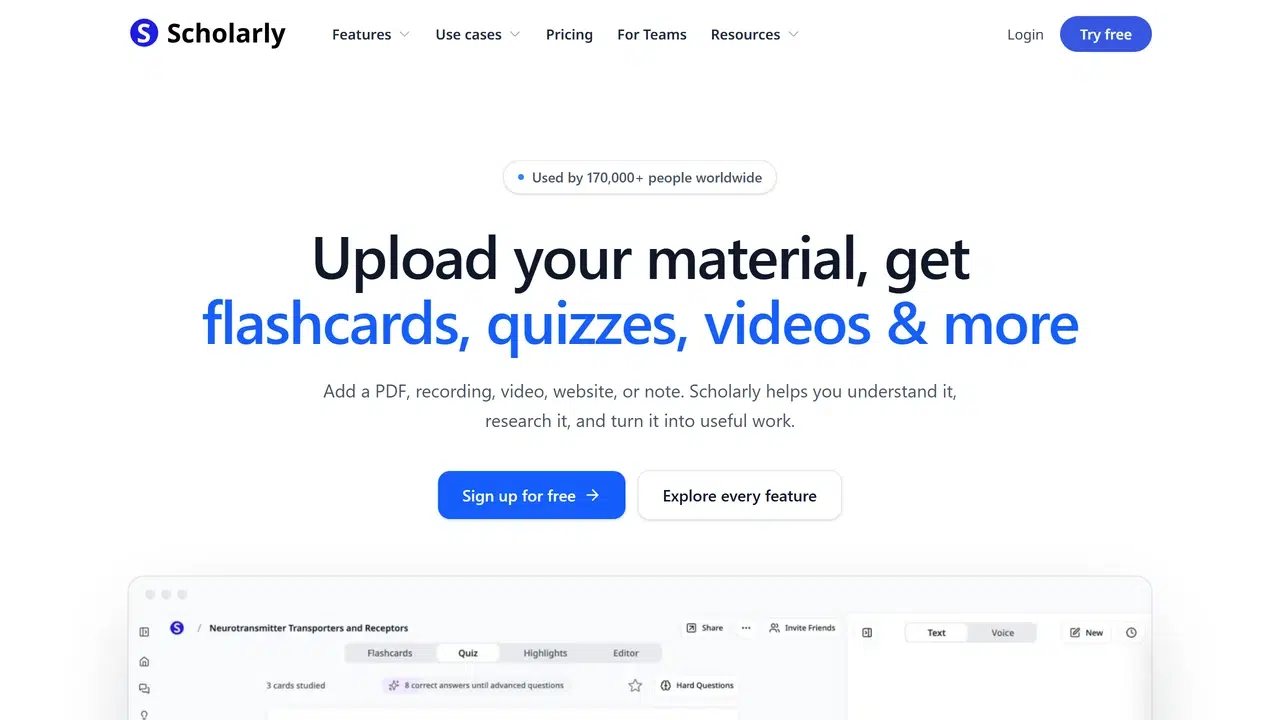
- Scholarly offers one lifetime AI creation for study content. The free result can be viewed and shared in Scholarly, while MP4 download and watermark removal require a paid plan.
- invideo AI is a text-and-prompt workflow rather than a verified direct PDF converter. Its current public pricing page does not clearly list a stable free PDF export allowance.
Free PDF to Video Converter Comparison
| Tool | Free Access | PDF Input | Free Output | Main Free Limit | Best For |
| Recastia | Free account | Direct upload | MP4 and hosted video | Recastia branding; current account limits apply | Page-led or narrated PDF videos |
| NoteGPT | Free, no sign-up | Direct upload, up to 80 pages | MP4 without a watermark | Advanced features may differ from the core free tool | A quick narrated MP4 |
| invideo AI | Free account exists | Paste or adapt PDF text | Prompt-led video; current free PDF export terms unclear | No verified direct PDF workflow | Reshaping selected text into a short video |
| AI Studios | Free account | Direct PDF upload | Up to 3 AI videos at 720p | Free duration and branding details are not stated consistently | Avatar-led explanations |
| Scholarly | One lifetime AI creation credit | Direct upload | 2-minute 720p video to view or share in Scholarly | One lifetime upload/creation; MP4 download is paid | Study lectures from a PDF |
Free terms can change. The details below were checked against current product and pricing pages in September 2026. Where a provider gives conflicting or incomplete information, the limitation is marked instead of guessed.
Five Free PDF to Video Options
1. Recastia
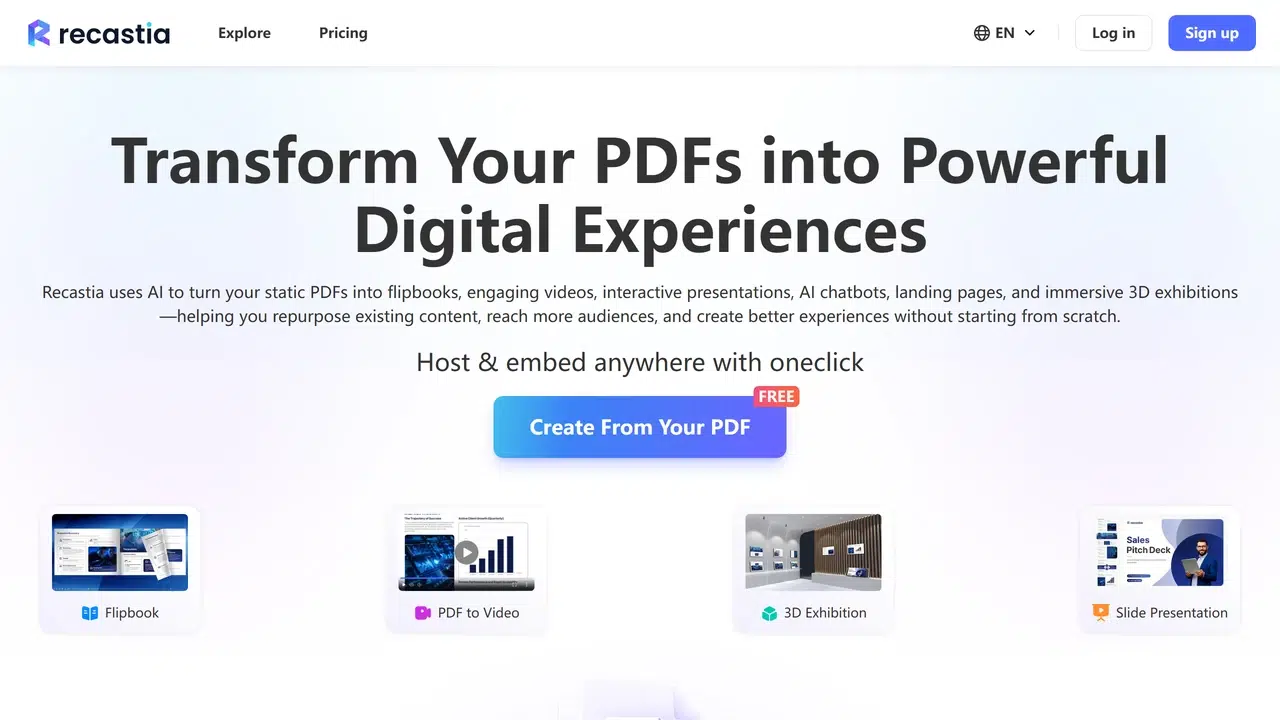
Free access: Recastia requires an account and accepts a PDF directly. A free-account test produced a downloadable MP4, and the finished video carried “Made with Recastia” branding.
What you can create: Recastia can turn selected PDF pages into a page-led video, with narration available when the chosen mode includes a script and voice. The same PDF can also be reused in other Recastia formats, but this comparison concerns the video output.
Main limit: The official pricing page gives conflicting free-usage figures, so use the allowance shown in your account rather than relying on an old quota. Free videos include Recastia branding.
Best for: PDFs whose pages need to remain visible in the video, with either silent pacing or spoken explanation. For the full workflow, follow our PDF-to-video tutorial.
2. NoteGPT
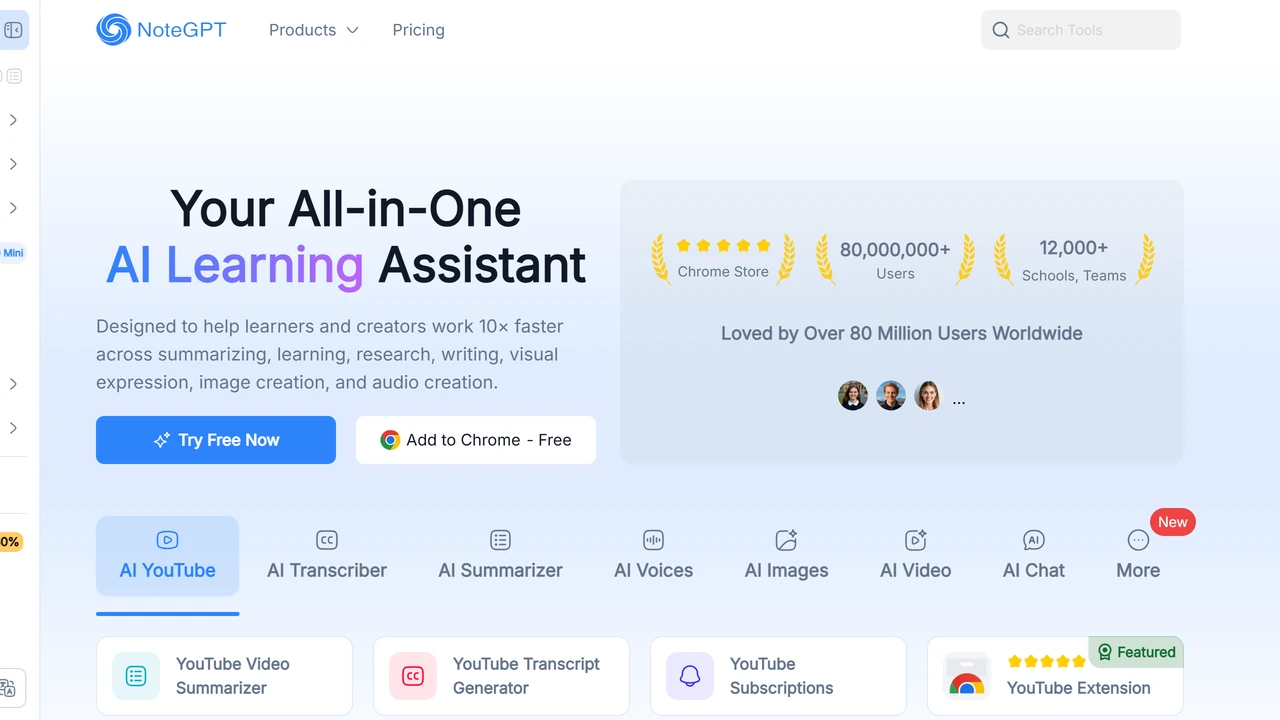
Free access: NoteGPT states that its core PDF-to-video tool works without payment or sign-up. It accepts a PDF of up to 80 pages directly in the browser.
What you can create: The tool converts PDF pages into narrated video slides. You can preview the result and download it as an MP4. Its current FAQ also states that the exported video has no watermark.
Main limit: The product page does not present the core tool as a full timeline editor. Use it when the page sequence and narration are already close to the result you need.
Best for: A class handout, lesson deck, or presentation that needs a clean narrated MP4 with little setup.
3. invideo AI
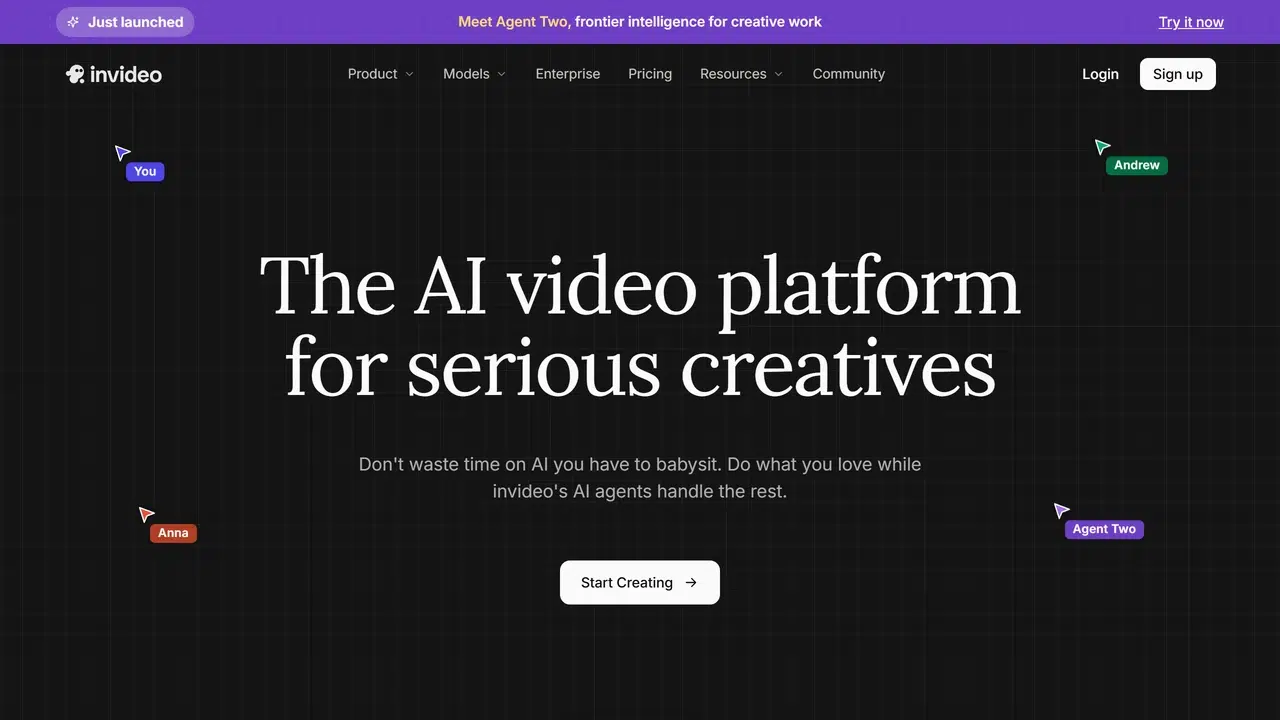
Free access: invideo AI maintains free accounts, but its current public pricing information does not give a clear, stable PDF-specific export allowance.
What you can create: Paste or adapt the relevant text from a PDF, then describe the video you want. invideo AI builds a prompt-led video with generated scenes, stock media, voiceover, and captions. This changes the document into a new visual sequence instead of carrying over the original pages.
Main limit: We could not verify a current official direct-PDF workflow or a clear free PDF export rule. Check the allowance and export conditions displayed in the account before building the full video.
Best for: Testing how selected ideas from a PDF could work as a short social or marketing video.
4. AI Studios
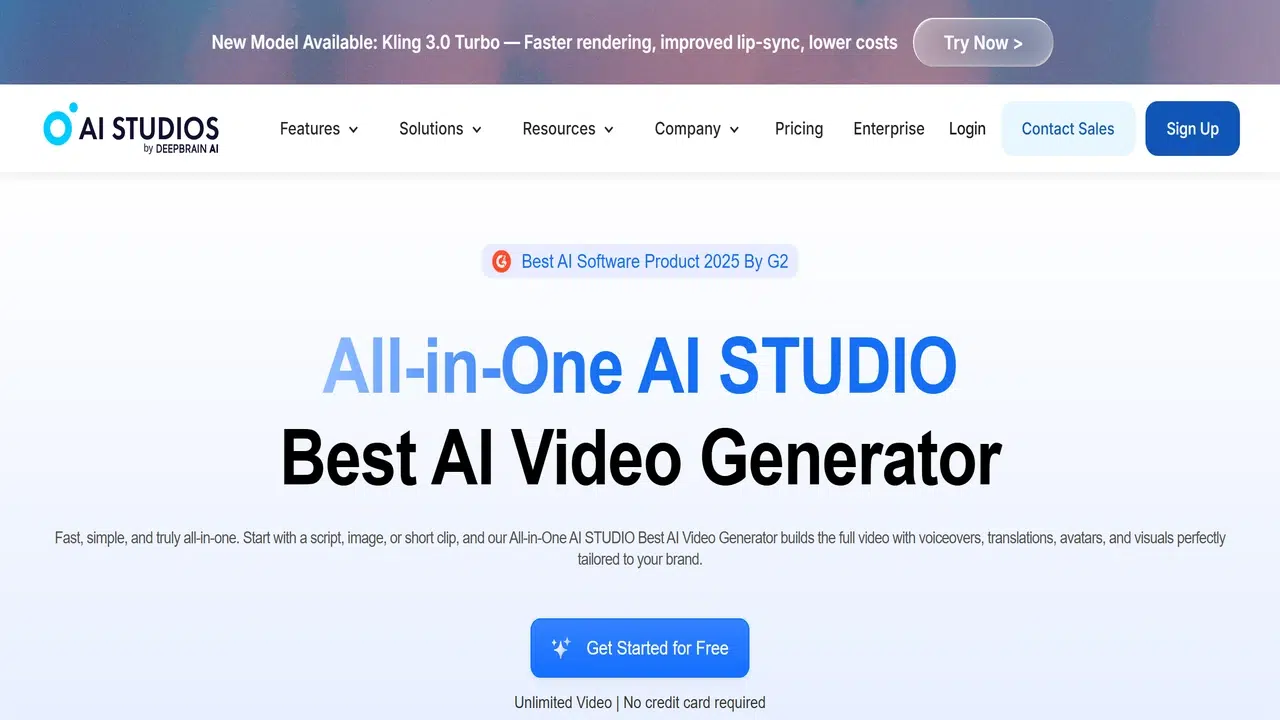
Free access: AI Studios requires an account and accepts PDF, PPTX, DOCX, and text-rich files. Its free plan currently includes up to three AI videos and 720p export.
What you can create: AI Studios analyzes the document, creates editable scenes and a script, and presents the material with an AI avatar and voiceover. You can revise the generated draft before export.
Main limit: The pricing page gives conflicting descriptions of the maximum free video duration, and it does not clearly state whether free exports carry a watermark. This comparison therefore does not assign a duration or branding status.
Best for: A report, manual, or slide deck that needs a presenter-led explanation rather than a video that simply shows the original pages.
5. Scholarly
Free access: Scholarly provides one shared lifetime AI Creation Credit and one lifetime upload on its free plan. The credit does not renew.
What you can create: Free video lectures that use Scholarly’s length control are fixed at two minutes and 720p, and they can be viewed and shared within Scholarly. Its study workflow can also connect the document to transcripts, search, chat, and flashcards.
Main limit: Free access is a one-time creation rather than a recurring monthly allowance. MP4 download, custom length, 1080p output, and watermark-free video require a paid plan.
Best for: Trying a narrated study lecture from lecture slides, a textbook chapter, a research paper, or a study guide.
How to Choose the Right Free Option
Choose by the free result you need. If you need a downloadable MP4 without creating an account, NoteGPT has the clearest published terms. If the original PDF pages should remain central to the video, Recastia provides direct upload and a free MP4 with branding. AI Studios is the stronger fit when an avatar should present an editable summary.
Scholarly makes sense when one study video is enough and an in-platform result works for you. Choose invideo AI only when you want to rewrite selected PDF text into a new prompt-led video and are prepared to confirm the current free export conditions inside the account.
For a broader comparison of editing approaches and paid limitations, see our PDF to video converter comparison.
Frequently Asked Questions
Start with a short PDF that contains several representative pages: a cover, a text-heavy page, and a page with an image or chart. Remove confidential information first. A small file lets you judge readability and narration without spending a one-time credit on the full document.
Create a shorter copy containing only the pages needed for the video. Keep the original page order and check that headings or references still make sense after pages are removed. This also prevents an appendix or legal section from appearing in a short video by accident.
Use the same short PDF and the same narration goal in each tool. Compare page readability, spoken names and numbers, subtitle timing, export availability, and branding. Do not compare a page-led slideshow with a rewritten social video as if they were the same result.
Share both when readers may need citations, tables, links, or detailed instructions from the source. The video can explain the main points, while the PDF remains the complete reference.
Play the full result outside the editor. Check the page order, small text, names, dates, numbers, pronunciation, subtitle timing, and audio level. Also confirm whether the downloaded file or hosted page displays a provider logo.
Conclusion
The best free PDF to video converter depends on the output you can export or share. NoteGPT offers the clearest no-sign-up, no-watermark MP4 workflow. Recastia provides a free downloadable MP4 with branding, while AI Studios focuses on avatar-led videos at 720p.
Before choosing a free PDF to video converter, check whether the allowance renews and whether “free” includes the export you need. Scholarly is useful for one study creation, and invideo AI is better treated as a text-to-video alternative until its current PDF and free-export terms are clear.
Bring Your PDF to Life With Recastia
Create, customize, and share your content in a more engaging way.