
Want to share a photo album without sending a folder full of attachments? Choose a digital photo album maker that fits the result you want: carefully arranged pages, a collection friends can add to, or a gallery where clients can pick their favorites.
This comparison covers five tools for designing pages, collecting photos, and delivering a finished shoot. Find the digital photo album maker that suits your starting files and the way you want to share them.
Key Takeaways
- Recastia publishes a prepared album PDF as a flipbook you can share by link or embed on a website.
- FlipHTML5 suits albums that combine page layouts with links or video.
- Canva helps you design the pages from individual photos, with PDF export and printing options.
- Google Photos suits shared collections; Pixieset adds client selections and download controls.
Compare the Digital Photo Album Maker Tools
A page-based album lets you decide which pictures appear together and where captions belong. A shared collection lets people browse individual pictures and, when enabled, contribute their own. A client gallery adds a different job: choosing photographs and delivering files.
Choose the format before comparing features. The table matches each tool to a specific task; it is not a complete list of supported file types.
| Tool | Your Starting Point | What You Want to Share |
| Recastia | A designed album PDF | A page-turning album link or website embed |
| FlipHTML5 | Photos or a prepared document | An interactive album with links and video |
| Canva | Photos needing layout and captions | A designed album, PDF, or printed photo book |
| Google Photos | Photos and videos from an event or trip | A shared collection with optional contributions |
| Pixieset | A photo shoot ready for client review | A gallery for favorites, proofing, and downloads |
1. Recastia
Recastia turns a finished photo-album PDF into an online flipbook, so you can share the page layout you have already designed.
This route suits an album where the sequence matters: an opening landscape, a spread of smaller details, then a final photograph. Arrange the photos and captions in your design file and export a PDF. The Flipbook Maker publishes those pages as an album people can open in a browser.
Key Features
- PDF-to-flipbook publishing with page navigation, thumbnails, zoom, and fullscreen viewing.
- A reading link you can send without attaching the full album to a message.
- Responsive embed code for placing the flipbook on a website.
Pros
- You can publish an existing album layout without rebuilding it as individual web pages.
- The same online album can appear in a message as a link and on your website as an embed.
Cons
- For this PDF workflow, arrange photographs and edit captions in the source document before uploading.
- A flipbook presents the album pages. If someone also needs the original photographs, send those files separately.
Best For: People with a designed album PDF who want to share it as a page-turning publication.
2. FlipHTML5
FlipHTML5 creates online photo albums with page-turning presentation and interactive content.
Choose it when a caption cannot tell the whole story. An event album could include a short video of a speech alongside the photographs, while a photography project could link to related work. Keep those additions selective so the pictures remain the focus.
Key Features
- Document and image inputs for online flipbook creation.
- Links and video within the publication.
- Album sharing and website embedding.
Pros
- You can combine still photographs and supporting media in one publication.
- Website embedding keeps the album available alongside related page content.
Cons
- Interactive elements add editing and checking work beyond placing the photos.
- Check the plan requirements for the customization and export options you need before building around them.
Best For: Event organizers and creators who want a page-based album with supporting video or links.
3. Canva
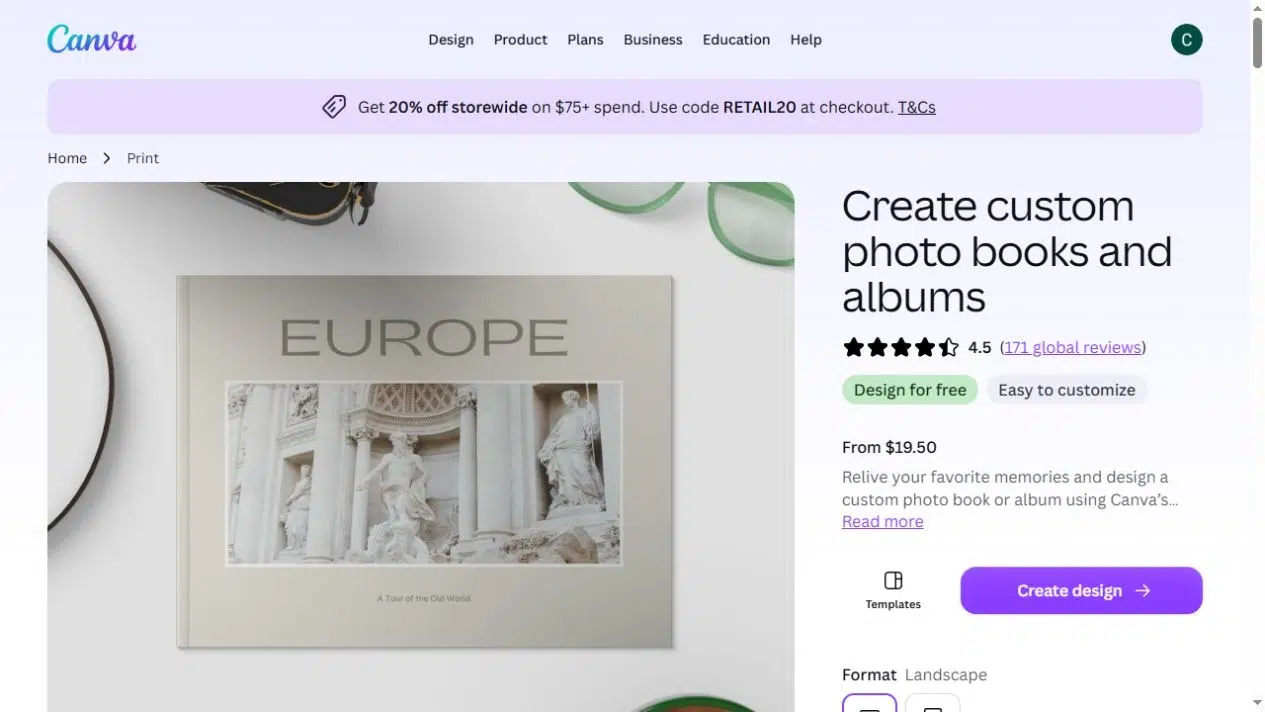
Canva helps you turn individual photographs into designed photo-book pages, with layouts, captions, and PDF export.
Start here if you have the photos but still need to design the album. You can arrange portraits and landscapes on different pages, add dates or short descriptions, and change the backgrounds and fonts. For a travel album, that might mean one large photograph at the start of each destination, followed by a few smaller details.
Key Features
- Multi-page photo-book templates and editable page layouts.
- Photo uploads, text, backgrounds, and font choices.
- PNG, JPG, and PDF downloads, online sharing, and photo-book printing where available.
Pros
- You control the actual page composition, rather than only how a finished PDF is displayed.
- A PDF export gives you a file you can keep or upload to a separate publishing service.
Cons
- Template photo frames may crop your pictures; check faces and important details before exporting.
- Printing availability varies by location. Confirm the available product and delivery options before designing for a physical book.
Best For: People who need to design an album from photos and want a PDF or printed version as well as online sharing.
4. Google Photos
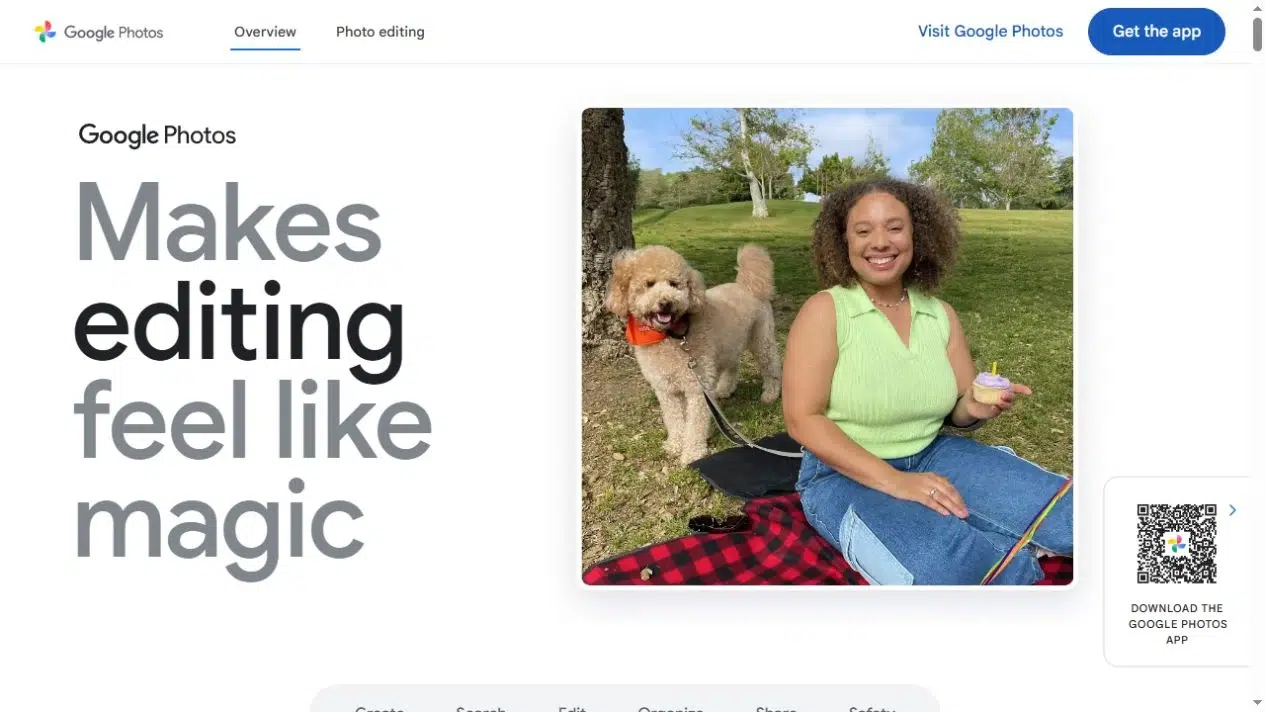
Google Photos creates shared albums of photos and videos, with options for other people to contribute.
For a group trip or family event, collecting everyone’s photographs may matter more than designing a cover. A shared album gives the collection one destination. You can keep adding pictures instead of redesigning pages each time someone sends another batch.
Key Features
- Albums containing individual photos and videos.
- Direct sharing with people or sharing through a link.
- Collaboration settings that control whether others can add items.
Pros
- Group contributions fit naturally into the album format.
- You can share photographs without first arranging them into a PDF.
Cons
- A shared photo collection does not give you the same fixed page composition as a designed photo book.
- Anyone with an enabled sharing link can view the album. Removing a person does not block that link; review Google’s album sharing controls when access needs to change.
Best For: Families, friends, and groups collecting photographs from the same occasion.
5. Pixieset
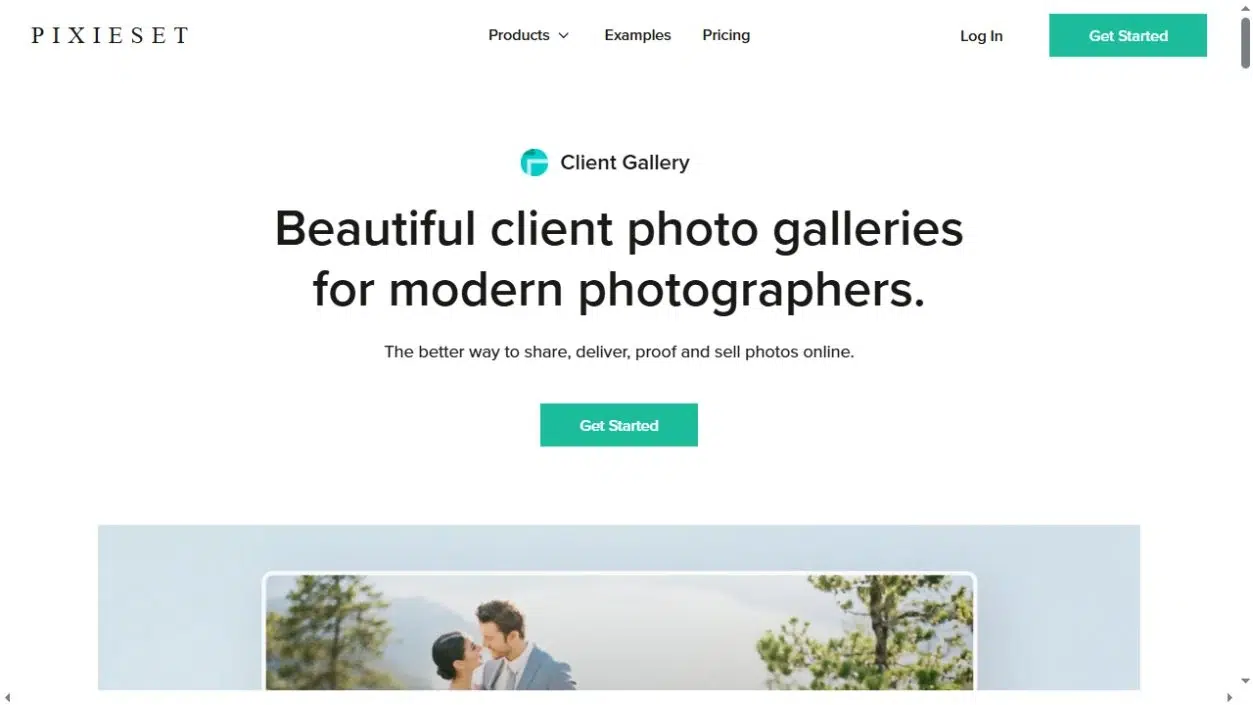
Pixieset provides client galleries where photographers can present a shoot, collect favorite selections, and control photo downloads.
Use it when sharing the album is part of handing over a job. A client can mark the photographs they want instead of emailing a list of filenames. You can also distinguish access to the gallery from permission to download the files.
Key Features
- Client galleries with covers and layout options.
- Favorites and proofing tools for photo selection.
- Download size controls, gallery passwords, download PINs, and watermarks.
- A connected store for print and digital-download sales.
Pros
- Clients can view the shoot, mark favorites, and download the files you allow from one gallery.
- Separate gallery and download controls suit client handovers with different access requirements.
Cons
- Its main role is client photo delivery, rather than designing captioned pages for a keepsake PDF.
- Compare plan storage and selling requirements against the size and frequency of your shoots.
Best For: Photographers delivering shoots and collecting client selections.
Check the Photos Before Committing to a Format
Try a small selection before moving an entire collection into your chosen tool. Include a wide landscape, a vertical photograph, a group shot, and a picture that needs a caption. Each reveals a different layout problem.
- Cropping: A square frame can cut off the edges of a landscape or someone standing at the side of a group. Choose a different frame or leave space around the photo instead of forcing every image into one shape.
- Phone reading: Small captions and dense collages can look fine on a laptop but require constant zooming on a phone. Give important photographs more space and keep captions short.
- File delivery: Decide whether people need to view the album, download individual photographs, or receive a printable file. Do not assume one sharing link provides all three.
- Access: A link you have not advertised is not necessarily restricted. Check who can open it, who can contribute, and who can download files as separate questions.
For example, a group-trip album can begin as a shared photo collection. Once everyone has contributed, select the strongest photographs and arrange a smaller page-based keepsake. You do not have to make the collection and the finished album serve the same purpose.
Choose the Album You Want to Share
Choose a digital photo album maker based on what you need to do next. Canva handles page design, Recastia publishes a prepared PDF, and FlipHTML5 adds interactive media to an album. Google Photos suits group contributions; Pixieset suits client selections and downloads.
Before committing to a digital photo album maker, open a small sample on your phone and check the sharing permissions. Confirm that captions are readable and that you understand who can open the album.
Bring Your PDF to Life With Recastia
Create, customize, and share your content in a more engaging way.
Frequently Asked Questions
Keep the photographs that add something different: a place, a person, an activity, or a detail. Remove near-duplicates unless the sequence itself matters. For a designed album, decide which photographs deserve a full page before filling smaller frames. A shared collection can hold a broader selection because people browse individual items.
Add a caption when it supplies information the picture cannot: a name, place, date, or short explanation. You can caption a whole spread when its photos belong to the same moment. Avoid repeating what is already obvious in each picture; captions should help people remember the occasion.
No. Keep your original photographs separately, along with the editable album file and any exported PDF. A published album may contain cropped or resized pictures rather than the source files. Check what you can download from the service before deleting any local files or closing an account.
Ask whether they are comfortable with the intended sharing audience, especially before posting a public link. Look for details such as addresses, badges, or documents in the background. Review the album’s access settings, and remember that changing permissions later cannot recall copies someone has already saved.