
Do you need to design brochure pages, prepare a PDF for print, or give customers a link they can open? Choosing a digital brochure maker starts with the result you need.
Some tools help you arrange text and photos. Others turn finished pages into an online publication. This guide compares five options so you can choose a digital brochure maker that fits the work still ahead.
Key Takeaways
- Still designing the pages? Canva and Adobe Express help you build the layout and export a PDF.
- Already have an approved PDF? Recastia turns those pages into a flipbook with a reading link, QR code, and website embed.
- Need interactive content or data visuals? FlipHTML5 supports interactive brochure collections; Visme combines brochure layouts with charts and data widgets.
- Check the delivery requirements first. A printable PDF, an editable design, and a hosted brochure solve different problems. You may need two tools.
Compare the Five Digital Brochure Makers
Use this table to narrow the list before comparing individual features. The starting points below describe each tool’s role in this guide, not every input it supports.
| Tool | Useful starting point | Main reason to choose it |
| Recastia | A finished brochure PDF | Publish the existing pages as a shareable flipbook |
| FlipHTML5 | A document or brochure template | Add interactive content and organize multiple publications |
| Canva | Copy, photos, and a rough idea | Design a brochure for PDF or print delivery |
| Adobe Express | A draft layout or content needing revision | Edit brochure pages and collaborate on changes |
| Visme | Brochure copy, images, and data | Build a brochure with charts and interactive details |
1. Recastia
Recastia is a useful choice when the brochure is already designed and you need a page-turning version to share online.
Imagine a four-page services brochure: a cover, service descriptions, a project overview, and contact information. Once those pages are approved, the next job is distribution. Recastia’s PDF to Flipbook workflow lets you use that PDF as the basis of an online brochure.
Key Features
- Online reader: Visitors can turn pages, zoom in, and use thumbnails to move through the brochure.
- Sharing options: A hosted reading link, downloadable QR code, and embed code give you different ways to distribute the same publication.
- Flipbook appearance: Settings include templates, themes, backgrounds, and appearance controls. These sit under Premium Features in the editor.
Pros
- You can publish the approved page design without laying out the brochure again.
- The reading link works for email follow-ups, while the embed fits a service page on your website.
Cons
- This PDF-based workflow starts after page design. Finish changes to the brochure’s copy and layout in your source document first.
- Check the plan requirements for the customization options you need.
Best For: Teams with a finished brochure PDF who want customers to browse it online.
2. FlipHTML5
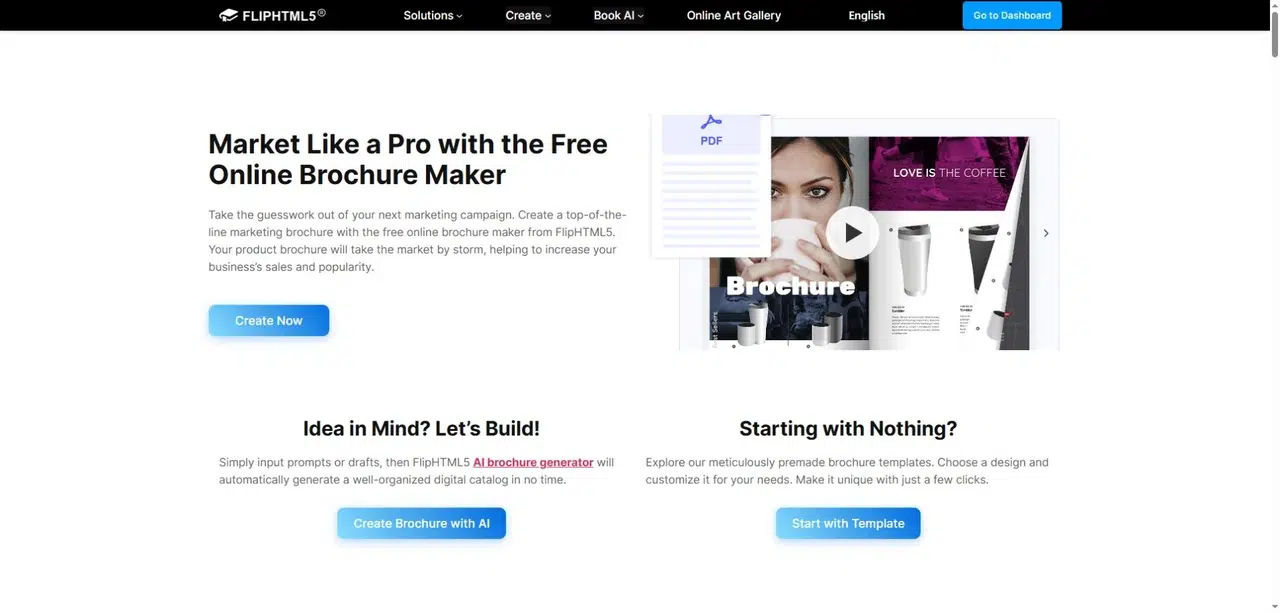
FlipHTML5 combines online brochure publishing with page-editing options and ways to organize several publications.
That broader scope is useful when a business has separate brochures for different services or markets. A bookcase can give readers one place to browse the collection, while individual links take them to a specific brochure.
Key Features
- Multiple starting formats: Upload PDFs, PowerPoint files, Word documents, or images, or explore brochure templates.
- Interactive pages: The page editor supports additions such as links and videos, with availability depending on the plan.
- Distribution and organization: Share by URL or QR code, embed a publication, or display several publications in a bookcase.
Pros
- It can support a growing brochure collection as well as a single publication.
- Interactive additions give you a way to include material that would not fit naturally on the printed page.
Cons
- The free plan retains ads and FlipHTML5 branding and does not include publication downloads. Adding videos and other interactive elements requires a suitable paid plan.
- After a paid subscription expires, publications remain accessible, but paid features are disabled and ads return. Consider this before printing a QR code for long-term use.
Best For: Teams publishing multiple brochures or adding interactive material to a brochure collection.
Consult the current FlipHTML5 plan comparison for the specific editing and download features you need.
3. Canva
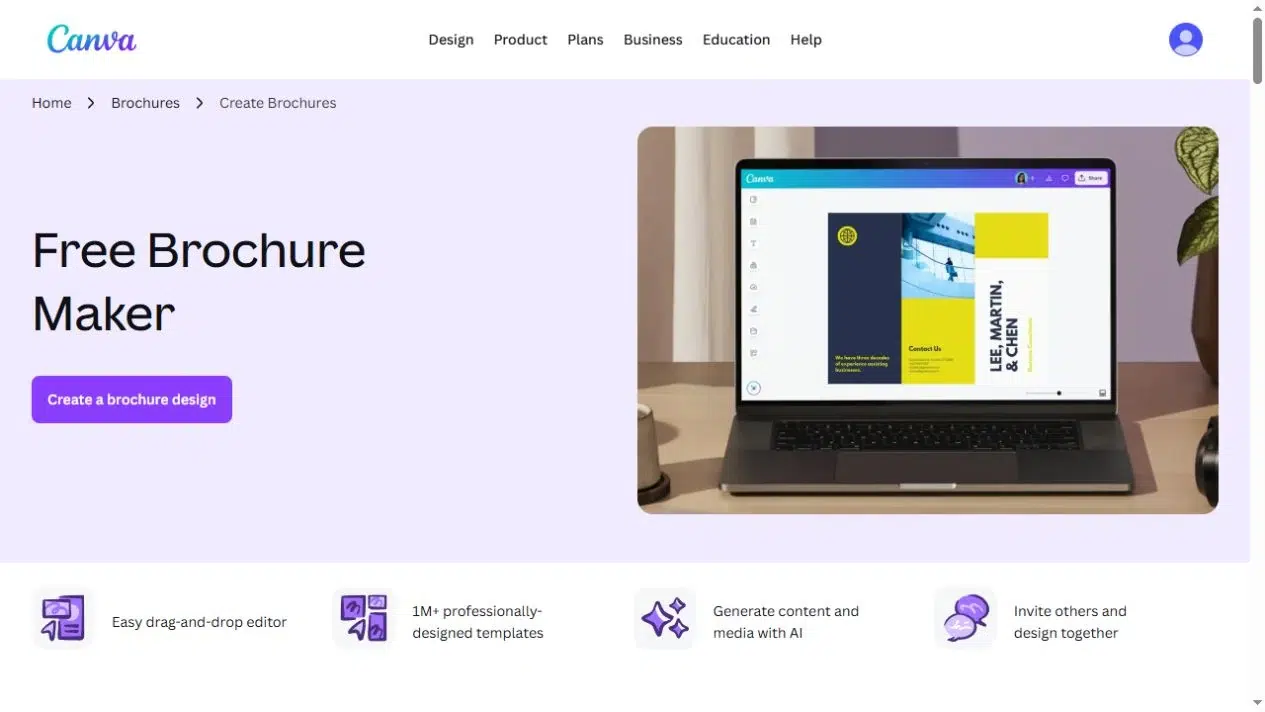
Canva suits the earlier stage, when you have the message and images but still need to turn them into brochure pages.
Its template-based design tools are helpful for a small business preparing both a downloadable brochure and a printed handout. You can work on the page design before deciding how to publish the digital version.
Key Features
- Brochure layouts: Start with a template and replace its text, images, colors, and page elements.
- Collaboration: Invite colleagues to contribute to the design.
- PDF exports: Choose PDF Standard or PDF Print according to the intended delivery. Confirm the printer’s requirements before exporting the print file.
Pros
- Text and photos remain part of an editable design while you develop the brochure.
- One design workflow can support online PDF delivery and a print version.
Cons
- Premium elements need the appropriate license; otherwise, they can appear with watermarks. Check the assets used in your chosen template.
- A design shared with collaborators is not the same deliverable as a customer-facing flipbook. If you want page-turning publication, plan a separate publishing step.
Best For: People starting with copy and photos who need control over the page layout, especially for both digital and print use.
4. Adobe Express
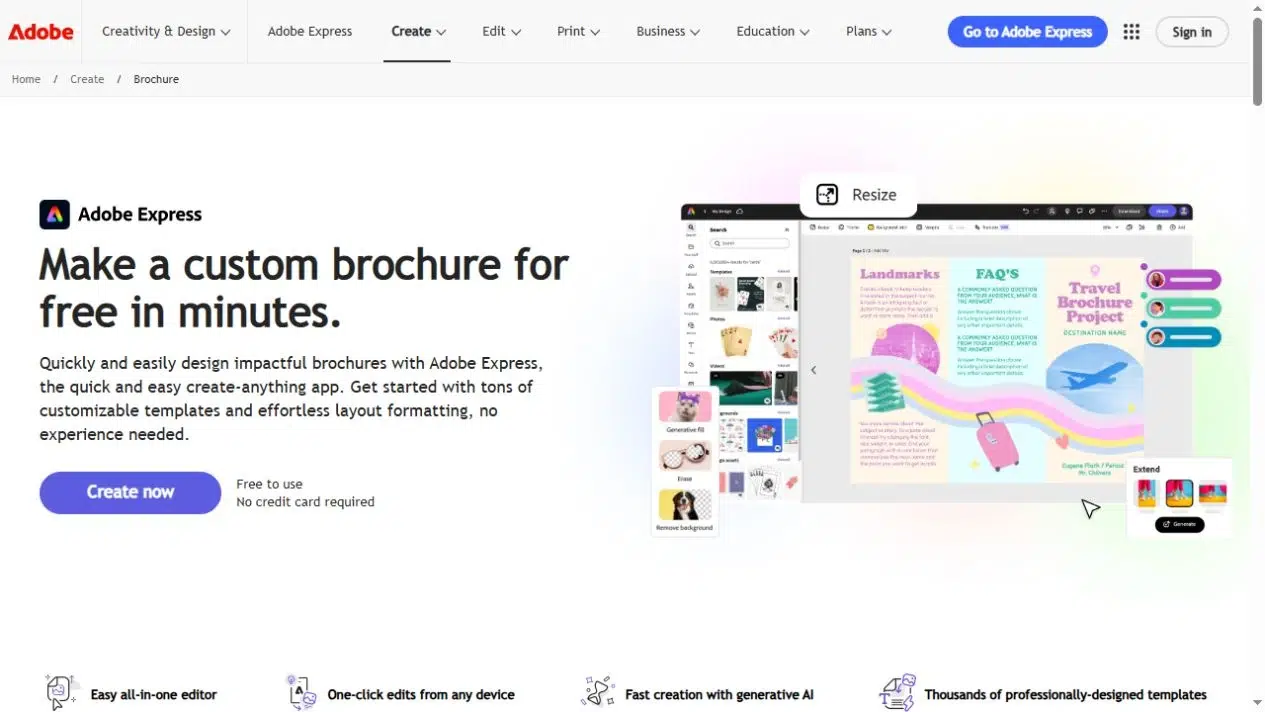
Adobe Express is another page-design option, with PDF import and collaboration features that make it worth considering for a brochure under revision.
For a text-heavy services brochure, the challenge is often fitting clear explanations alongside useful images. Text-flow and column-layout options help you arrange longer descriptions without squeezing them into one large block.
Key Features
- Templates and PDF import: Start with a brochure template or bring in a PDF for editing. Check the imported fonts, line breaks, and image placement before continuing.
- Text layout: Work with text flow and multiple columns when arranging longer sections.
- Review and export: Share for viewing, comments, or collaborative editing, then download a PDF.
Pros
- You can keep writing, layout changes, and colleague feedback within the design process.
- PDF import offers a starting point when the material already exists, rather than requiring a blank page.
Cons
- Premium assets and features such as automatic application of brand elements require the relevant paid plan.
Best For: Teams revising brochure content and layouts together, particularly when the document contains substantial text.
5. Visme
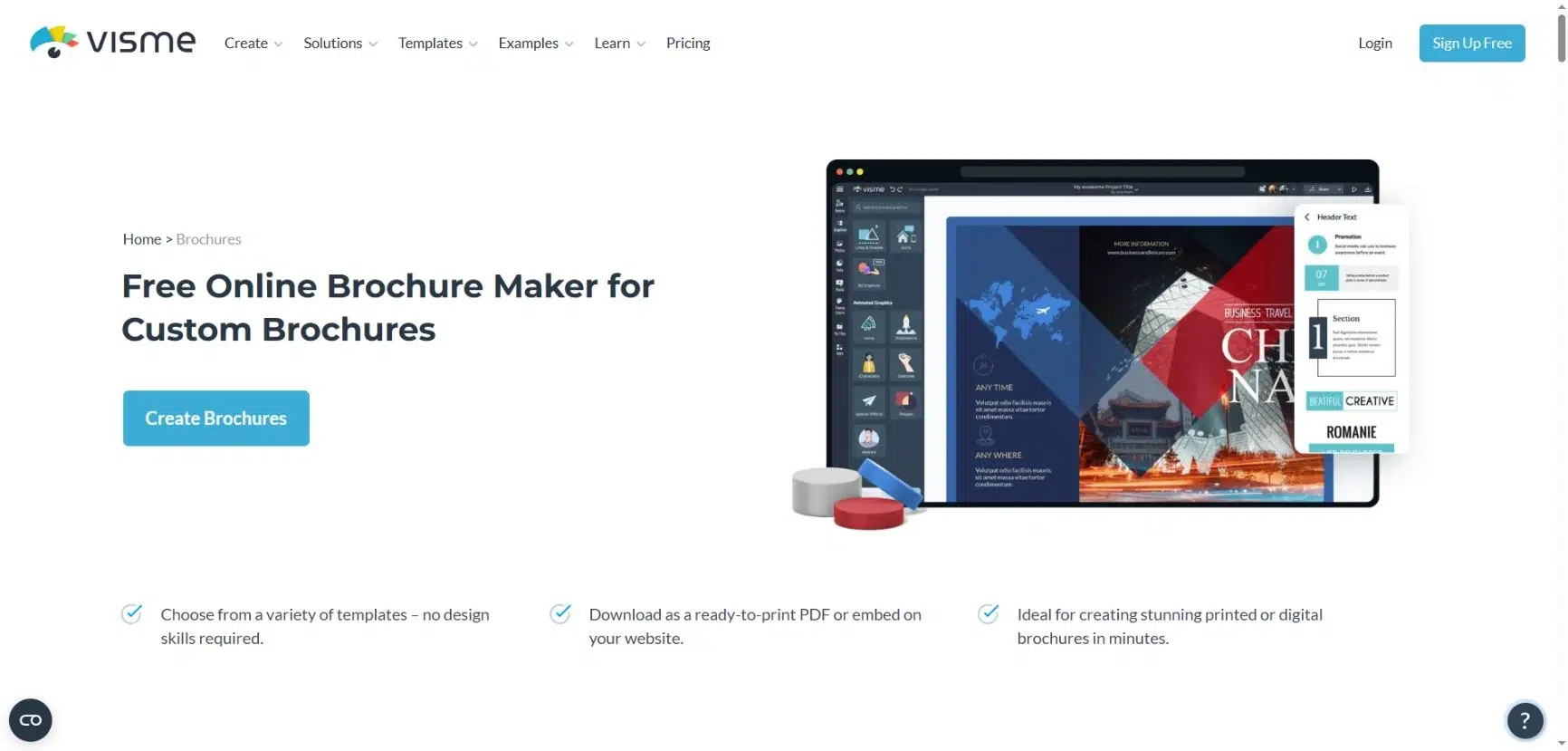
Visme suits brochures that need charts and figures alongside product photos and service descriptions.
For a consulting brochure, for example, a chart could show the results of a project next to a short case study. You can build both into the page layout instead of presenting the figures as a separate attachment.
Key Features
- Brochure templates: Customize text, images, colors, and icons.
- Data visuals: Add charts, graphs, and data widgets to explain numbers.
- Online presentation: Add popup or rollover details and embed the brochure on a website.
Pros
- Charts and brochure layouts are available in the same design tool.
- Interactive details let readers explore supporting information without crowding the main page.
Cons
- PDF downloads require a paid plan. The plan comparison lists PDF export under Starter and Brand Kit under Pro.
- Popups and rollover details need an online version; they cannot carry essential information in a printed brochure.
Best For: Marketing teams creating business brochures with charts, case studies, and supporting data.
Choose the Format You Need to Share
Before committing to an online brochure maker, write down what the next person needs to receive. This often settles the choice faster than a long feature list.
- A file for the printer: Confirm page size, bleed, and the printer’s PDF requirements. A flipbook link is not a print-ready file.
- A design a colleague can revise: Keep the source project and confirm that the colleague has editing access. A downloaded PDF is not a substitute for every editable source file.
- A link for customers: Open the finished brochure on a phone. Check that headings, service details, and contact information remain readable without excessive zooming.
- A private brochure: Check access controls explicitly. A public link that is hard to guess is not password protection.
- A long-lived QR code: Check what happens to hosting, branding, and paid elements if the subscription changes or ends.
For the four-page services brochure, you might design the pages in Canva or Adobe Express, export the approved PDF, and publish it through Recastia. If you later need a collection of interactive brochures, compare the relevant FlipHTML5 plans. For a brochure built around project results or other data, consider Visme for the page design.
If deciding what belongs on each page is the bigger problem, this digital travel brochure example shows how a brochure can be organized around readers’ questions.
Choose for the Work You Still Need to Do
The right digital brochure maker depends on what is unfinished. Choose a design tool when the pages need work, a publishing tool when the PDF is ready, or a platform with the specific sharing and reporting features your team needs.
Before paying for a digital brochure maker, check one complete brochure in the format you intend to share. Open the PDF, try the reading link on a phone, or ask a colleague to open the editable project. Confirm that the final result works where your audience will use it.
Bring Your PDF to Life With Recastia
Create, customize, and share your content in a more engaging way.
Frequently Asked Questions
Yes, but check the reading order. A print-ready trifold may place three panels on each wide sheet, which can make the text small on a phone. For online reading, consider a separate version with one panel or topic per page. Keep the print file for its original purpose.
Do not assume they will. A publishing platform’s videos and other interactive additions may belong to its online reader rather than the PDF export. Check the downloaded file separately and include useful links or written information for readers who use that version.
Ask for the editable source project, the agreed PDF exports, and confirmation of any fonts or images that require a license. If the brochure is hosted online, also agree who owns the account and who will maintain the publication link. These details make later updates much easier.