
Your magazine is ready. Where should you publish it? Some digital magazine platforms turn a finished PDF into a page-turning issue. Others help you sell subscriptions or build articles that fit a phone screen without constant zooming.
This guide compares seven digital magazine platforms by reading format, issue management, and distribution. Start with what you need for your next issue, then consider how you will handle the ones that follow.
Key Takeaways
- Already have a designed PDF? Recastia gives you a flipbook to share or embed. FlipHTML5 adds options for interactive pages and a bookshelf of past issues.
- Planning paid circulation? Look at Issuu for issue and subscription sales, or Joomag when delivery needs to connect with subscriber records.
- Need reading data and corrections? FlippingBook combines PDF publishing with analytics and same-link file replacement on eligible plans.
- Prioritizing phone readers? MagLoft supports PDF and HTML views. Foleon suits a magazine designed as responsive web pages.
Compare the Digital Magazine Platforms
These platforms serve different publishing jobs. The table gives you a starting shortlist; the sections below explain the trade-offs.
| Platform | Best Fit | Main Decision |
| Recastia | Sharing a finished magazine PDF | Keep your existing page design and publish a flipbook |
| FlipHTML5 | Interactive issues and a back-issue library | Add media to pages and organize multiple publications |
| Issuu | Selling individual issues or subscriptions | Choose a plan that includes Digital Sales |
| Joomag | Subscriber access and new-issue delivery | Connect publishing with your reader records |
| FlippingBook | Reading analytics and same-link corrections | Match the plan to your reporting and update needs |
| MagLoft | Both page-based and mobile article reading | Review the PDF and HTML versions of each issue |
| Foleon | Branded, responsive web magazines | Design for screens instead of reproducing print pages |
1. Recastia
Recastia turns an already-designed magazine PDF into an online flipbook. Publish your finished issue, then share its browser link by email or embed it on your website.
Key Features
- PDF pages presented in a page-turning publication.
- Reading controls for navigating pages, zooming, and viewing thumbnails.
- A shareable link and embed code for placing the issue on your website.
Pros: The PDF’s page design remains the basis of the publication. That suits a visual issue where the cover, photographs, and spreads already have an approved layout. You can share the same reading link through your existing email and social channels.
Cons: Finish changes to article text and page layout in your source document first. If you plan to sell access, confirm how billing and subscriber-only reading will be handled.
Best For: Brands, associations, and small editorial teams that have a finished PDF and want to publish it online. The PDF to Flipbook workflow fits that stage of production.
2. FlipHTML5
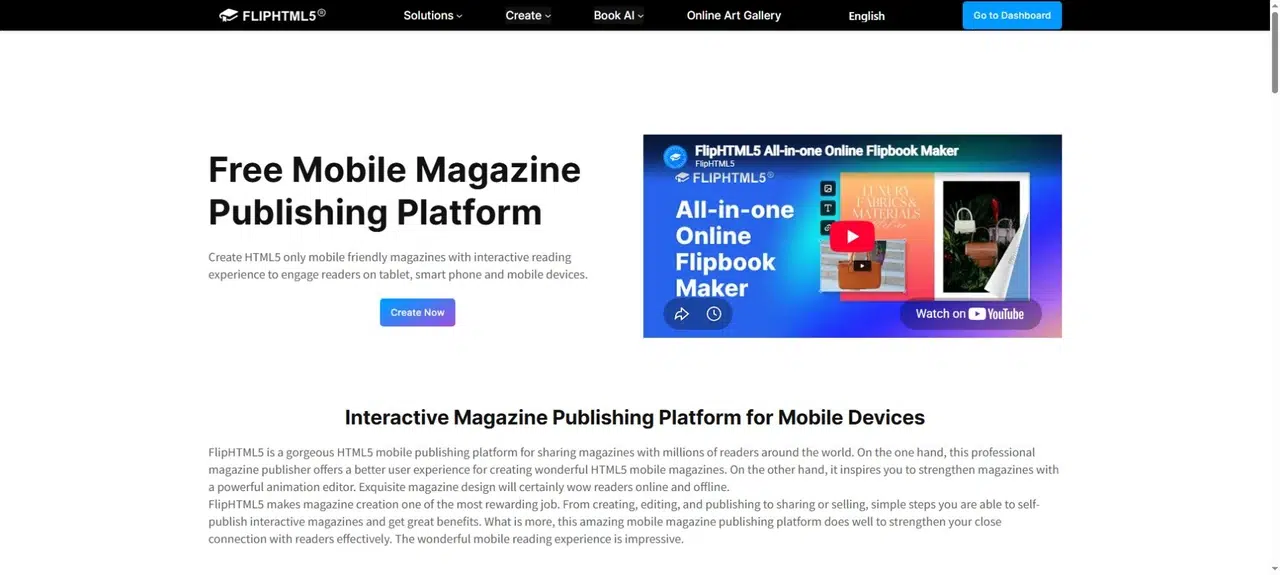
FlipHTML5 is worth considering when your magazine needs interactive pages and a place for readers to find earlier issues. Its page editor and virtual bookshelf address two separate tasks: adding content within an issue and organizing the publication as it grows.
Key Features
- Video and audio elements within digital magazines.
- Page editing tools for adding interactive content.
- A virtual bookshelf that collects publications behind one shareable or embeddable destination.
Pros: A bookshelf gives a recurring magazine a consistent starting point. Readers can browse several covers instead of finding a separate link for every issue. Embedded media also lets an interview or feature include material beyond the printed page.
Cons: Adding media means more work for each issue: choose the clips, place them in the right story, and check playback on a phone. Allow for that work in the production schedule, especially if one person handles both editing and publishing.
Best For: Teams publishing a series of magazines with multimedia stories and an accessible back-issue collection.
3. Issuu
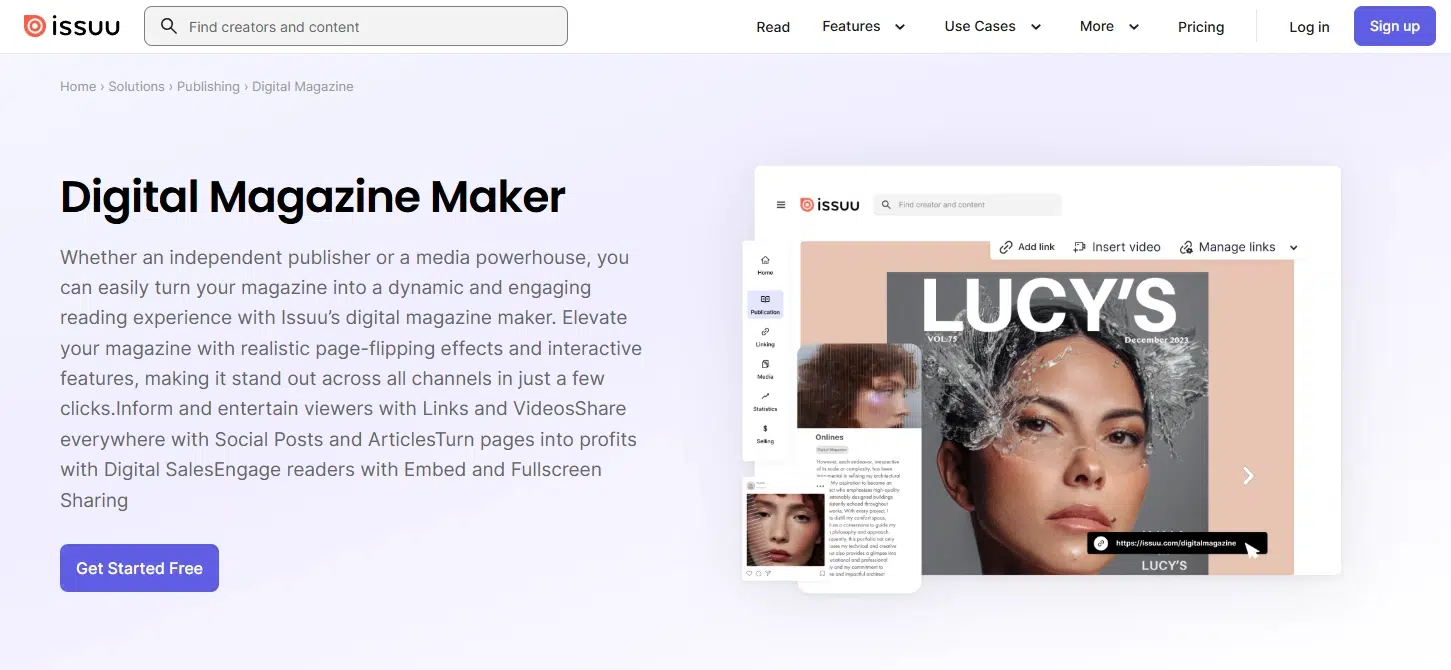
Issuu brings PDF publishing, magazine sales, and promotional content into one service. It is a relevant choice when the next step after uploading an issue is selling it or turning parts of it into material for your social channels.
Key Features
- Digital Sales for individual issues and recurring subscriptions.
- Website embedding and fullscreen sharing.
- Articles, Social Posts, and GIFs for promoting publication content.
Pros: You can connect the complete issue with smaller pieces that introduce it to readers. A publisher selling both a single issue and a subscription can evaluate those options within the same service.
Cons: The plan comparison places Digital Sales in Unlimited and website embedding in Starter and above. The lowest-cost route to uploading a magazine may therefore differ from the plan you need to sell or embed it.
Best For: Independent publishers whose magazine has a paid edition and an active promotion plan.
4. Joomag
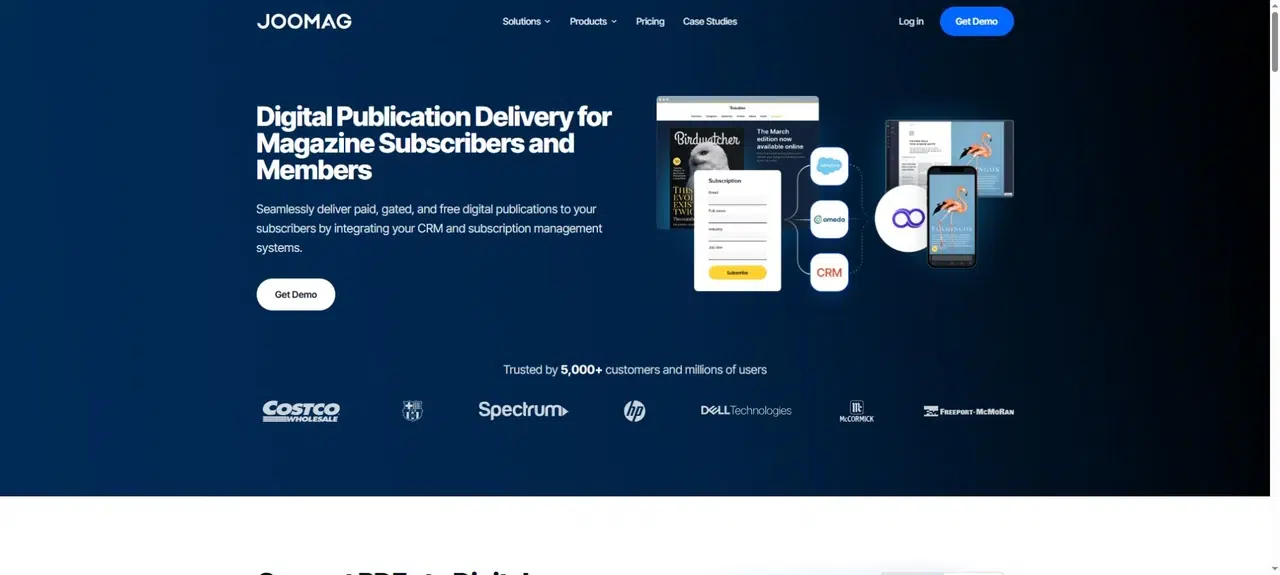
Joomag suits publishers who need to deliver issues according to subscriber or member records. Its publishing tools connect with CRM and subscription systems, so access and distribution can follow the relationship you already have with a reader.
Key Features
- Interactive digital publications created from PDFs.
- Free distribution, registration requirements, and paid access options.
- Connections with subscriber systems and email tools for delivering new issues.
Pros: Delivery and access can be part of the publishing process rather than separate manual lists. For a membership magazine, this matters when the right to read an issue depends on a reader’s current membership or subscription.
Cons: This involves more decisions than placing a public flipbook on a website. You need to establish which system holds reader records, how access changes, and who handles delivery. Ask Joomag to demonstrate the connection with your actual system before committing.
Best For: Publishers and associations with an existing subscriber base and defined access rules.
5. FlippingBook
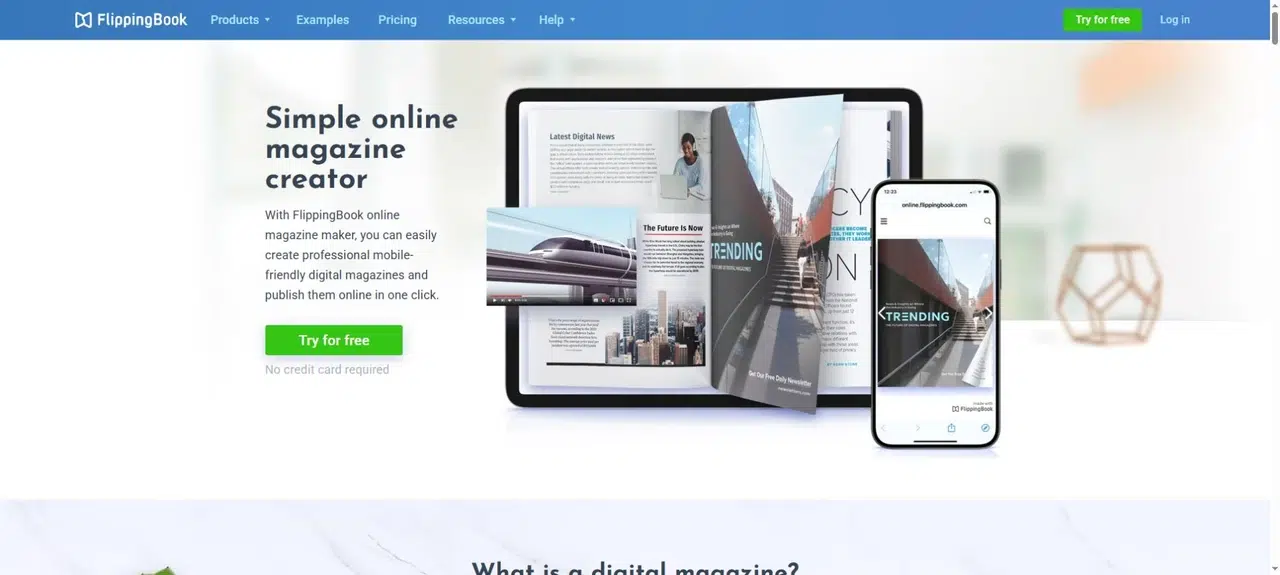
FlippingBook publishes magazine PDFs as online flipbooks and provides reading analytics. It is particularly relevant when you already distribute through your website or email list and want to understand how readers use each issue.
Key Features
- Page-level reading statistics.
- Video and link additions within the publication.
- PDF replacement that keeps the existing link, available from the Starter plan.
Pros: Same-link replacement helps when you discover a correction after sending the issue. You can update the publication without asking everyone to find a new address. Page statistics can also inform decisions about the next edition, such as which sections deserve closer editorial review.
Cons: PDF replacement and analytics need to be checked against the plan you select. Reading statistics show activity, not why someone stopped reading; use them alongside reader feedback rather than treating page views as a complete editorial verdict.
Best For: Corporate and organizational magazines that need reporting and a manageable correction process.
6. MagLoft
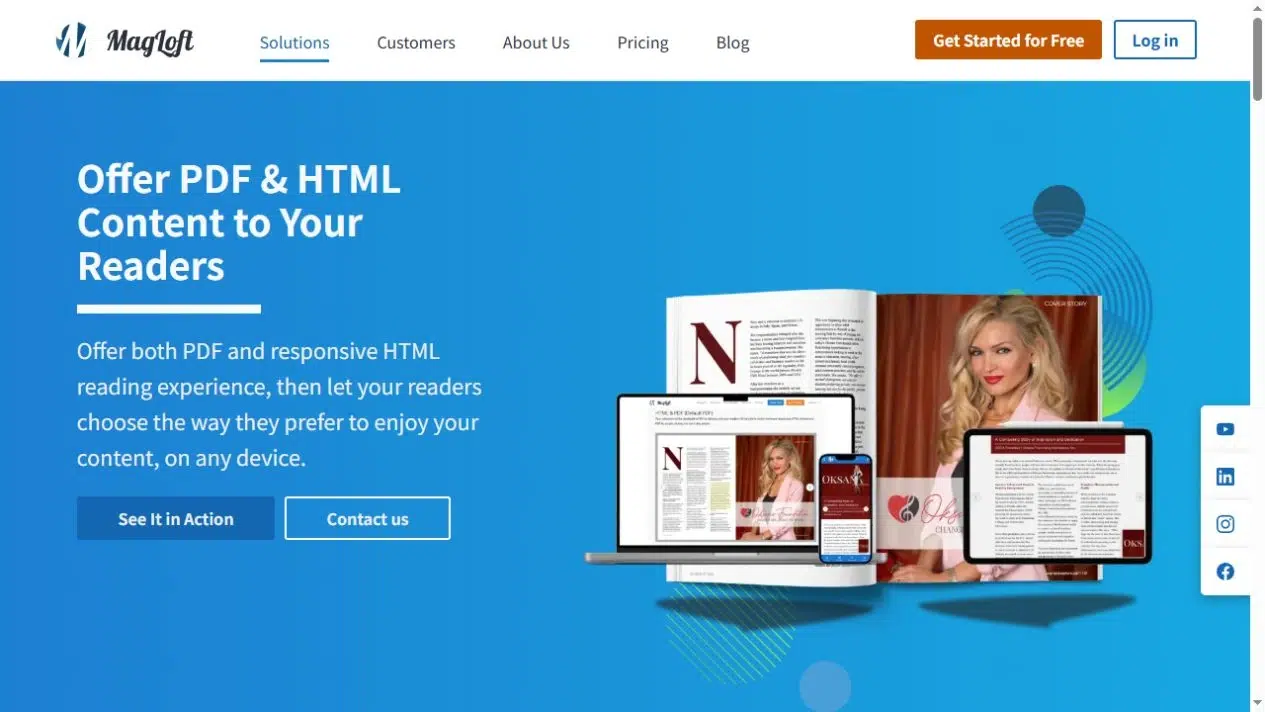
MagLoft’s Universal App supports both PDF and responsive HTML reading. That makes it a candidate when readers want the visual identity of the printed issue but also need articles they can comfortably read on a phone.
Key Features
- PDF and HTML views of publication content.
- Articles and collections, with multimedia support.
- Registration and payment options, including Stripe-based issue purchases and subscriptions.
Pros: Readers can switch between the page layout and an article view. A photo spread can stay in its original format, while a long interview becomes an article that fits the phone screen.
Cons: Review article order, images, and captions in the HTML version before release. Universal App is a web-based progressive web app; do not assume a subscription automatically includes separate native apps in the Apple and Google stores.
Best For: Magazine publishers serving both print-style readers and people who primarily read long articles on phones.
7. Foleon
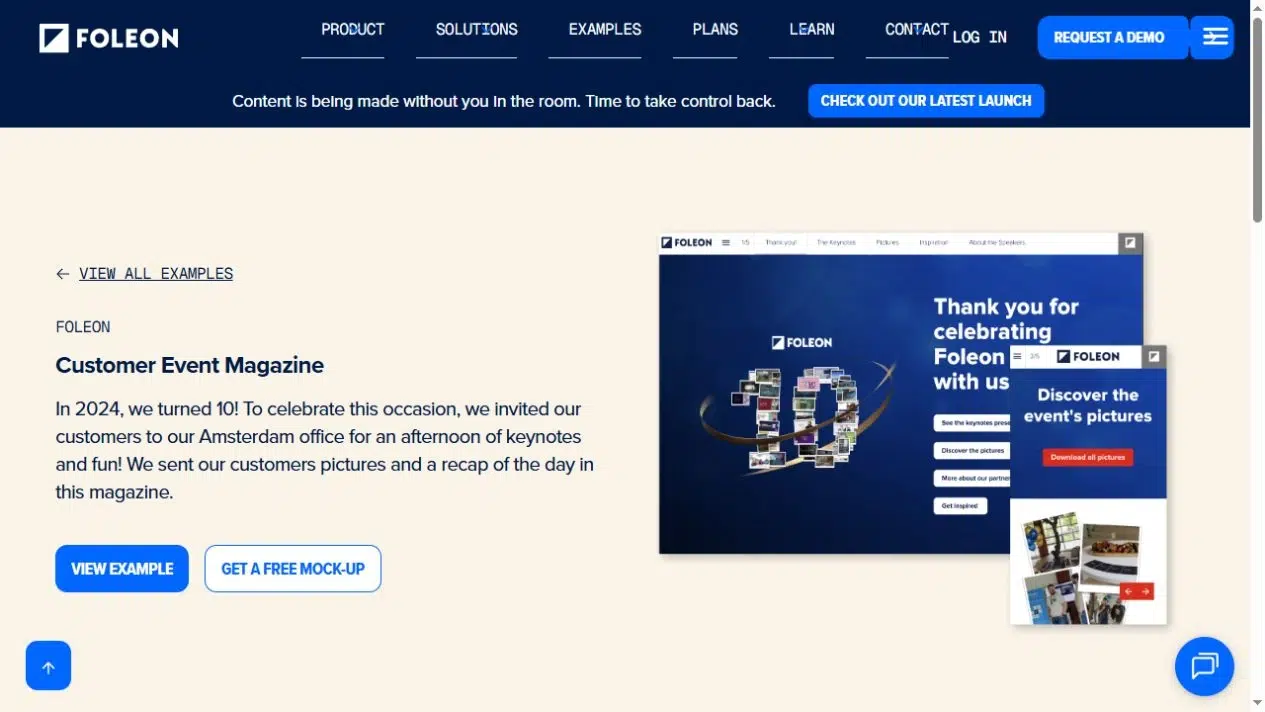
Foleon is a different starting point: a responsive web magazine rather than a replica of printed pages. It suits a corporate publication whose team wants to build stories for screens, with media and layouts that adapt to the reader’s device.
Key Features
- Responsive HTML5 publications.
- Templates and brand controls for consistent design.
- Multimedia content, page and section analytics, and marketing integrations.
Pros: A brand team can establish a shared visual style across issues without fixing every story to a print-sized page. Text, images, and media can form a web story rather than a spread that readers must zoom into.
Cons: This is not the same task as uploading a finished PDF and preserving each spread. Allow time to build and review the web version, particularly if the team also produces a separate print edition.
Best For: Corporate editorial and marketing teams creating branded digital magazines for web readers.
Check the Reading and Publishing Details Before You Choose
A polished cover preview tells you little about a long article or the next twelve issues. When shortlisting magazine publishing software, use an actual issue to check these details.
Read a Full Article on a Phone
Open a text-heavy feature, not just the cover. Check the body text, captions, contents links, and return navigation. A PDF flipbook preserves a fixed page layout; HTML article layouts can rearrange content to fit the screen. Decide which format serves your readers without assuming the two work the same way.
Separate Access From Subscription Management
Write down who should be able to read the magazine. A public link, a password, a registration form, and a paid subscription solve different problems. If you charge readers, ask how purchases, renewals, and expired access work before selecting a plan.
Plan for Corrections and Back Issues
Check whether replacing an issue preserves its URL and what happens to embedded copies. Then decide where past editions will live: a bookshelf, a publication collection, or an archive page on your own site. Readers should not need to search old emails to find last month’s issue.
Choose a Platform for the Magazine You Plan to Publish
The most useful shortlist of digital magazine platforms starts with your publication. Choose a PDF-based service when the page design is finished. Look at subscription and delivery tools when access depends on payment or membership. Consider an HTML reading format when long articles on phones are the priority.
Compare digital magazine platforms using one complete issue and the work you expect to repeat next month. If your immediate goal is sharing a finished PDF, start with an online flipbook. Compare paid-access and subscriber-delivery features if you need to charge readers or restrict access.
Bring Your PDF to Life With Recastia
Create, customize, and share your content in a more engaging way.
Frequently Asked Questions
Not always. A hosted publication link can be enough to share an issue by email or social media. A website becomes useful when you want a consistent home for current and past editions, background about the magazine, and contact information. Check whether embedding is included in your platform’s plan.
Keep the original PDFs, source layouts, images, and article text. These give you material to publish elsewhere, but interactive additions and subscriber records may need separate export or rebuilding. Before committing, ask what you can export and what happens to existing publication links if you cancel.
A magazine usually presents a complete edited issue with features and visual layouts. A newsletter usually keeps a specific audience informed through shorter updates. The format and reading habits can overlap. For help choosing the publication itself, see the comparison of magazines and newsletters.
For a team publication, use an account the organization can retain when an editor leaves. Give contributors separate access where the platform supports it, and assign someone to manage billing and renewals. Before subscribing, ask whether account ownership can be transferred and what happens to published issues during the handover.