
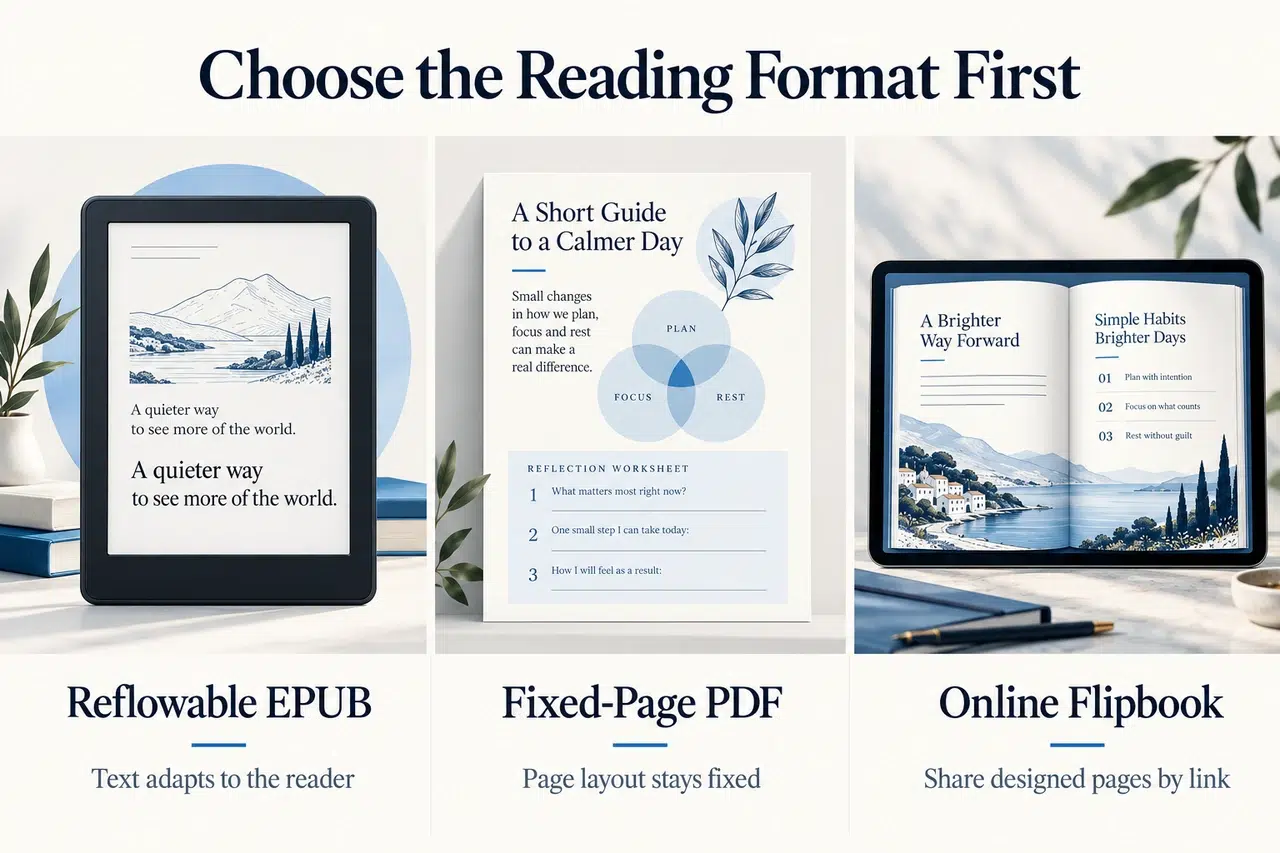
An ebook for a store and a book you share through a browser need different files. Choose ebook creator software around that destination: a reflowable EPUB for adjustable reading, a PDF for a fixed page design, or an online flipbook for sharing finished pages by link.
This comparison covers seven ebook creator software options. Match the tool to the work left: drafting chapters, formatting a manuscript, fixing an EPUB, or sharing a finished PDF.
Key Takeaways
- For an already-designed PDF, Recastia publishes an online flipbook; FlipHTML5 adds options for multimedia and page editing.
- For a manuscript that needs EPUB and print formatting, consider Reedsy Studio, Atticus, or Vellum. Vellum requires a Mac.
- For a book still being drafted and reorganized, Scrivener combines a writing workspace with export controls.
- For direct control of an EPUB’s structure and styling, Sigil provides an editor rather than a hosted publishing service.
Compare Ebook Creator Software by Starting File and Output
Start with the material you have. A chapter manuscript, a finished PDF, and an EPUB needing corrections are three different jobs. This table separates them before you compare individual features.
| Software | Useful Starting Point | Main Output in This Guide |
| Recastia | A finished, designed PDF | An online flipbook to share or embed |
| FlipHTML5 | A document or designed PDF | An interactive browser-based publication |
| Reedsy Studio | A manuscript organized into chapters | Reflowable EPUB and print-ready PDF |
| Atticus | A manuscript needing book formatting | EPUB and PDF editions |
| Vellum | A manuscript ready for final formatting on a Mac | Ebook files and, with Vellum Press, print books |
| Scrivener | Draft chapters, notes, and research | A compiled manuscript, PDF, or EPUB |
| Sigil | An EPUB or HTML content needing detailed edits | An edited EPUB package |
1. Recastia
Recastia fits the point after page design is finished. It turns a PDF into a flipbook that readers open in a browser, making it useful for illustrated guides, workbooks, and branded ebooks you want to share directly.
Key Features
- PDF pages presented in a page-turning publication.
- Page navigation, zoom, and thumbnails for browsing the book.
- A reading link and embed code for your website.
Pros: You can distribute a designed ebook without rebuilding its pages in another layout system. For a guide with diagrams beside explanations, the existing page arrangement remains the basis of the publication. The reading link also gives you a destination for an email or resource page.
Cons: Finish text and layout changes in your source document first. This PDF-to-flipbook route serves browser reading; choose a separate EPUB-capable tool if your distribution channel requires an EPUB file.
Best For: Businesses and educators sharing a finished PDF ebook through their own channels. Use PDF to Flipbook for that publishing stage.
2. FlipHTML5
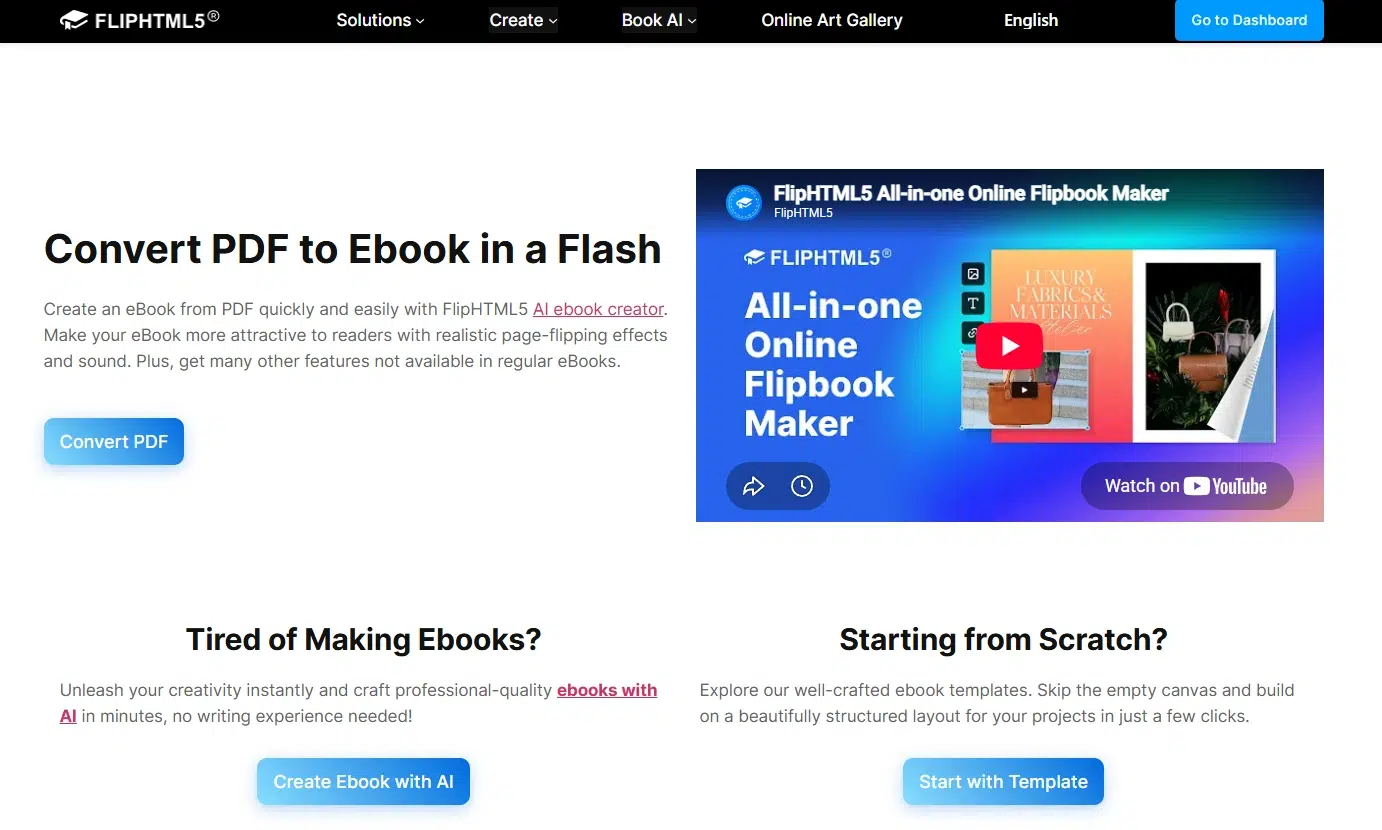
FlipHTML5 turns uploaded documents into online publications and provides editing options for adding interactive material. It suits a visual ebook whose browser edition needs more than the pages in the original file.
Key Features
- Document upload and conversion to a page-turning book.
- Page editing and multimedia additions for the online edition.
- Sharing and embedding for delivery through a website or direct link.
Pros: A tutorial book can pair its written explanation with an embedded demonstration. Readers stay within the publication instead of moving between a PDF and a separate collection of clips. That is a useful distinction when the media teaches something the page cannot show on its own.
Cons: Review the download formats and plan requirements before committing to a delivery method. A browser flipbook and its interactive elements are not interchangeable with a reflowable EPUB for an ebook store.
Best For: Illustrated learning material and marketing ebooks intended for browser reading, with relevant video or audio additions.
3. Reedsy Studio
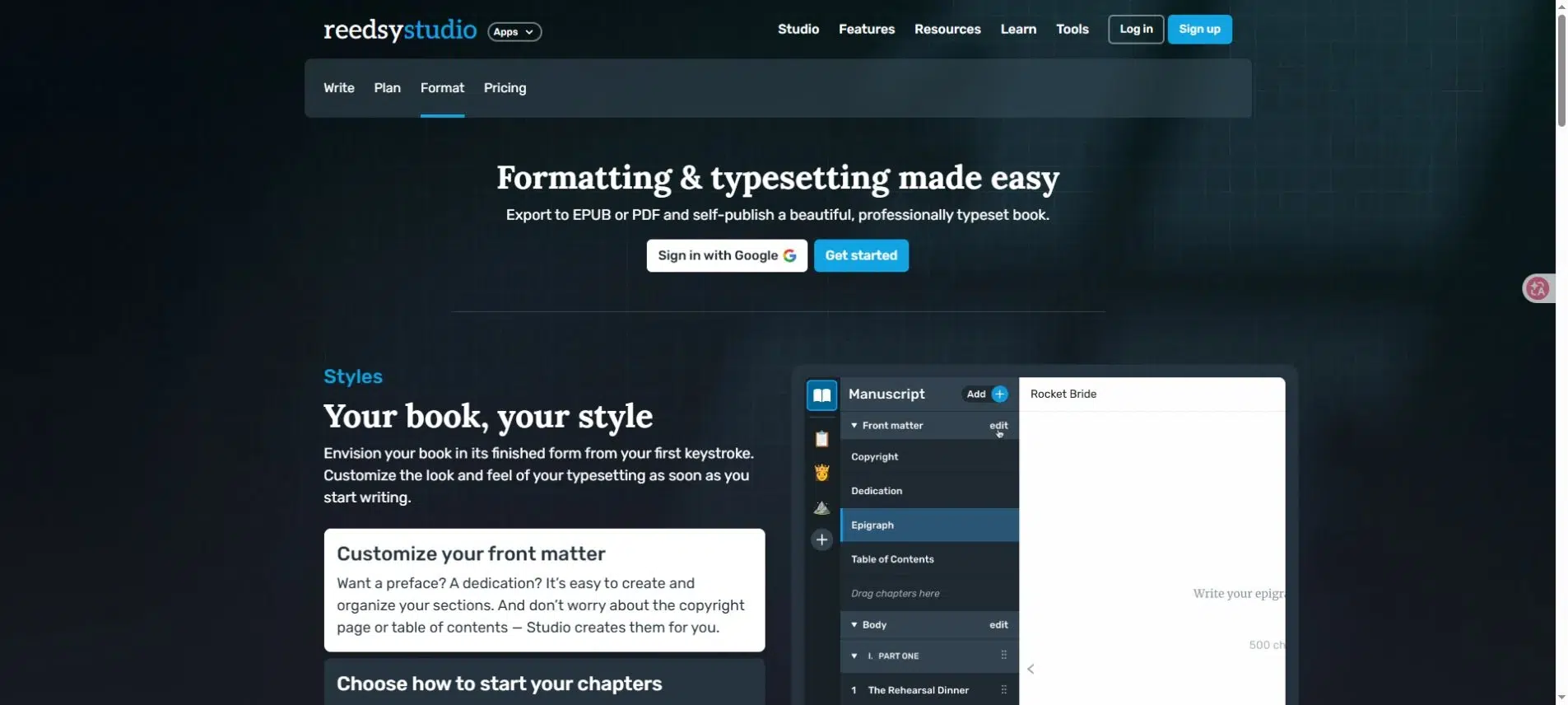
Reedsy Studio combines book writing and formatting in a browser. It is a practical starting point for a text-led book when you want to organize chapters and produce EPUB and print editions without placing every paragraph on a page yourself.
Key Features
- Chapter organization and front-matter sections.
- Book themes and print trim-size choices.
- Reflowable EPUB 3 and print-ready PDF exports.
Pros: The chapter structure carries through to the finished book. You can spend your time on the manuscript, then apply consistent formatting to headings and body text. Its core writing and formatting tools are free, which makes it a useful first option for an author preparing a book for publication.
Cons: Theme-based typesetting is a different kind of control from free-positioning objects on a canvas. If the book depends on unusual spreads, overlapping images, or tightly placed callouts, establish whether that design belongs in a fixed-page edition before choosing a manuscript formatter.
Best For: Authors preparing novels or text-heavy nonfiction for ebook and print distribution.
4. Atticus
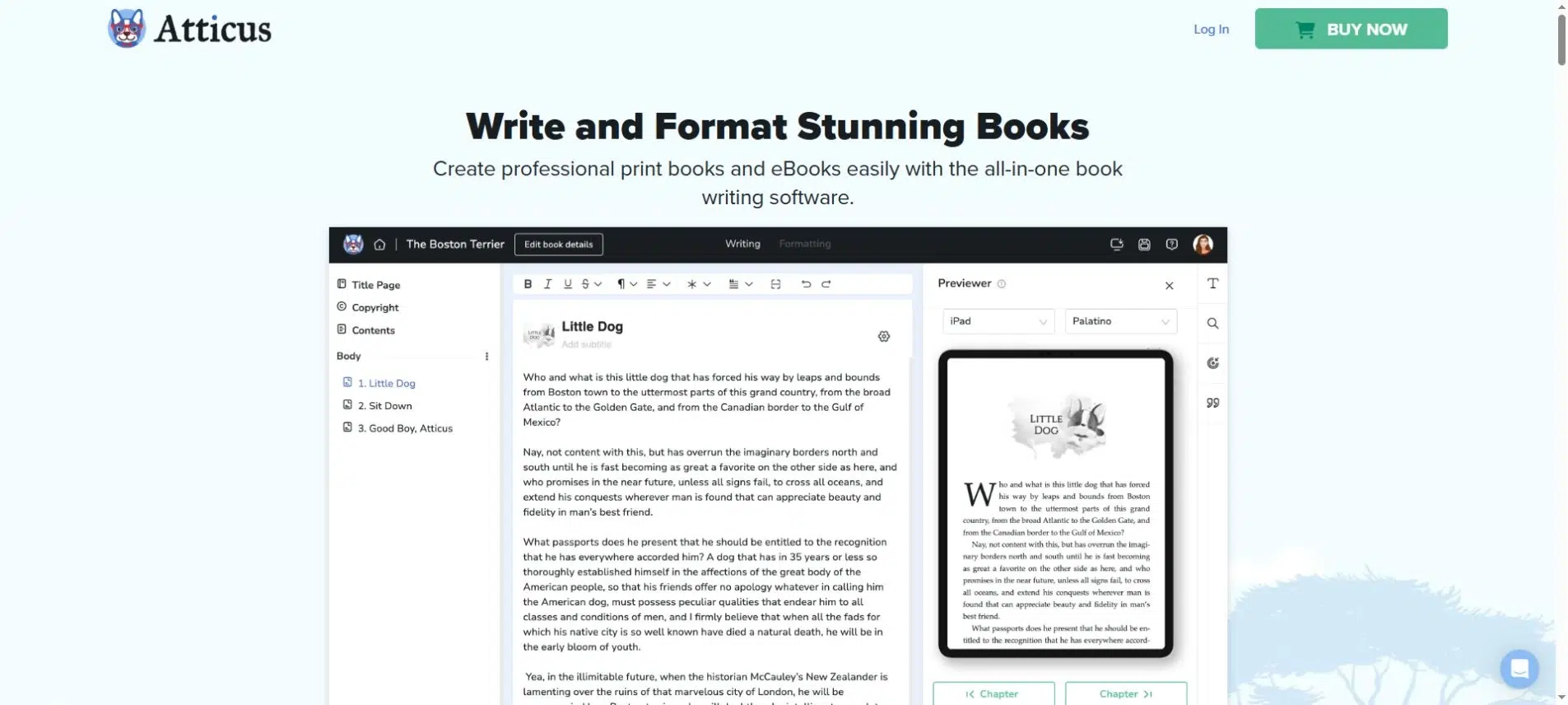
Atticus provides writing and book-formatting tools across Windows, Mac, Linux, and Chromebook. It is worth comparing when you want to create ebook and print editions from a manuscript and adjust the book’s visual style within the same application.
Key Features
- Manuscript writing and DOCX import.
- Chapter themes and formatting customization.
- EPUB and PDF export with device previews.
Pros: The same project can produce digital and print editions. That helps an author maintain the text in one place while reviewing each output separately. Theme customization also gives you a way to establish a consistent appearance across a series.
Cons: A shared manuscript does not make the two editions identical. You still need to review chapter openings, images, and references in each output. Atticus is a paid purchase, so compare its formatting controls with the work you expect to repeat across your books.
Best For: Authors who want manuscript formatting for both EPUB and print, particularly when they are not working exclusively on a Mac.
5. Vellum
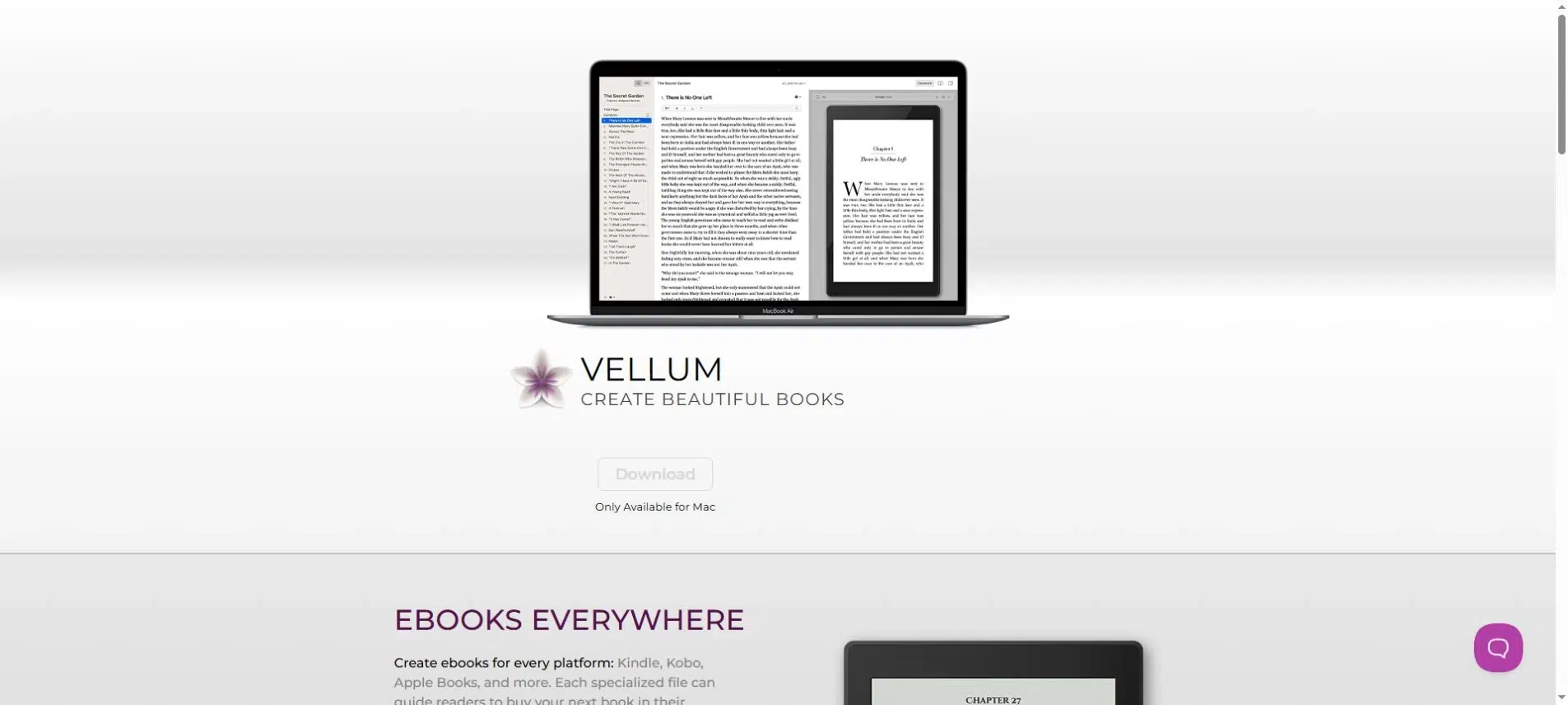
Vellum is a Mac application focused on preparing books for publication. Import a manuscript, choose its styling, and preview the result before generating the editions you need.
Key Features
- Book styles and chapter formatting.
- Front and back matter, cover placement, and device previews.
- Ebook generation, with print-book output available through Vellum Press.
Pros: Device previews let you check chapter openings, images, and line breaks before generating the files. An author working on several books can use the same styles to keep chapter openings and supporting sections consistent across the series.
Cons: Vellum runs on a Mac, not an iPad or a native Windows application. You can try importing and previewing a manuscript before buying, but generating publication files requires a purchase. Check the license options if you also need paperbacks.
Best For: Mac-based authors with a manuscript ready for book formatting and export.
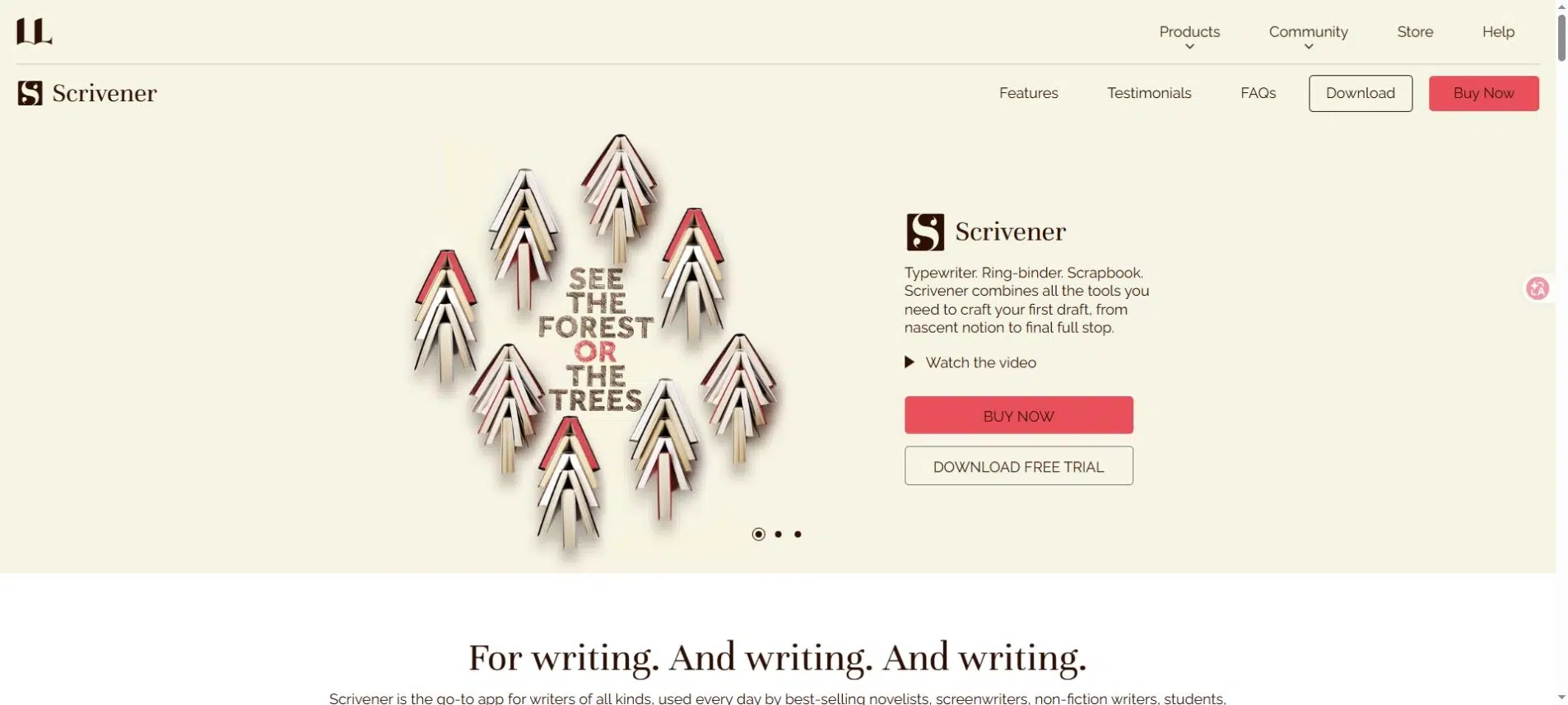
6. Scrivener
Scrivener starts earlier in the writing process. It keeps chapters, research, and notes together, then uses its Compile feature to assemble selected material into an output file.
Key Features
- A Binder for organizing sections and supporting material.
- Writing and revision tools for long projects.
- Compilation to formats including PDF, Word, and EPUB.
Pros: You can move chapters around while keeping the writing project organized. That is useful when a nonfiction book’s structure is still changing or a novel has many scenes. You do not have to maintain one long document simply because the finished book will be one file.
Cons: The writing view is not the final publication layout. Compile applies output settings, so allow time to learn section types and layouts rather than expecting the editor’s appearance to transfer unchanged. A dedicated formatter may suit you better if all the writing is already complete.
Best For: Authors who need to develop and reorganize a long manuscript before preparing its final editions.
7. Sigil
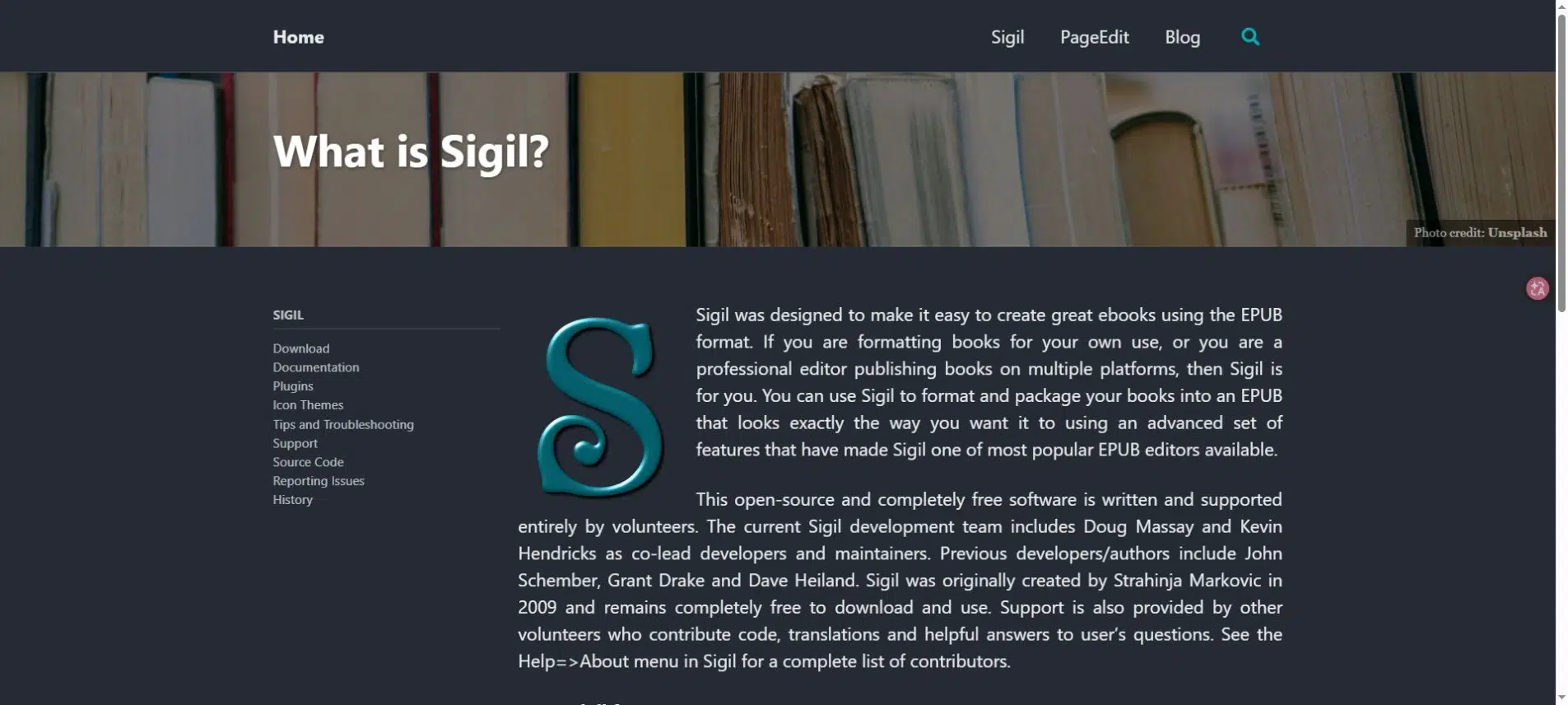
Sigil is a free, open-source EPUB editor for Windows, Mac, and Linux. It gives you direct access to the content and styling inside an EPUB, rather than treating the ebook as a set of printed pages.
Key Features
- EPUB 2 and EPUB 3 support.
- Code and preview views for editing content and styles.
- Metadata editing and a table-of-contents generator.
Pros: You can work on a specific problem inside the ebook: a heading hierarchy, an image reference, or a style rule. That makes Sigil a useful companion to a book formatter when the exported EPUB needs detailed attention.
Cons: Direct editing requires more familiarity with EPUB structure, HTML, and CSS than choosing a theme in a book-formatting app. Sigil is also not a storefront or a service that hosts a reading link for your audience.
Best For: Ebook editors and technically confident authors who need control over an EPUB package.
Choose the Edition Before You Choose the Editor
The same book can need more than one edition. A practical guide might have an EPUB for long reading sessions and a PDF for its printable worksheets. Choose the tools around those uses instead of asking one format to do everything.
Long Reading: Reflowable EPUB
In a reflowable EPUB, text adjusts to the reading system and the reader’s settings. Chapter headings, navigation, and semantic structure matter more than keeping a paragraph at the bottom of a particular page. This is usually the starting point for a text-led book intended for ebook stores.
Designed Pages: PDF and Online Flipbook
A PDF preserves page geometry. That is useful when a diagram and its explanation must stay together, or when someone will print a worksheet. An online flipbook adds a browser-based way to present those pages. It does not turn a fixed-page design into reflowable text.
Print: A Separate Output to Review
A print-ready file has its own production requirements. Keep the printer’s specifications separate from the needs of a screen edition. Reedsy’s export guidance, for example, distinguishes its print-ready PDF from a standard PDF for digital viewing; the print version removes links and uses CMYK images.
For a book with footnotes, illustrations, and worksheets, review one representative chapter in every intended output. Check the contents links and footnote returns in the ebook. Check small labels and page breaks in the PDF. If someone needs to complete a worksheet, keep its print dimensions practical instead of judging it only on a large monitor.
Match the Software to the Work Left in Your Book
The right ebook creator software depends on your starting material and delivery format. Use a manuscript-focused tool while writing and formatting a long book. Use an EPUB editor for detailed file corrections. Publish a finished PDF as a flipbook when your readers need an online link to its designed pages.
Before choosing ebook creator software, name the files or reading links you need to deliver. Then compare the shortlisted tools against one chapter that includes your book’s difficult elements, such as notes, tables, or illustrations. A short sample can expose a format mismatch before you lay out the entire book.
Bring Your PDF to Life With Recastia
Create, customize, and share your content in a more engaging way.
Frequently Asked Questions
Creating a file and distributing it are separate tasks. Exporting an EPUB does not automatically create a store listing, set a price, or arrange payments. Check which distribution services your chosen tool includes, then follow the requirements of the store or distributor you plan to use.
Yes, but retain the editable project and source assets. Make future text changes there and export again. If you also correct an EPUB directly in a separate editor, document those changes so a later export does not silently replace them with the older version.
Requirements depend on the format, retailer, and distribution route. Check the current rules of your intended distributor and your national ISBN agency before purchasing identifiers. Do not assume that buying formatting software includes an ISBN or resolves the requirements for every edition.
Finish major revisions before formatting the whole book. Settle the chapter order and remove sections you no longer need, then proofread the manuscript. You can format a sample chapter earlier to choose a style, but wait until the text is stable before formatting the full book so you don’t spend time formatting sections you later remove.