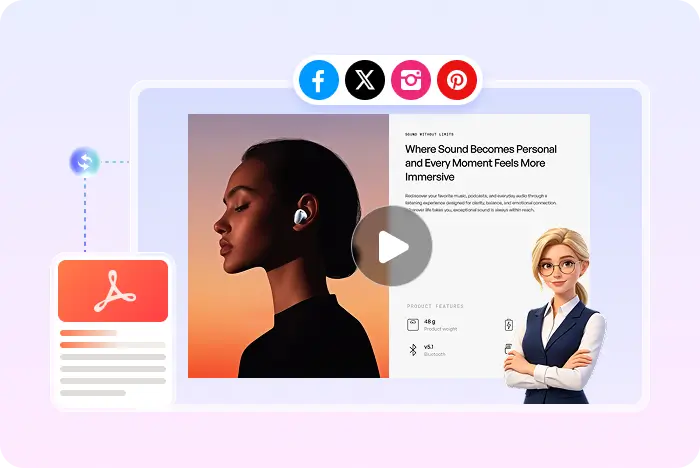
PDF to MP4, then YouTube

How to Turn a PDF into a YouTube Video

Recastia can turn PDF pages into a captioned MP4 with AI voiceover. It does not publish to YouTube for you. Download the file, then upload it in YouTube Studio like any other video.

  • Create the MP4 from the PDF you already have
  • Add captions that help on muted autoplay
  • Upload the file to YouTube in the usual way

Start with a free Recastia account.

AI voiceover YouTube-ready MP4
Two products, one file handoff

What YouTube-ready means in Recastia

YouTube needs a video file, a title, and a thumbnail. Recastia helps with the file: pages on screen, narration, captions, and MP4 download. The channel upload still happens in YouTube.

01

Build the clip from the PDF

Select the pages you want on camera, add a script of at least 200 words in Easy Mode, and generate the video. That is the YouTube-ready asset.

  • PDF pages as the visual
  • AI voiceover and synced captions
  • MP4 download
PDF pages prepared as a YouTube-ready MP4
02

Then upload in YouTube Studio

Recastia also lets you preview, publish, and share on Recastia itself. That is not a YouTube channel post. For YouTube, download the MP4 and use YouTube's uploader.

  • No claimed one-click YouTube API publish
  • Captions travel with the MP4 workflow Recastia provides
  • Choose 16:9 if that is your channel standard
AI Video Narrate the pages
Voiceover Captions Music Visual effects Optional avatar
Make the file, then post it

How to turn a PDF into a YouTube video

Need the generic converter first? Open the PDF to video converter.

  1. Generate a narrated MP4 from a PDF
    Step 1

    Generate the narrated MP4 in Recastia

    Upload the PDF, add a 200+ word script and at least three pages in Easy Mode, then generate the video.

  2. Download the Recastia MP4
    Step 2

    Download the MP4

    Preview the result and download the MP4. Recastia does not currently promise a direct YouTube publish button.

  3. Upload the MP4 in YouTube Studio
    Step 3

    Upload the file in YouTube Studio

    Create the YouTube draft yourself. Add title, description, and thumbnail using YouTube's tools.

Questions, answered

PDF to YouTube video FAQ

Need to compare account options? View Recastia pricing.

Does Recastia upload my video to YouTube?

No. Recastia creates and downloads an MP4, and can publish or share on Recastia. YouTube upload is a separate step in YouTube Studio.

How do I turn a PDF into a YouTube video?

Generate a narrated MP4 from the PDF in Recastia, download it, then upload that file to your channel.

Should I add captions?

Recastia can generate synced captions in Easy and Advanced modes, which helps when people watch without sound.

What format does YouTube need?

Recastia provides MP4, which is a common YouTube upload format. Confirm current YouTube file rules in YouTube Help.

Is this free?

You can start with a free Recastia account. YouTube has its own policies and limits.

Recastia makes the file

Turn the PDF into an MP4 You Can Post on YouTube

Narrate the pages, download MP4, then finish the upload in YouTube Studio.

PDF Video Example