
Long PDF, shorter watch

How to Turn a Whitepaper or Report into a Video

A whitepaper is built to be read. A report video is built to be watched. Recastia keeps selected PDF pages on screen and adds AI voiceover so the argument can travel without a full redesign.

  • Reuse charts and report layouts you already have
  • Narrate the thesis instead of sending a 30-page file
  • Download an MP4 for sites, email, or sales follow-up

Start with a free Recastia account.

AI voiceover MP4 download
Do not rebuild the research

Why reshape a whitepaper into a narrated video?

Most people will not finish a long PDF. A narrated page sequence can cover the problem, proof, and next step while the original figures stay visible.

01

Pick the pages that carry the argument

Recastia does not claim to auto-compress an entire 80-page paper into one perfect summary. In Easy Mode you choose at least three pages and write or generate a script that covers those pages.

  • Upload the whitepaper or report as PDF
  • Select the pages worth showing
  • Write a script that matches those pages
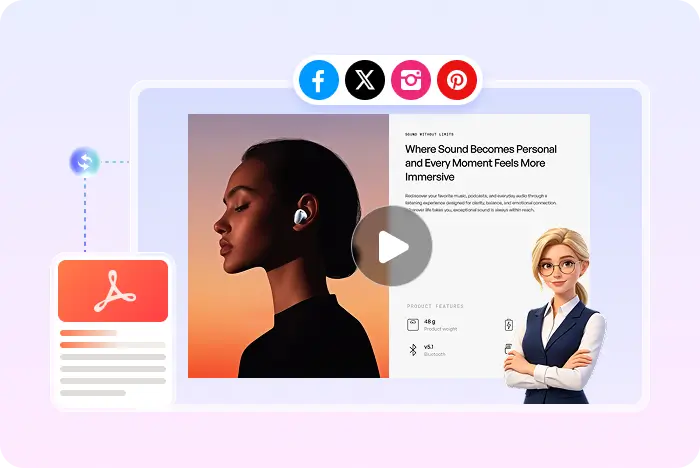
Selected report pages used as video frames
02

Keep the evidence on screen

Charts, tables, and diagrams are the reason the PDF exists. Recastia uses those pages as frames, then can add captions so viewers can follow without pausing to read every paragraph.

  • AI voiceover in Easy and Advanced
  • Synced captions
  • Optional avatar if you want a presenter
AI Video Narrate the pages
Voiceover Captions Music Visual effects Optional avatar
Research file to briefing video

How to turn a whitepaper or report into a video

Start from the PDF converter if you only need the generic workflow. Open the PDF to video converter.

  1. Upload a whitepaper PDF and choose key pages
    Step 1

    Upload the PDF and mark the key pages

    Upload the whitepaper or report. In Easy Mode, select at least three pages that hold the thesis, proof, and close.

  2. Add a briefing script for the report video
    Step 2

    Write a briefing script, not a full reprint

    Add at least 200 words that explain those pages. Do not paste the entire paper if you want a watchable length.

  3. Download a whitepaper video as MP4
    Step 3

    Generate the MP4 for follow-up

    Choose voice, captions, effects, and optional avatar. Preview, download, or share the briefing video.

Questions, answered

Whitepaper and report video FAQ

Need to compare account options? View Recastia pricing.

Can Recastia turn a whole whitepaper into a video automatically?

Recastia uses the pages you upload and select. Easy Mode needs at least three pages and 200+ words. You decide which sections appear.

Should I send the PDF or the video?

Use the video as the briefing and keep the PDF as the source document. Recastia does not replace the original file.

Can I start from a Word report?

Export DOC or DOCX as PDF first. The video creator accepts PDF and images.

What is the download format?

MP4.

Is it free?

You can start with a free Recastia account. Plan limits apply to longer or higher-volume projects.

Keep the proof. Change the format.

Turn the Whitepaper into a Briefing Video

Select the pages that matter, add a script, then send an MP4 instead of a long attachment.

Document Video Example