
A recipe book can take very different forms: a family gift, a downloadable collection, or a cookbook readers open beside the stove. The right online cookbook maker depends on which one you want and whether your recipes already have a finished layout.
This comparison covers five tools for designing pages, collecting contributions, publishing a digital edition, and ordering printed books. Choose an online cookbook maker for the work you still need to do, rather than rebuilding a finished cookbook in a new editor.
Key Takeaways
- Recastia suits a finished recipe-book PDF that you want to publish as a flipbook and share by link.
- FlipHTML5 adds options for recipe templates, cooking videos, and online reading.
- Canva gives you control over the page design; CreateMyCookbook helps collect recipes from contributors.
- Mixbook focuses on printed keepsakes that combine recipes, food photography, and family memories.
- Decide on digital or printed delivery early. A page that looks attractive on a laptop may be awkward to read on a phone or beside a mixing bowl.
Compare the Five Cookbook Makers
Start with the material you have. A folder of handwritten recipes needs different help from a PDF ready to share.
| Tool | Choose It When… | Plan for This |
| Recastia | Your cookbook PDF is already designed | Finish recipe and page edits before uploading |
| FlipHTML5 | You want a digital cookbook with videos or links | Choose which recipes actually benefit from extra media |
| Canva | You need to design the cover and recipe pages | Keep measurements and recipe formatting consistent yourself |
| CreateMyCookbook | Several people are contributing recipes | Assign one editor to review submissions before ordering |
| Mixbook | You want a photo-led family cookbook in print | Check photo quality, book format, and the printed page layout |
1. Recastia
Recastia turns an existing cookbook PDF into an online flipbook. It fits the publishing stage: your recipes, photographs, and chapter pages are ready, and you want to give readers a link rather than send the file as an attachment.
A short seasonal recipe collection is a good example. You can design it in your preferred layout tool, export the PDF, and use PDF to Flipbook to publish the pages for online reading. Keep the editable source file for later recipe changes.
Key Features
- PDF-to-flipbook conversion for an already designed recipe collection.
- Page navigation, thumbnails, zoom, and fullscreen reading.
- A shareable reading link and website embedding.
Pros
- You can keep the recipe layout you’ve already prepared.
- A reading link works for a family message, cooking-class follow-up, or recipe page on your website.
Cons
- This PDF-based publishing route starts after writing and page design. Make changes to ingredients or directions in your source document first.
Best For: Cooks, teachers, and small food businesses with a finished PDF who want to publish a digital edition.
2. FlipHTML5
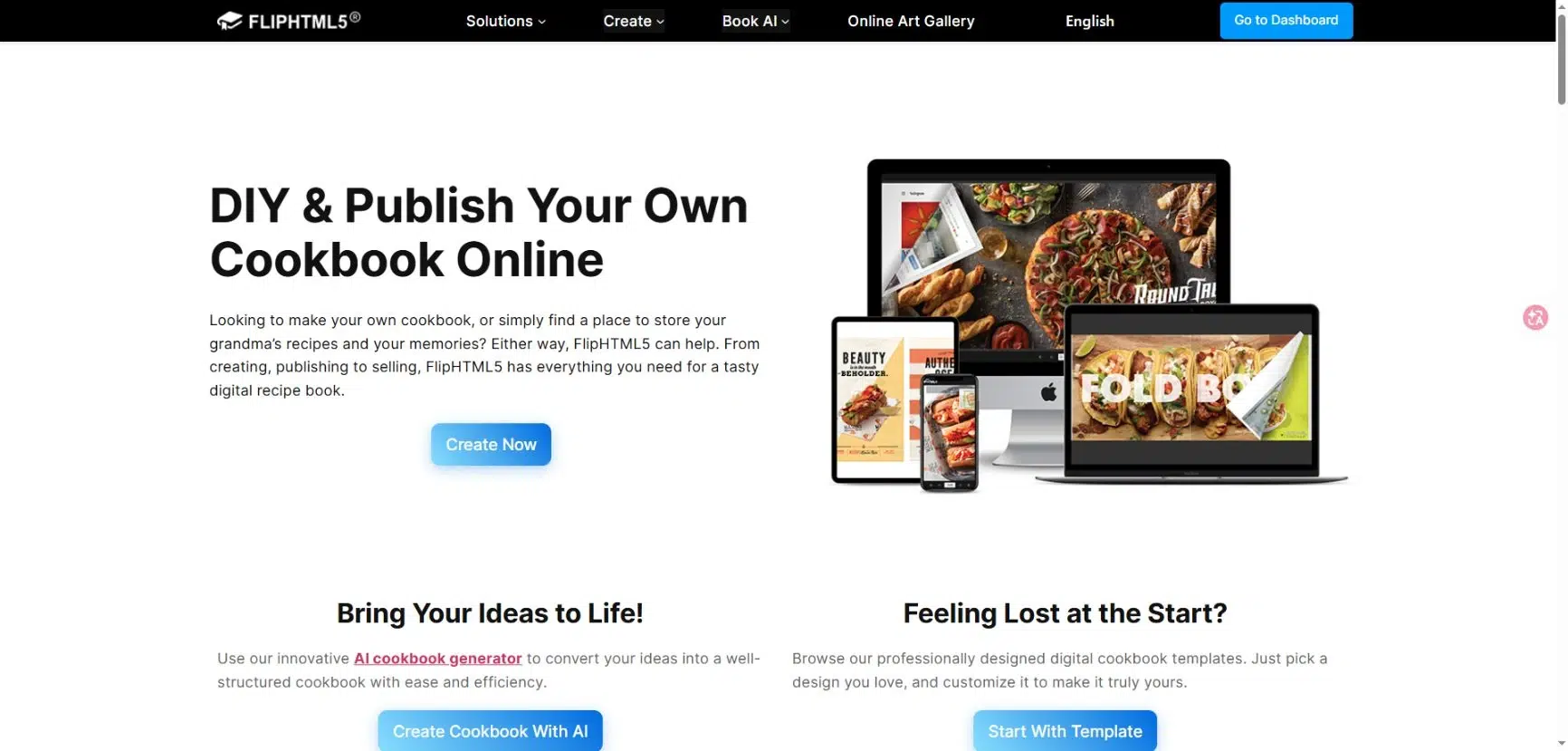
FlipHTML5 combines cookbook templates and page editing with online flipbook publishing. Its media options are useful when a still photograph leaves part of a technique unclear, such as shaping dough or folding a dumpling.
You can start with a cookbook template or upload an existing document. Keep the written method complete even if you add video; readers should be able to finish the recipe without switching between several pieces of content.
Key Features
- Cookbook templates and editable fonts, colors, and page elements.
- Embedded cooking videos, links, and photo galleries.
- Search and thumbnail navigation for finding recipes.
- Sharing by URL or QR code and embedding on a website.
Pros
- A recipe page can pair written directions with a short demonstration.
- Templates help you establish a repeated layout across the collection.
Cons
- Interactive media needs its own preparation and review. Keep videos supplementary if readers may use the cookbook without reliable internet access.
Best For: Food educators and recipe creators who want an interactive online cookbook.
3. Canva
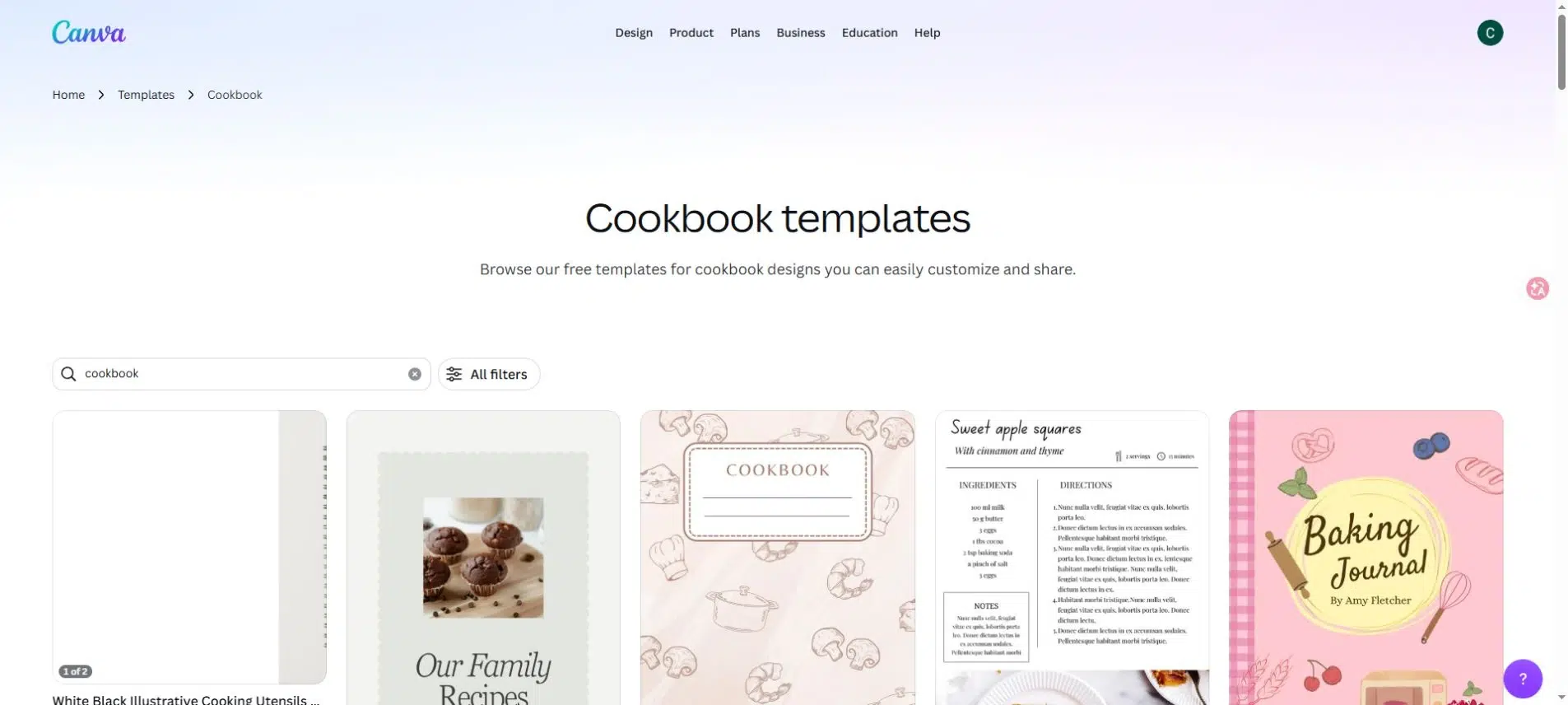
Canva is useful when you have recipes and photographs but haven’t designed the book. Its cookbook templates provide starting layouts for covers and inside pages, while the editor lets you adjust text, colors, and images.
The freedom comes with an editorial job. You’ll need to decide how to display servings, preparation time, ingredients, and directions, then use that pattern throughout the book. Repeating a clear layout matters more than giving every recipe a different design.
Key Features
- Cookbook, recipe-page, and cover templates.
- Editable text, typography, colors, and image placement.
- Uploads for your own food photographs.
- PDF download options for sharing or continuing into a publishing workflow.
Pros
- You can give the cover, chapter dividers, and recipes a consistent visual style.
- It’s suitable for combining recipes with introductions, cooking notes, or meal ideas.
Cons
- A flexible layout editor does not standardize your recipe text for you. Long ingredient lists and short recipes still need individual layout checks.
Best For: Creators who want to design a PDF cookbook before choosing how to distribute it.
4. CreateMyCookbook
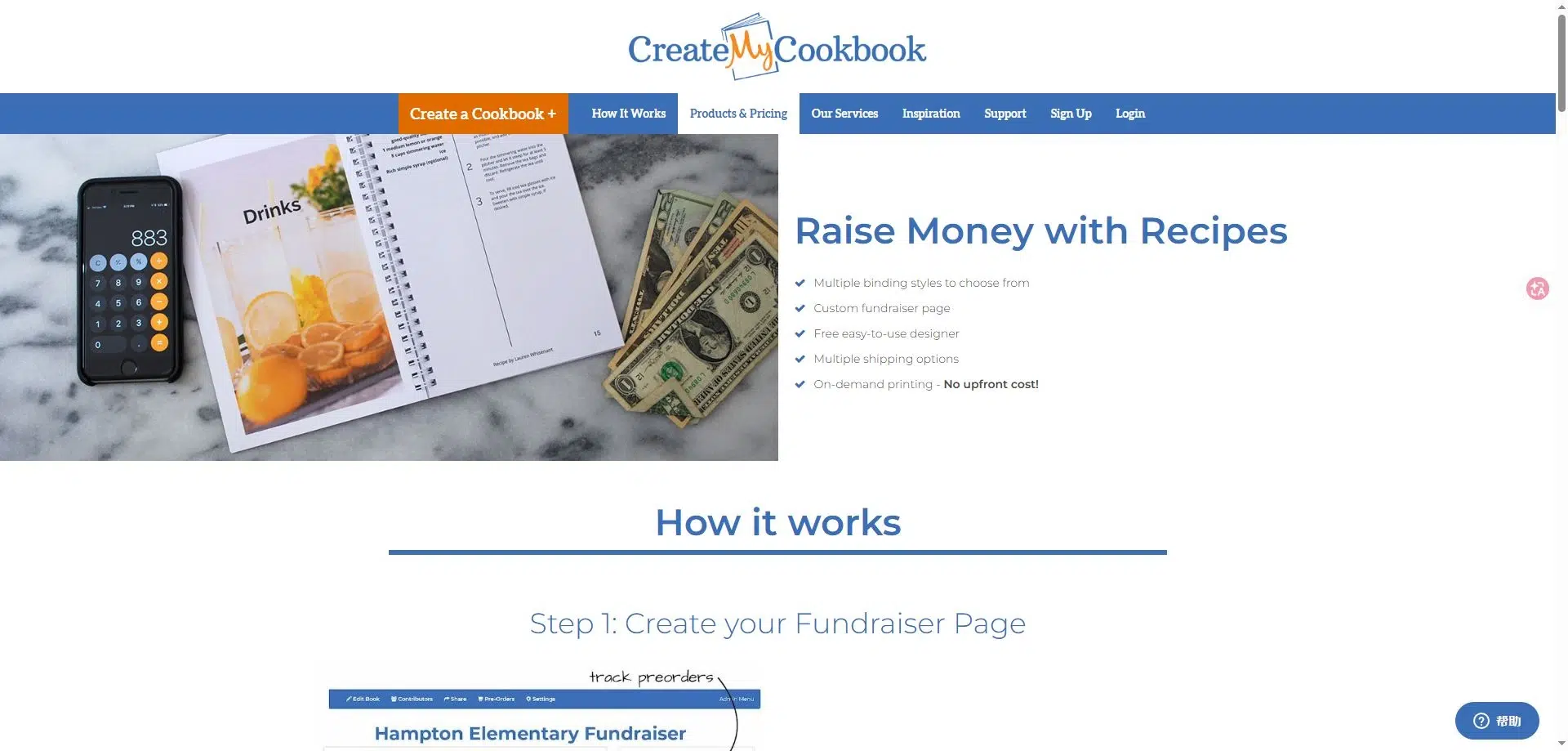
CreateMyCookbook collects recipes from contributors and provides an online designer for turning them into a printed book.
That distinction matters for a school fundraiser or workplace collection. Instead of collecting every recipe through separate messages, you can invite people to contribute. The organizer can then review the entries and shape them into one book. Its contributor options include email invitations and a shareable contribution link.
Key Features
- Invitations for others to submit recipes.
- An online designer for arranging the cookbook.
- A choice of binding styles for printed copies.
- Fundraiser pages with contribution invitations, updates, and preorder options.
Pros
- Contributors can submit material to a shared project.
- Recipe collection and printed-book ordering belong to the same service.
Cons
- A contributor form does not remove the need for an editor. Someone still has to resolve duplicate dishes, inconsistent quantities, and missing instructions.
Best For: Community groups, families, and teams assembling a collaborative printed cookbook.
5. Mixbook
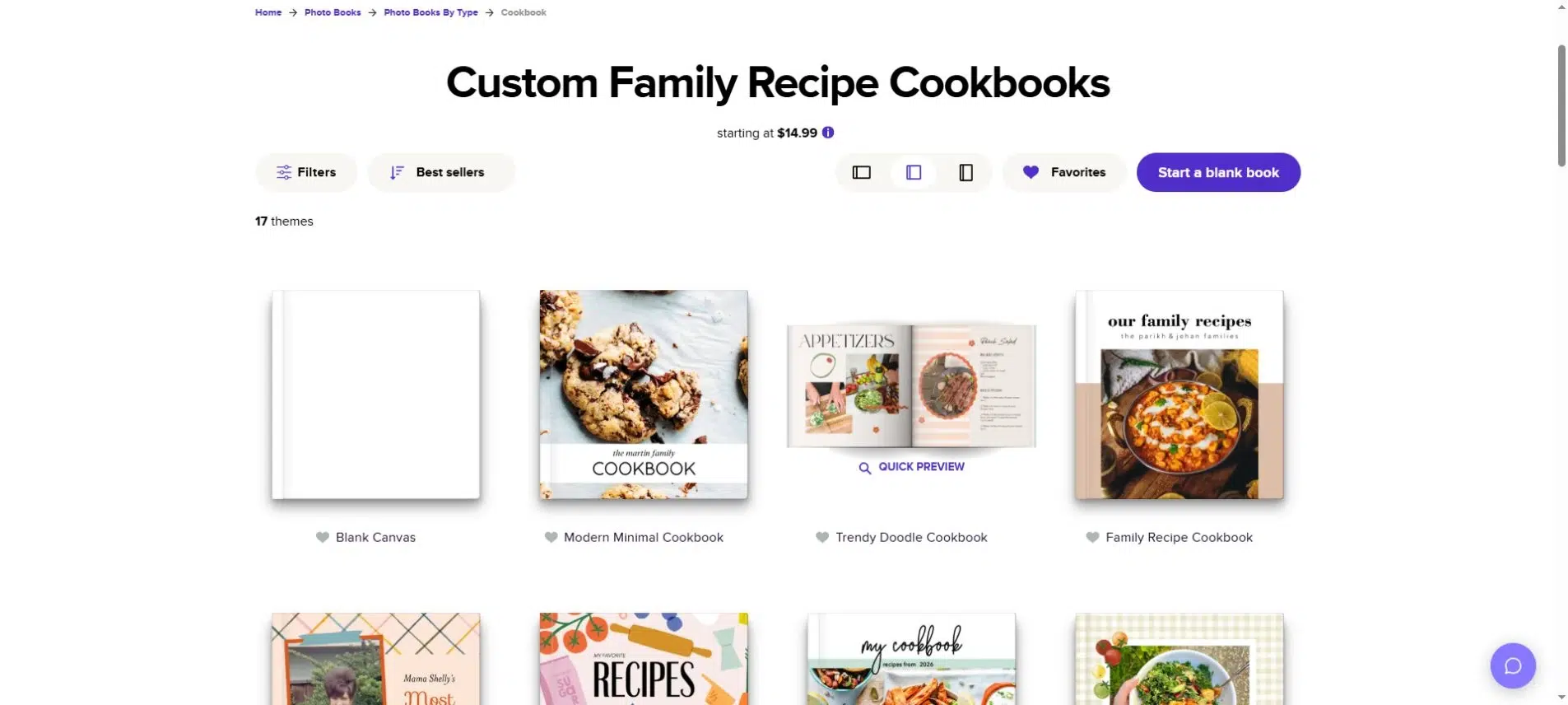
Mixbook approaches the cookbook as a photo book. Its cookbook themes combine typed recipes with food images, family photographs, and scanned recipe cards.
You can place a scan of an old recipe beside a typed version, then add a photograph of the person who made it. Readers keep the original handwriting and family detail without having to follow faded instructions while cooking.
Key Features
- Cookbook themes in the online Mixbook Studio editor.
- Customizable layouts for photographs and recipe text.
- Scanned handwritten recipes placed alongside typed directions.
- Printed book options, including different covers and layflat formats.
Pros
- You can preserve recipe cards and family photographs in one book.
- The photo-book format suits gifts and small personal collections.
Cons
- This is a print-oriented choice. Book size, cover, and page count affect the order, so choose the format before doing detailed page work.
Best For: Families making a visual keepsake cookbook to give as a gift.
Choose an Online Cookbook Maker Around the Finished Book
The cover is easy to compare. The more useful checks happen on an ordinary recipe page.
Try Your Longest Recipe First
Use a recipe with a long ingredient list, several stages, and a photograph when you compare layouts. A template that fits a short salad recipe may push half a baking method onto the next page.
Check that:
- Ingredient quantities stay beside the correct ingredients.
- Section labels separate components such as the filling and the sauce.
- Directions remain in a readable order when a recipe continues onto another page.
- Text is large enough in the final print size or phone view, not just when zoomed in on your computer.
For a digital edition, open the finished page on a phone. For print, review it at its actual size. A full-page photograph is worth less if it forces the directions into tiny text.
Standardize Contributions Before Designing
A group cookbook becomes difficult to edit when one contributor sends a photograph, another sends a paragraph, and a third sends only a list of ingredients. Ask everyone for the same information:
- Recipe name and contributor name.
- Yield or number of servings.
- Ingredients with quantities and units.
- Directions in the order you would follow them.
- An optional photograph and short personal note.
Keep recipe corrections separate from design changes. Confirm an unclear quantity with the contributor instead of guessing what they meant. Then apply consistent spelling and units across the collection.
Decide Where the Editable Copy Will Live
The PDF you distribute and the file you edit serve different purposes. Keep the source design, recipe text, and original photographs together so you can correct a typo or add a chapter later.
If a printed edition is part of the plan, check the printer’s required size and margins before building the pages. CreateMyCookbook also recommends ordering a proof for large orders because photographs can look different in print. A web preview cannot show the feel of the binding or paper.
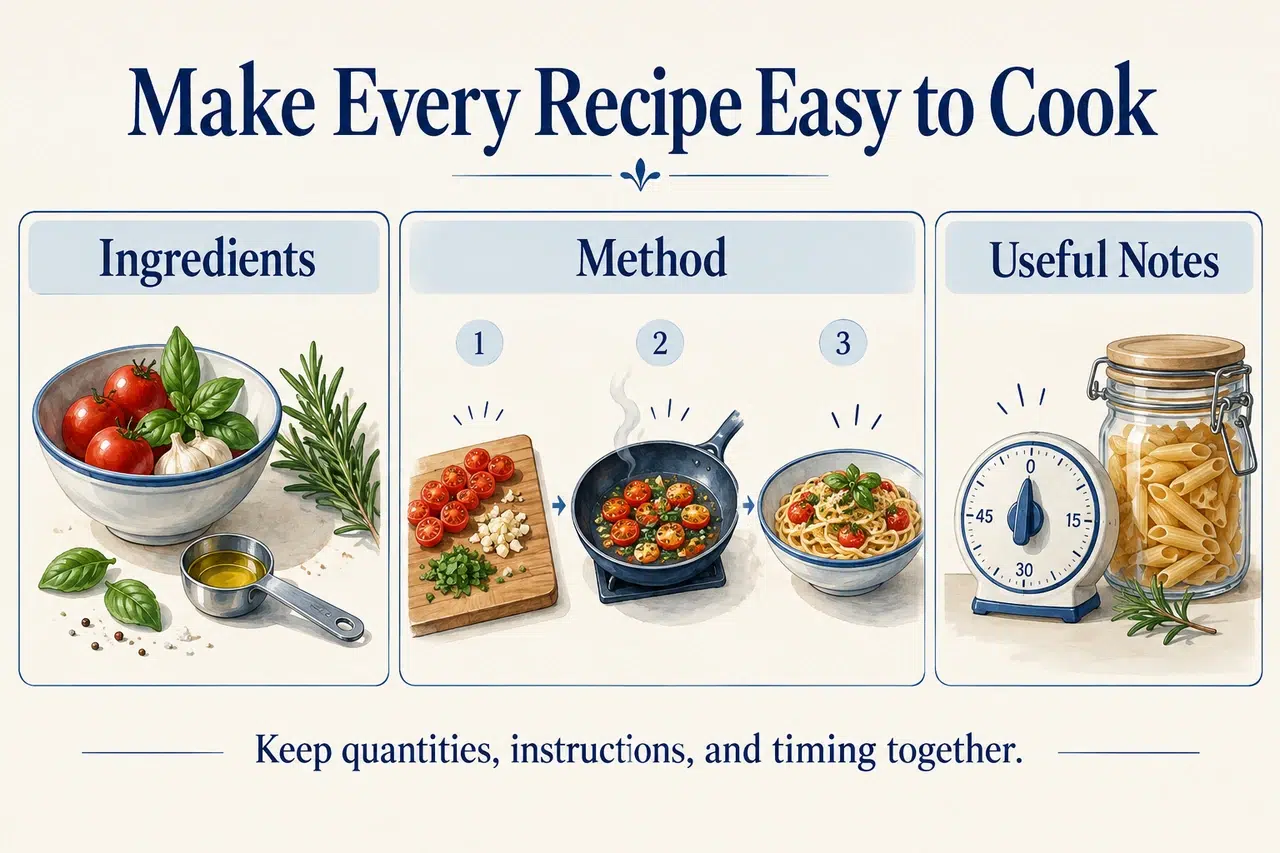
Choose the Tool That Matches Your Next Step
An online cookbook maker should help with the part of the project you haven’t finished. Use Canva for page design, CreateMyCookbook for group contributions, or Mixbook for a photo-led printed gift. For online reading, Recastia publishes prepared PDFs, while FlipHTML5 adds template and multimedia options.
Before committing to an online cookbook maker, prepare one complete recipe page and check it in the format your readers will use. Once that page works, build the rest of the collection around it.
Bring Your PDF to Life With Recastia
Create, customize, and share your content in a more engaging way.
Frequently Asked Questions
No. Recastia provides a hosted flipbook link that you can send directly to readers. You only need a website if you also want to embed the cookbook on one of your pages. Choose the sharing method according to where your readers already hear from you.
Start with enough recipes to fulfill the book’s promise. A focused collection of holiday dishes needs fewer entries than an everyday family cookbook. Group your recipes into the proposed chapters first; missing sections are easier to spot there. Don’t add unfinished recipes just to reach a larger total.
Group recipes by how readers will choose a dish, such as course, main ingredient, or occasion. Give each recipe a clear title and list it in the contents. For a larger collection, add an ingredient index so someone with a bag of carrots can find relevant recipes without browsing every chapter.
No. Use photographs where they help readers recognize the finished dish or understand a tricky stage. A family cookbook can also include handwritten notes or short stories beside the recipes. Keep a consistent text-only layout for recipes without photos instead of filling the gaps with unrelated food images.