
The right slideshow video maker depends on what you already have: a finished PDF, an editable presentation, a folder of photographs, or a script. Recastia suits document pages that should appear in the video. Canva and Adobe Express offer more room to redesign scenes, while Clipchamp gives you a timeline for detailed timing and audio edits.
Compare each slideshow video maker by input, music, narration, captions, and export. Animoto adds template-based photo sequences to the list; InVideo AI starts from a prompt and generates a new video. The choice depends on how much of your existing design you want to keep.
Compare the Six Slideshow Video Makers
Start with the material you want to keep. A product catalog with finished layouts needs a different workflow from an event recap assembled from individual photographs.
| Tool | Useful Starting Point | Main Reason to Choose It |
| Recastia | A designed PDF | Turn document pages into a video with optional narration |
| Canva | Photos, clips, or slides needing design edits | Adjust layouts and visual elements before MP4 export |
| Adobe Express | Photos and clips for a short visual story | Combine scenes, animated text, music, and recorded speech |
| Clipchamp | Media files and a narration script | Control timing, AI voiceover, and captions on a timeline |
| Animoto | A photo collection or event sequence | Build a slideshow from reusable template blocks |
| InVideo AI | A prompt describing the intended video | Generate a new narrated sequence and revise it with text commands |
1. Recastia
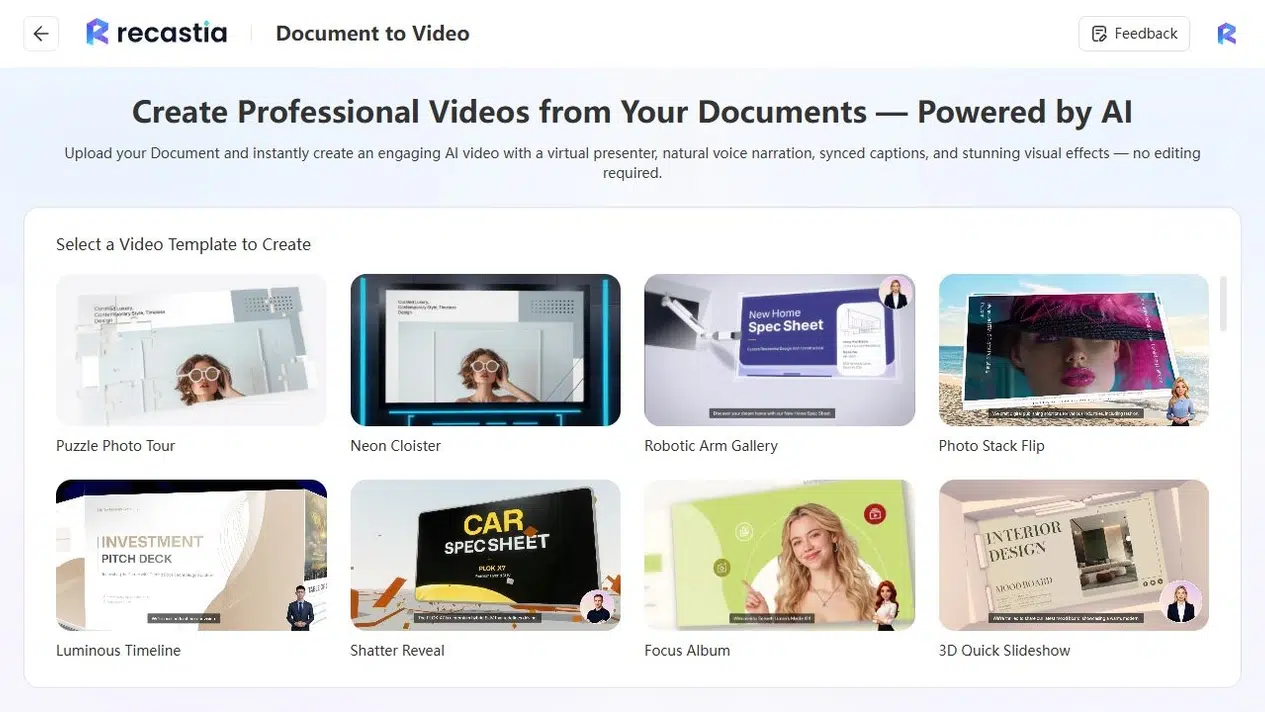
Recastia turns document pages into videos using visual templates. For a catalog or portfolio, the existing page design supplies the photographs, headings, and product labels. You can choose a straightforward page-slide effect or a more animated presentation of those pages.
Minimal Mode plays the selected pages without narration. Easy Mode uses an overall script with synchronized pages, while Advanced Mode lets you write narration beside individual pages. These choices suit different material: a visual collection can play with music, while a training document may need a spoken explanation and subtitles.
Key Features
- Document-based video templates with page selection and presentation settings.
- Fixed page duration or an equally divided total duration in Minimal Mode.
- Background music selection, a No Music option, and volume control.
- Narration, voice, avatar, and subtitle settings in the narrated workflows.
- Downloadable video, a viewing link, and a responsive website embed.
Pros
- Reuses the page design in an existing PDF.
- Offers page playback with or without a spoken script.
- Provides a shareable video version without rebuilding each page on a timeline.
Cons
- Minimal Mode’s timing controls apply a common page interval rather than a separate duration for every page.
Best For
- Teams turning catalogs, portfolios, or presentation PDFs into page-based videos.
- Document owners who want to choose between music-only playback and narrated explanations.
The PDF to Video tool starts with a template and document upload. For a detailed guide to the page-playback route, see how to convert a PDF into a slideshow video.
2. Canva
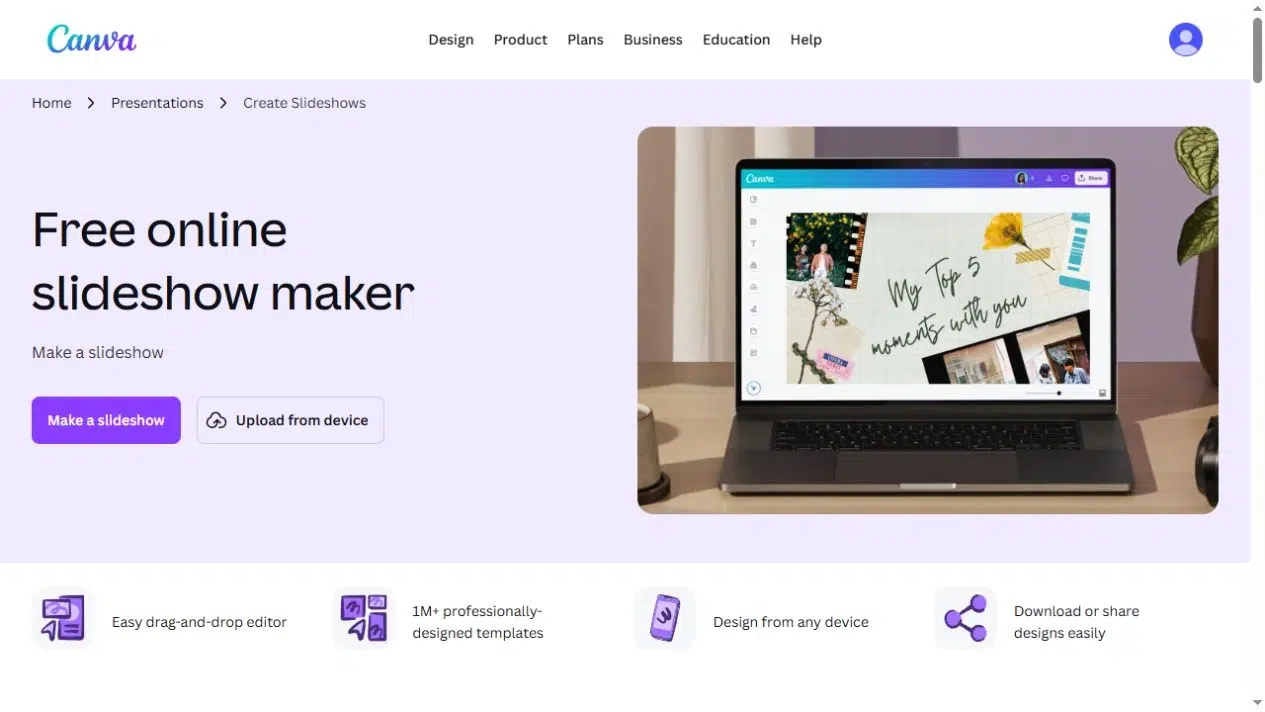
Choose Canva when the slides need design work before they become a video. You can arrange photographs, clips, headings, and graphic elements in a slideshow template, add a soundtrack, and download an MP4. Its PowerPoint-to-video converter also accepts an existing presentation.
For a product launch, you can give the product photograph its own scene, add a separate title, and animate those elements. You decide how much of the original layout to retain and which elements need a new position or animation.
Key Features
- Slideshow templates with editable layouts, photographs, video clips, and animations.
- Music tracks and uploaded audio.
- Presentation recording options for a spoken explanation.
- MP4 download and online sharing.
Pros
- Combines slide design and video creation in the same workspace.
- Suits projects that need consistent fonts, colors, and graphic elements.
Cons
- Imported document layouts may need adjustment before export.
- Premium assets and some AI features depend on the selected plan.
Best For
- Marketing teams redesigning presentation content for a video.
- Creators combining photos and branded text rather than preserving complete PDF pages.
3. Adobe Express
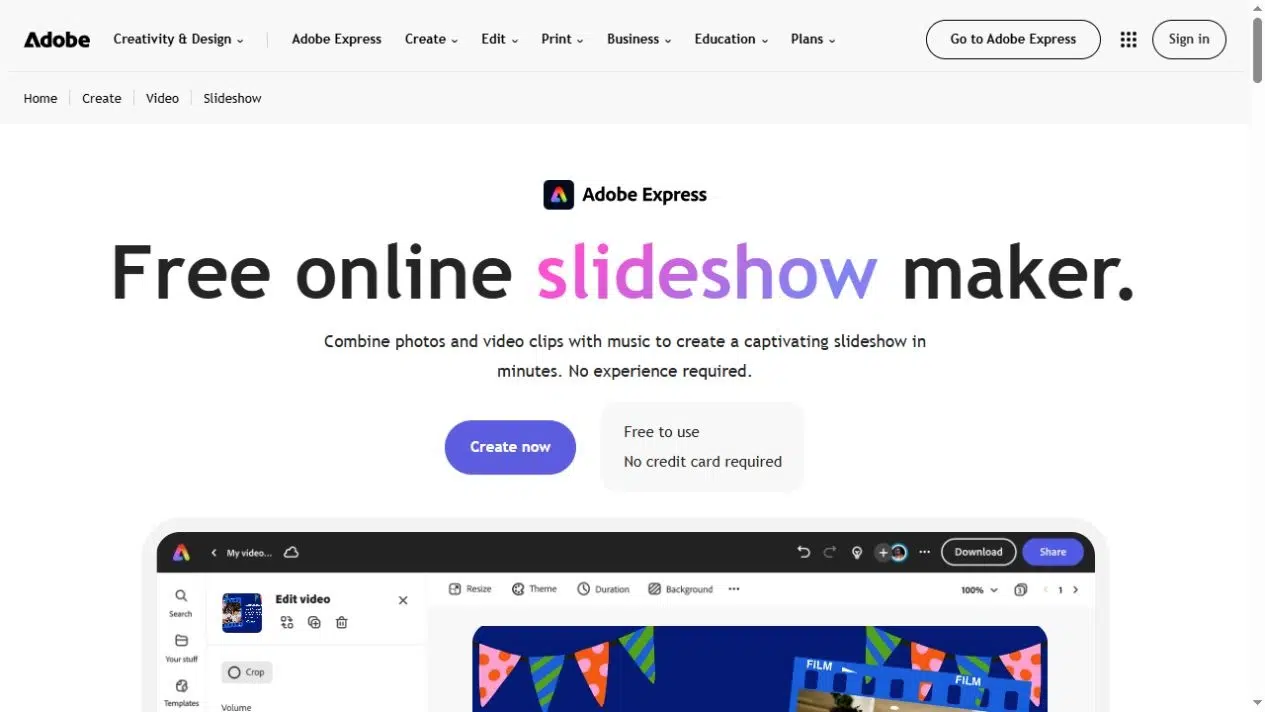
Adobe Express combines photographs and video clips with animated text, graphics, and audio. Its scene-based editing suits a short launch announcement, event recap, or introduction where each scene carries one point. You can adjust scene duration as the story develops.
Recorded speech and background music serve separate purposes here. A voiceover can explain a photograph or introduce a speaker; the soundtrack can continue between scenes. Adobe’s captioning tools can transcribe spoken media, with text and style edits afterward.
Key Features
- Photo and video scenes with duration adjustments.
- Animated text and graphic elements.
- Uploaded or recorded voiceover and soundtrack options.
- Automatic captions and MP4 output.
Pros
- Lets you combine designed scenes and recorded explanation.
- Keeps scene-duration, text, and audio edits in one project.
Cons
- You need to assemble the scene sequence and review its pacing.
- Premium content and additional AI tools may require a different plan or add-on.
Best For
- Small teams producing visual announcements and event highlights.
- Creators who want to record their own explanation alongside photos and clips.
4. Clipchamp
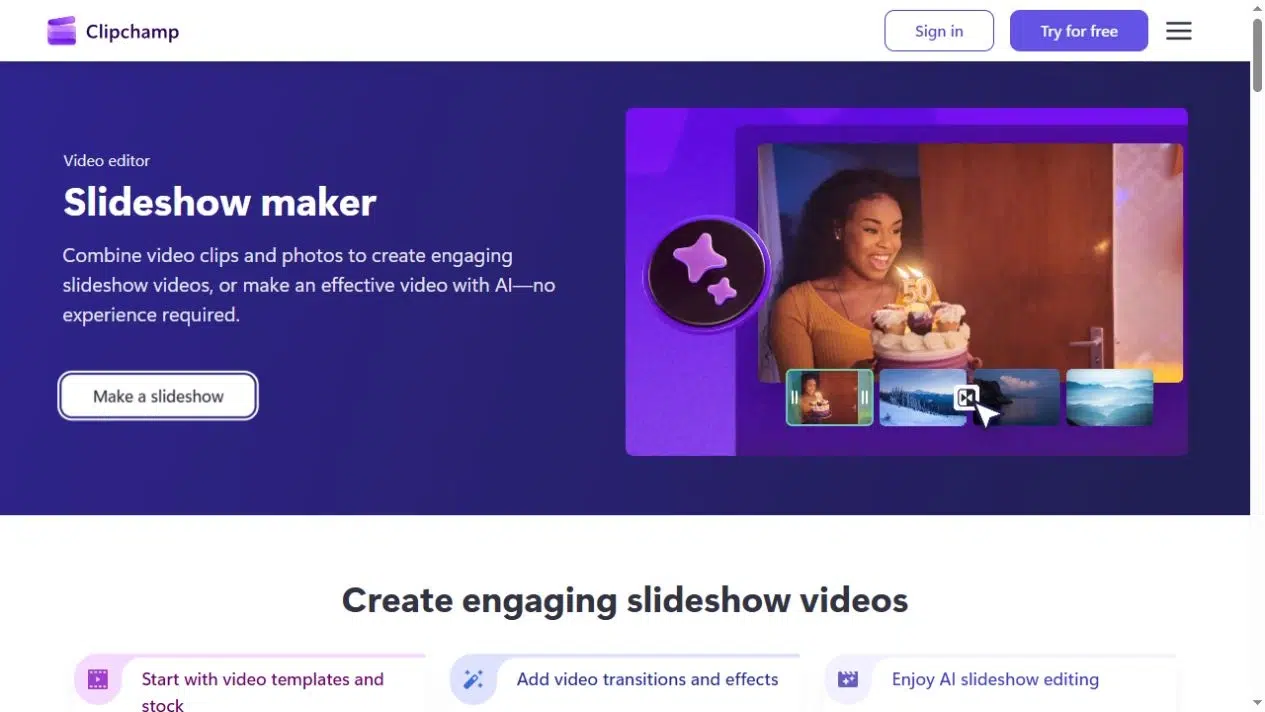
Clipchamp suits a slideshow that needs detailed timing and sound edits. Photos, clips, music, and narration sit on a timeline, so you can hold one image while a sentence finishes or change the music beneath a spoken section. AI text-to-speech turns a written script into voiceover, while autocaptions transcribe speech from the audio.
Captions follow the spoken words. They do not automatically turn every heading or label inside a slide image into a transcript.
Key Features
- Timeline editing for photographs, video, text, and audio.
- Stock music, uploaded soundtracks, and voice recording.
- AI text-to-speech and editable automatic captions.
- Watermark-free exports up to 1080p in the personal free plan.
Pros
- Gives you direct control over the relationship between images and sound.
- Combines recorded narration, synthetic speech, and caption editing.
Cons
- Requires more manual arrangement than a document-to-video workflow.
- Premium stock, higher-resolution export, and work or school licensing have separate requirements.
Best For
- Creators who need narration to match specific images precisely.
- Teams comfortable editing a video timeline.
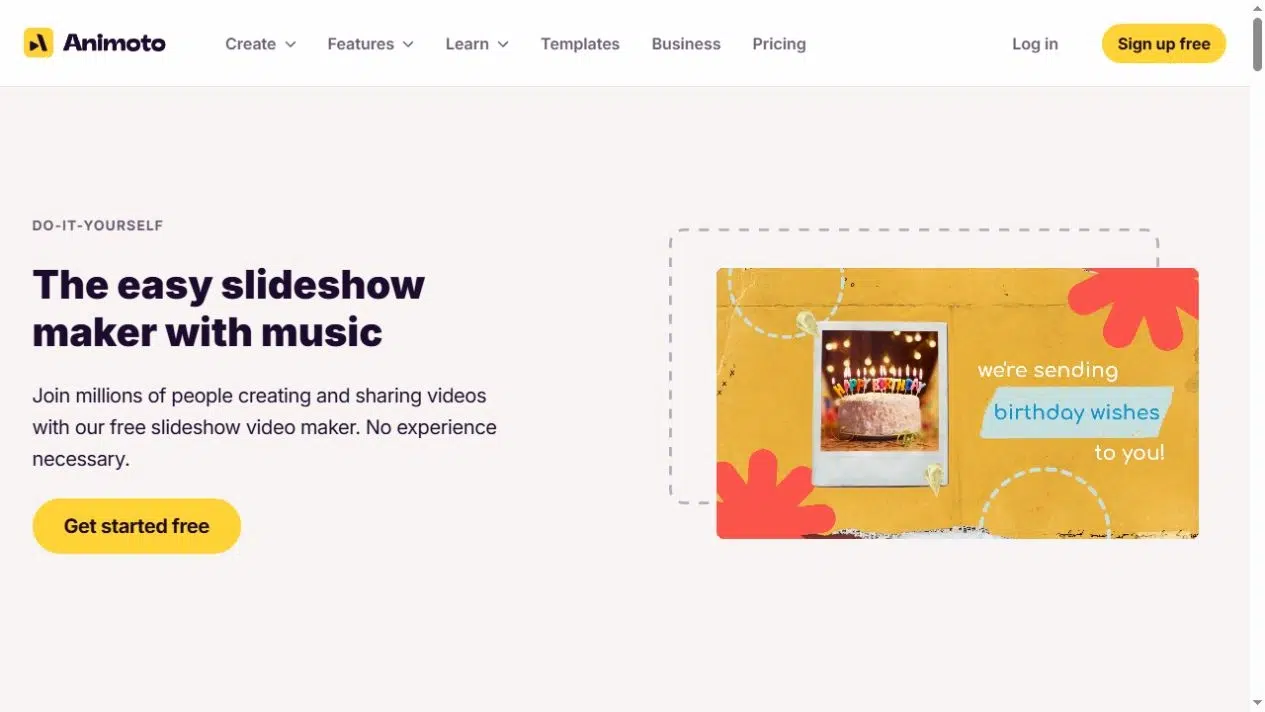
5. Animoto
Animoto builds slideshows from template blocks containing photographs, clips, and text. That structure works well for a photo sequence: introduce an event, group related images, and close with a message. Its music library and soundtrack uploads support a montage that does not need a narrator.
For spoken commentary, Animoto supports recorded or uploaded voiceover on eligible plans. Check its plan comparison: free creation includes Animoto branding, paid plans add watermark-free downloads, and voiceover is listed for Professional and above.
Key Features
- Customizable slideshow templates and media blocks.
- Licensed music library and personal soundtrack uploads.
- Text and layout adjustments within the sequence.
- Recorded or uploaded voiceover on supported plans.
Pros
- Gives a photo collection a consistent visual structure.
- Suits repeatable event, celebration, and product montage formats.
Cons
- A free account does not provide the same download and branding options as paid plans.
- Voiceover availability needs checking before you build a narrated project.
Best For
- Event organizers and businesses with an existing photo library.
- Creators who prefer arranging template blocks to designing every scene.
6. InVideo AI
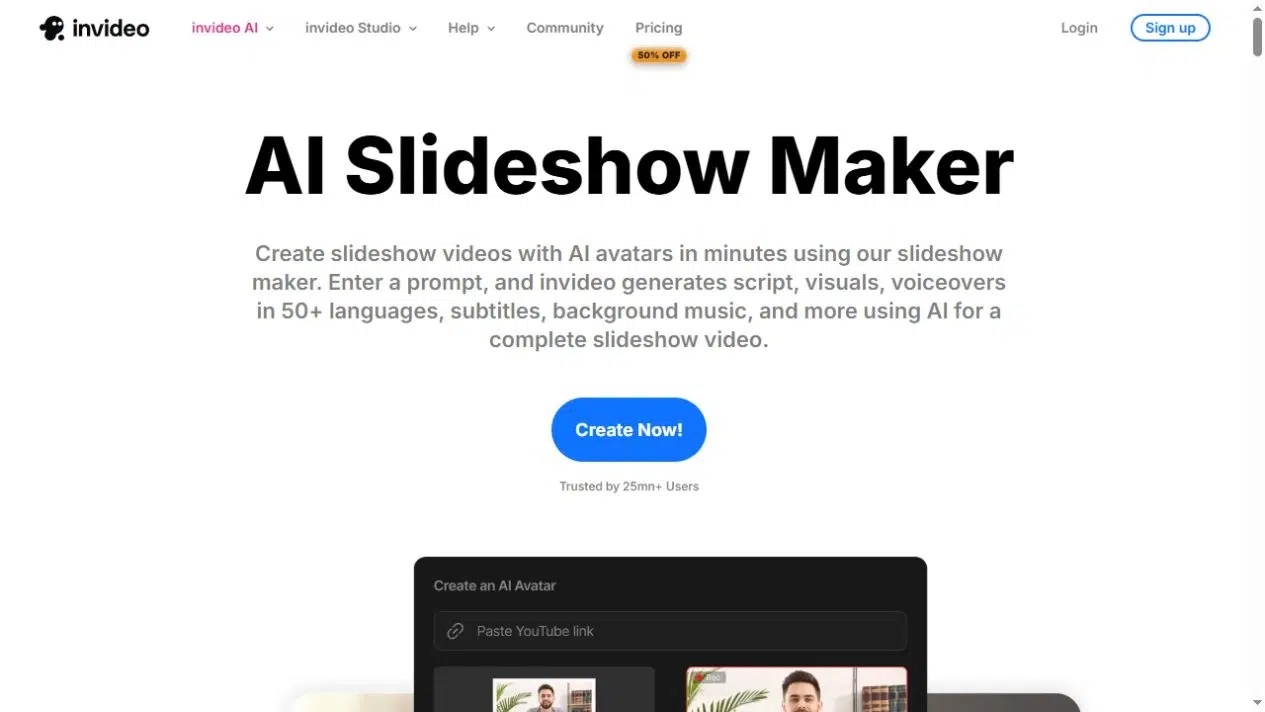
InVideo AI starts from a prompt and generates a script, visuals, voiceover, subtitles, and background music. It suits a slideshow that needs a new narrative, such as a short explanation of a service or a campaign idea. Text commands can then request changes to scenes, visuals, or narration.
This is a different starting point from preserving the pages of a PDF. Describe the message and intended audience when you want a newly assembled video; use a document-based workflow when the supplied page designs must remain central.
Key Features
- Prompt-based generation of a narrated slideshow sequence.
- AI voiceovers, subtitles, and background music.
- Avatar options for presenter-led videos.
- Text-command editing of generated content.
Pros
- Produces an initial script and scene sequence from an idea.
- Lets you request revisions through written instructions.
Cons
- Generated wording and visual choices need review for relevance and accuracy.
- Generation allowances, download settings, and branding depend on the current plan.
Best For
- Creators starting with a topic or campaign brief.
- Teams willing to review an AI-generated narrative rather than retain a finished page layout.
Choose the Workflow Before the Soundtrack
For an existing catalog, first decide whether the full pages belong in the video. Recastia uses those pages as the visual material. Canva offers a route when you want to separate a product photograph, title, and price into a new slide design. If all you have is a folder of photos, Adobe Express, Clipchamp, or Animoto lets you arrange them directly.
Then decide what the audience needs to hear. Music can accompany a visual sequence without adding information. Narration explains a diagram, introduces a process, or connects scenes. Choose the narration method before writing captions: recorded speech, text-to-speech, and document-based scripts involve different editing work.
Before building the full video, check three delivery details: whether your plan allows the required download, whether the result includes branding, and whether the chosen music can be used on your intended channel. A free slideshow maker may allow editing while reserving particular assets, narration tools, or downloads for a paid tier.
Frequently Asked Questions
An ordinary video export shows the link as part of the page image; it does not retain the PDF’s clickable link area. Put the destination in the webpage, video description, or accompanying message. A short visible address can help viewers recognize the destination, but it does not make the video frame interactive.
Many of these tools accept uploaded audio. You still need permission to use the track for the intended purpose. For a business video, check the music’s usage terms and the destination platform’s requirements before export, especially if the video will run as an advertisement or on several channels.
Speech-based captioning transcribes the audio track. It does not necessarily read text printed inside a slide image. If an important label is never spoken, include it in the narration or add a separate text overlay. Review names, product terms, and numbers in the generated captions before sharing.
You can create versions for both shapes, but the composition needs review. A landscape catalog page may have small labels that become difficult to read in a portrait video. Use closer crops or redesigned portrait scenes when necessary, and check that the captions and main subject remain visible in each version.
Conclusion
Choose a slideshow video maker that matches the material you want to use. Recastia suits finished document pages, Canva and Adobe Express offer scene design, Clipchamp provides timeline control, Animoto organizes photo sequences, and InVideo AI generates a new narrative from a prompt.
The best slideshow video maker for your project should also support the way you want to deliver it: music-only playback, a recorded explanation, or AI narration with captions. Check those audio and export choices before building the complete sequence.
Bring Your PDF to Life With Recastia
Create, customize, and share your content in a more engaging way.