
The hardest part of a school yearbook is rarely choosing a cover. It is collecting the missing photos, getting names right, and finishing pages before the print deadline. Yearbook makers handle different parts of that work: some organize a whole school project, while others design pages or publish a finished PDF online.
These six yearbook makers cover those different needs. Compare them by what your team still has to do, whether that is building portrait pages, gathering student contributions, ordering printed copies, or sharing the completed book with families.
Key Takeaways
- Already have a finished PDF? Recastia publishes it as a flipbook you can share or embed.
- Want video and audio in the digital edition? FlipHTML5 adds multimedia to pages. Book Creator lets students build multimedia books together on eligible plans.
- Need a layout starting point? Canva has editable yearbook templates for a small editorial team.
- Managing portraits and a school-wide print project? Treering and Walsworth have yearbook-specific photo and production tools.
Compare the Yearbook Makers by Production Stage
The services below are not interchangeable. Pick the stage where you need help before comparing design options.
| Tool | Best Starting Point | What to Plan Separately |
| Recastia | An approved yearbook PDF ready for online reading | Photo collection, page design, and any print order |
| FlipHTML5 | A document or template for a multimedia edition | School approval and the plan needed for interactive elements |
| Canva | Photos and text that still need page layouts | Portrait records, final proofreading, and printer requirements |
| Treering | A school yearbook with portraits and family contributions | Team permissions, proof approval, and delivery arrangements |
| Walsworth | A school-wide editorial and printing project | Staff roles, production deadlines, and the service agreement |
| Book Creator | A class-made book with student text, pictures, and recordings | Collaboration plan, publishing permissions, and print finishing |
1. Recastia
Recastia turns a completed yearbook PDF into a page-turning publication. It suits the point when your pages are approved and you want families to read the book through a browser link.
Key Features
- PDF pages displayed as an online flipbook.
- Page navigation, zoom, and thumbnail controls.
- A reading link and embed code for sharing the finished publication.
Pros: You can keep the page layout your team has already designed. A family can open the yearbook without downloading the whole PDF, and the school can place the publication within an existing website.
Cons: Collecting photos, correcting names, and designing pages happen before this publishing stage. Arrange printed copies separately if the school wants a physical keepsake as well.
Best For: Schools, clubs, and graduating groups with an approved PDF. Use the PDF to Flipbook workflow for the online edition, and confirm the school’s sharing rules before distributing its link.
2. FlipHTML5
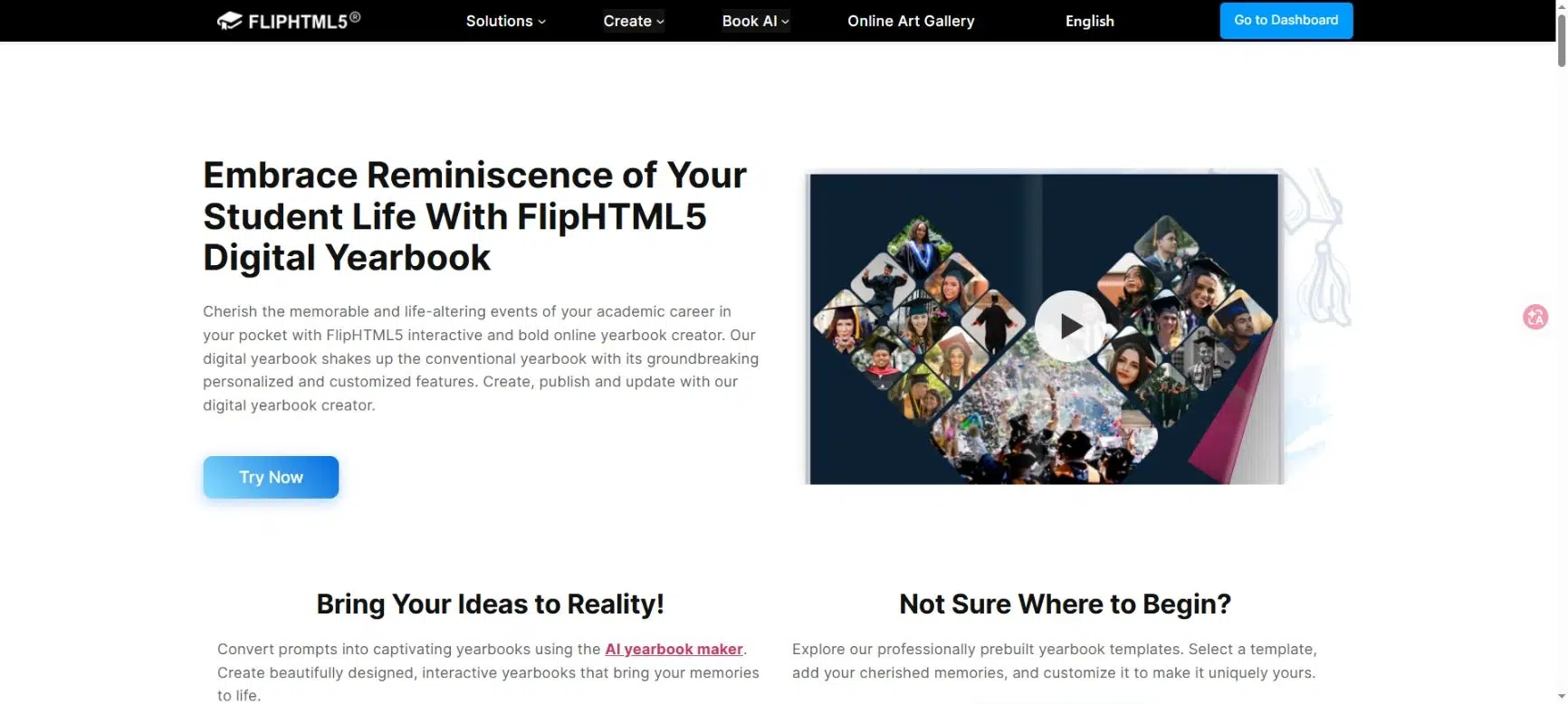
FlipHTML5 is a digital publishing option for a yearbook that includes more than still photographs. You can use the page editor to add a performance video, an audio message, or other material that belongs alongside a school memory.
Key Features
- Document conversion and yearbook templates.
- Multimedia additions, including video and audio.
- Online sharing by link, QR code, or website embed.
Pros: A digital edition can include the sound of the choir or a graduation speech alongside the relevant pages. Readers can open the publication online instead of receiving separate files for the book and its supporting media.
Cons: Different page-editor elements require different plans. Check the page-editor requirements before promising a particular interactive feature. Someone also needs to review the media and permissions before the school shares the book.
Best For: Yearbook teams creating a multimedia companion to a printed book, or a digital-only edition with approved school recordings.
3. Canva
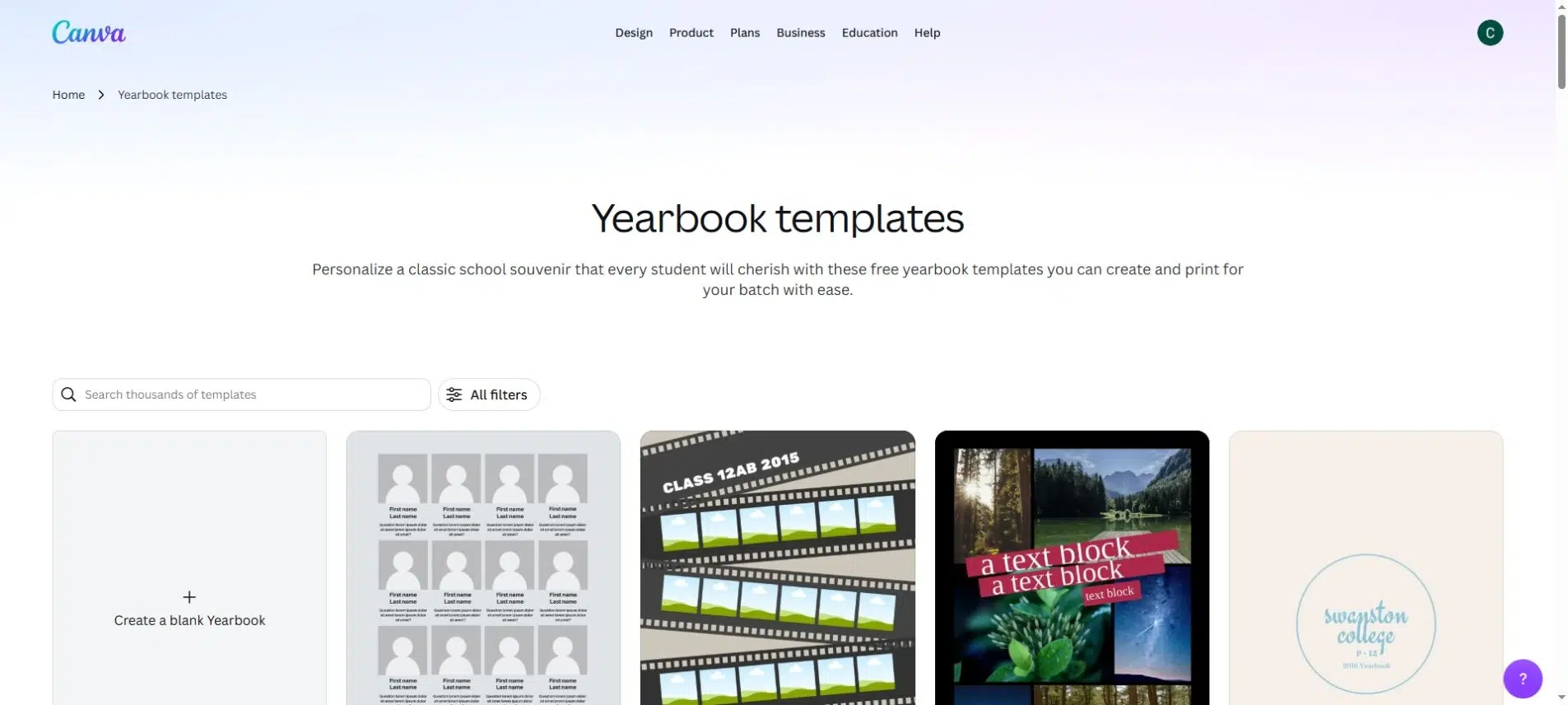
Canva helps a team turn photos and captions into yearbook pages. Its templates give you a starting layout for the cover, class sections, and autograph pages without designing every element yourself.
Key Features
- Editable yearbook templates.
- Drag-and-drop page design with photos, text, and graphics.
- Shared designs that an editorial team can work on together.
Pros: A small group can agree on a few page styles and reuse them across the book. For example, you might use one class-portrait layout and a different layout for trips and clubs, while keeping the same fonts and colors throughout.
Cons: A flexible page editor does not remove the need to maintain an accurate student list. Plan who will match names to photographs and check the final pages. If you will print the book, get the printer’s dimensions and file requirements before starting the design.
Best For: A class, club, or small school team that mainly needs design tools and is comfortable managing the editorial checklist itself.
4. Treering
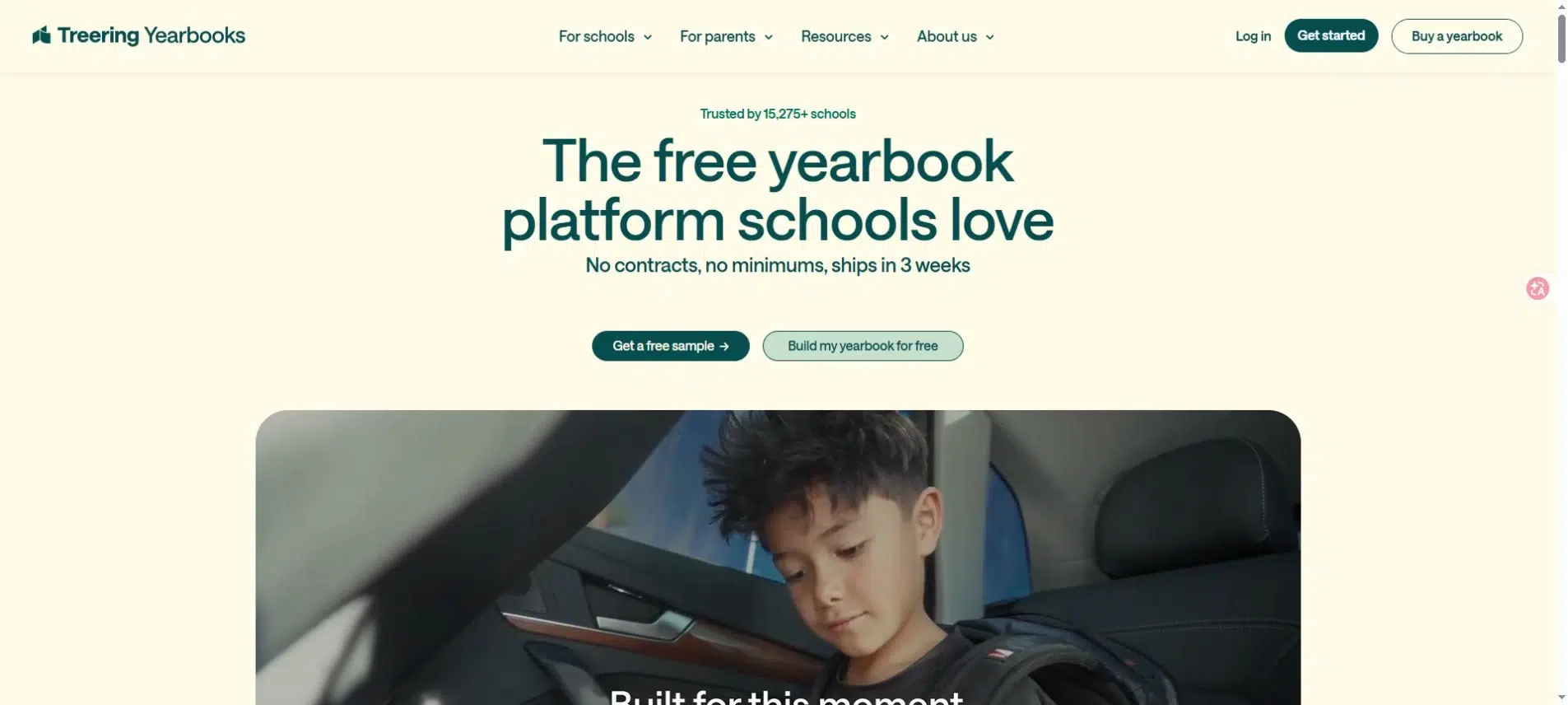
Treering combines yearbook design with portrait handling and printed-book production. It is a more specialized choice when your project involves a student roster, contributions from families, and copies that need to reach the school.
Key Features
- Portrait Autoflow for placing and organizing school portraits.
- Shared photo folders and individual team permissions.
- Page proofs and printed yearbook production.
- Optional custom pages for individual students’ copies.
Pros: Its collaboration tools let coordinators organize contributions and control who can work on different parts of the book. Portrait handling reduces manual page assembly, while custom pages give families a place for personal memories outside the shared school pages.
Cons: Automated portrait placement still depends on accurate names and source files. Decide who approves the shared book and who is responsible for personal pages. Confirm the school’s delivery arrangements and production schedule before setting a date for families.
Best For: School coordinators who want a connected design-and-print process with portrait tools and family participation.
5. Walsworth
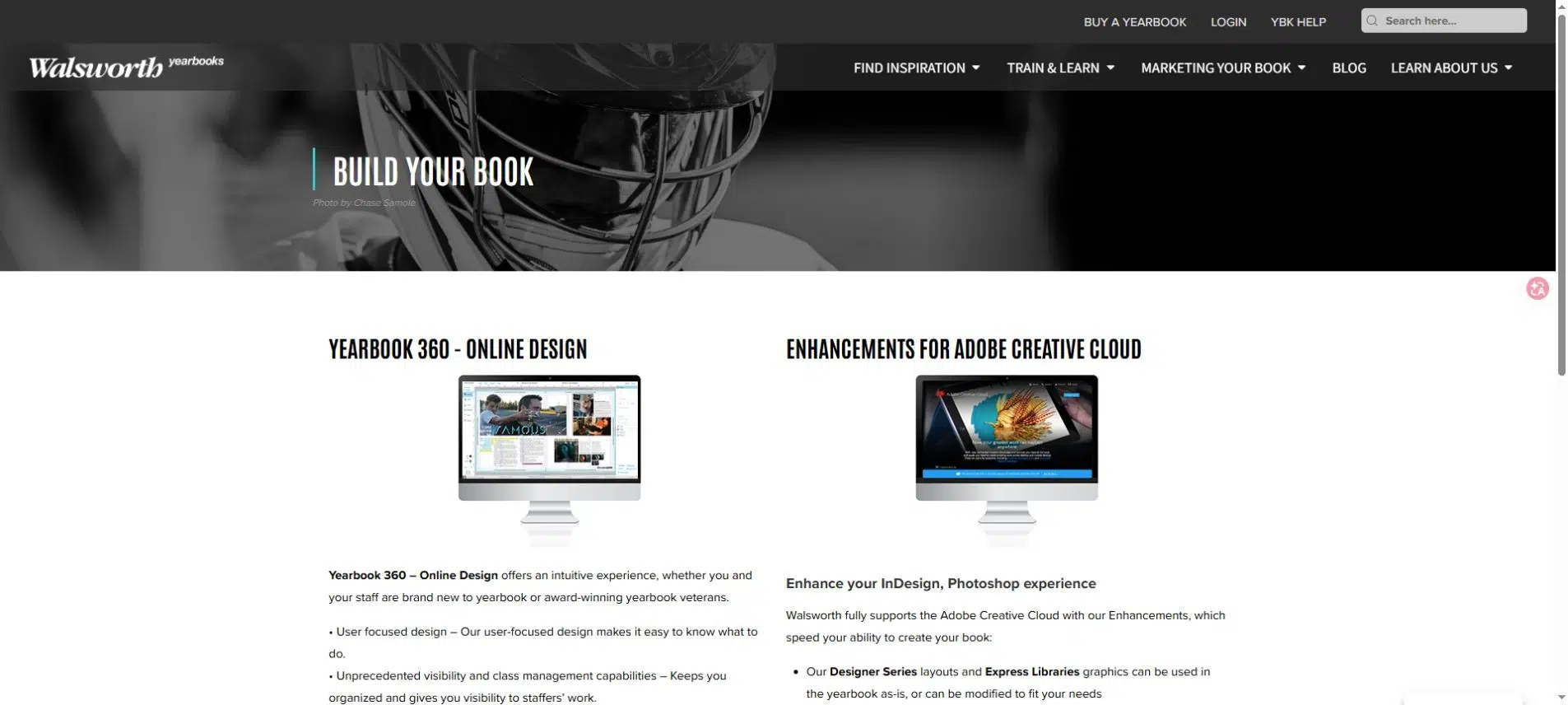
Walsworth’s Yearbook 360 lets a school manage page design and photographic material within a dedicated yearbook program. Its staff tools suit a larger project where different students cover sports, activities, portraits, and school events.
Key Features
- Online page design and visibility into staff work.
- Photo organization with topic and student tags.
- Portrait layout tools and automatic indexing.
- Separate photo submission tools for yearbook staff and the wider school community.
Pros: Photos from different contributors can enter the same production system. Staff can organize them around the people and events being covered, rather than handing the adviser a collection of unrelated folders at the end of the year.
Cons: This is a school production program to discuss with a representative, not just a standalone flipbook upload. Review the service scope, training, print specifications, and deadlines before committing your team’s calendar to it.
Best For: Schools with an adviser and editorial staff producing a substantial printed yearbook, especially when photo coverage and staff coordination are major concerns.
6. Book Creator
Book Creator suits a yearbook built with students rather than only about them. It combines text, drawings, photos, audio, and video, so a class can contribute short reflections as well as portraits and event photographs.
Key Features
- Multimedia book pages with student writing and recordings.
- Real-time collaboration in the online version on paid plans.
- Online publishing, EPUB download, and PDF printing options.
Pros: Students can contribute in different ways. One child might write about a school trip; another might record a short account and add a drawing. Those contributions can make a class yearbook feel more personal than a sequence of photographs and names.
Cons: Real-time collaboration is a paid-plan feature, so check access before assigning a shared project. Audio and video belong to the digital edition; the printable PDF cannot reproduce those experiences. Plan the printed pages so they still make sense on their own.
Best For: Teachers making a class memory book or a student-authored digital yearbook, rather than managing a school-wide portrait and print-order operation.
Make Photo Collection Easier to Manage
Choose a tool around the material your team must collect. A portrait-heavy school yearbook has different needs from a club memory book filled with event photos.
Before you invite contributors, agree on:
- One submission location: Send families and staff to the same approved destination instead of collecting attachments through several personal inboxes.
- Useful photo details: Ask for the event, date, and names of the people shown. A filename alone rarely provides enough information for a caption.
- Named page owners: Give each class or section one person responsible for missing material and corrections.
- A final decision-maker: Contributors can suggest changes, but someone must approve the finished pages.
Permission to upload a photograph and permission to publish it are different decisions. Follow the school’s existing approval process for both. A convenient sharing link should never decide which student information becomes public.
Proof the People Before You Proof the Decoration
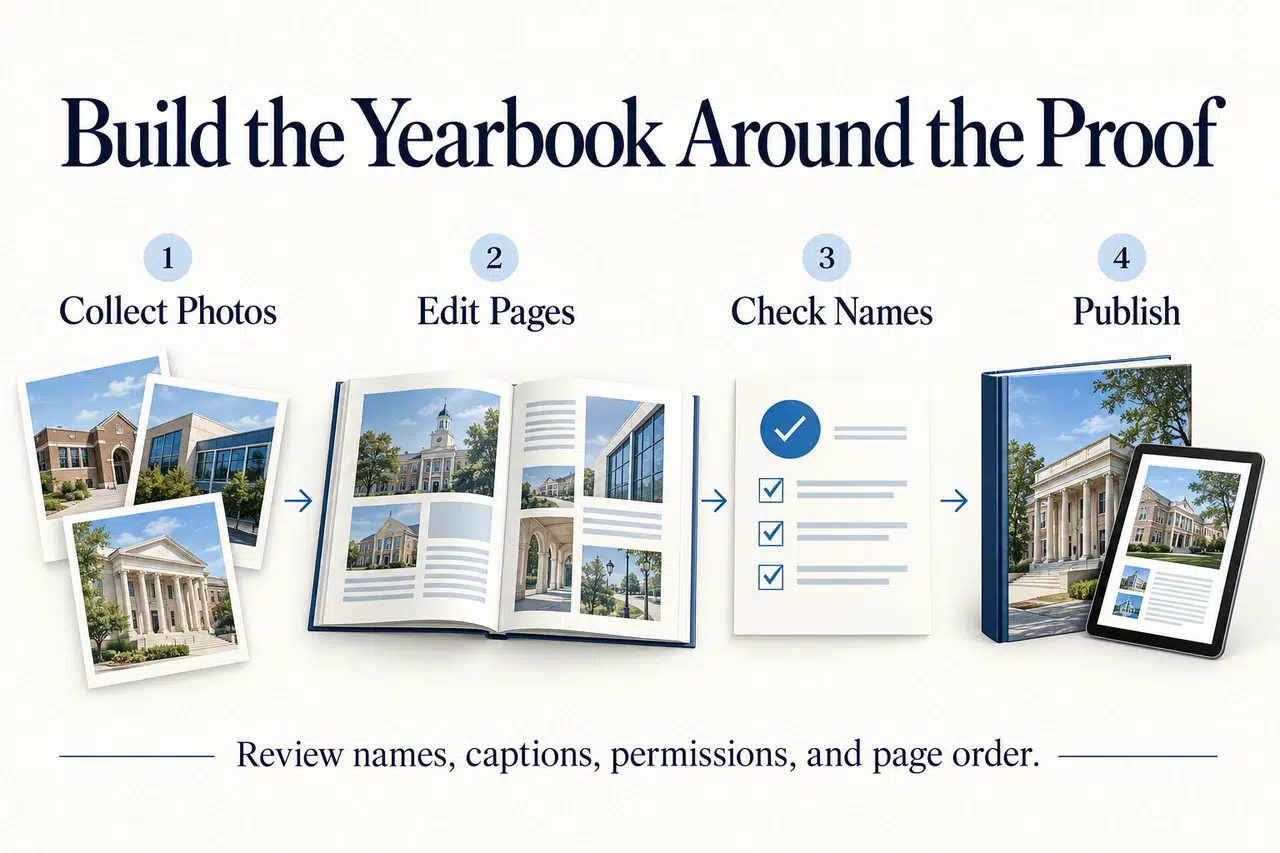
A spelling mistake beneath a portrait matters more than a slightly uneven border. Keep a separate portrait checklist and review it against the final pages, not just the original photo folder.
Check Names Against the Current Roster
Confirm spellings, class or grade, duplicate entries, and missing students. Give late arrivals and absent students a specific follow-up status so they are not lost when the first portrait batch is complete.
Review Captions With Someone Who Knows the Event
A designer may spot an awkward crop without noticing that the wrong team is named. Ask the teacher, coach, or student editor responsible for that event to check the caption and who appears in the picture.
Approve Print and Digital Copies Separately
For print, check the supplier’s proof at the intended size, including small captions and faces near the binding. For the digital edition, check reading on a phone and review every linked recording. Only include material approved for that distribution channel.
Choose Yearbook Makers Around the Work Ahead
The most suitable yearbook makers are the ones that address your team’s unfinished work. Use a layout editor when pages still need designing, a school production service when portraits and print delivery dominate the project, or a flipbook publisher when the PDF is ready to share.
Shortlist yearbook makers with one representative section: a portrait page, an event spread, and any multimedia you plan to include. Confirm who will collect, correct, approve, and share that material before you commit to the full book.
Bring Your PDF to Life With Recastia
Create, customize, and share your content in a more engaging way.
Frequently Asked Questions
Yes. You can design the pages in one tool and use the finished PDF for an online edition, provided your account and agreements allow that export and reuse. Keep the editable source file so later corrections do not depend on rebuilding the book from its published version.
That depends on the school’s policy and the permissions for the content. Decide who should be able to read the book before choosing a sharing method. A link that is difficult to guess is not the same as a system that checks who is allowed to open it.
Keep the approved source files, final PDF, image credits, page templates, and a record of where the book is hosted. Store student information only through the school’s approved process. Record who controls the publishing account so the next team is not dependent on a departing volunteer’s personal login.
Choose before you commission page designs or open photo submissions. Work backward from the date students should receive the book, allowing time for proof corrections and, for print, production and delivery. Get the supplier’s deadlines first, then set an earlier internal deadline for missing portraits and late captions.