Author: Cassie
-

How to Repurpose Content for Webinar Follow-Ups
Learn how to repurpose content after a webinar. Turn PowerPoint slides into a narrated recap with Recastia and use live Q&A to write useful follow-ups.
-

Content Repurposing Strategy: Choose What to Reuse and Where to Publish
Build a content repurposing strategy: choose source material, match it to publishing channels, assign ownership, and measure the next action.
-
How to Turn a PDF Into a Product Explainer Video
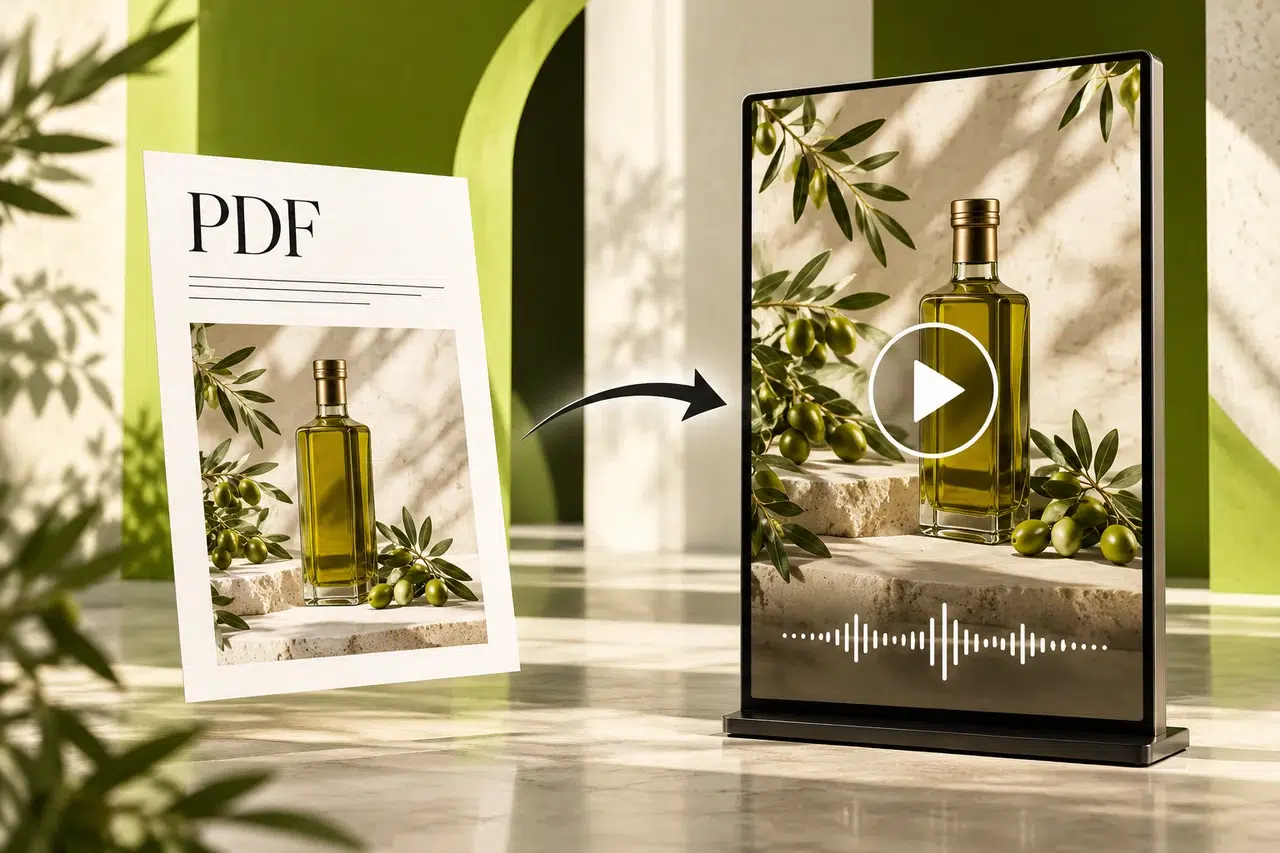
Follow a PDF to explainer video workflow in Recastia. Select product pages, refine narration, and create a walkthrough for customer follow-ups.
-
5 Best Free AI PDF to Video Tools Compared
Compare five free AI PDF to video tools by narration, editing, watermark, and export options. Choose a workflow that fits your document.
-
Document to Video: Convert Docs Into Watchable Content
Turn a document to video with Recastia. Prepare your Word pages, write a clear narration script, choose a presentation style, and preview the result.
-
6 Best AI Training Video Generators for Turning Documents Into Lessons
Choose an AI training video generator for your PDFs and presentations. Compare six tools by document input, narration, editing, and lesson delivery options.
-
Convert PDF to Video: A Step-by-Step Guide With Recastia and Alternatives
Convert PDF to video with Recastia. Choose a mode, edit narration, set the presentation, and share your video. Compare three alternatives and free options.
-
6 Best Slideshow Video Makers With Music, Voiceover, and AI
Find a slideshow video maker for PDFs, photos, and presentations. Compare six tools by music, voiceover, captions, editing options, and video export.
-
How to Convert a PDF Into a Slideshow Video
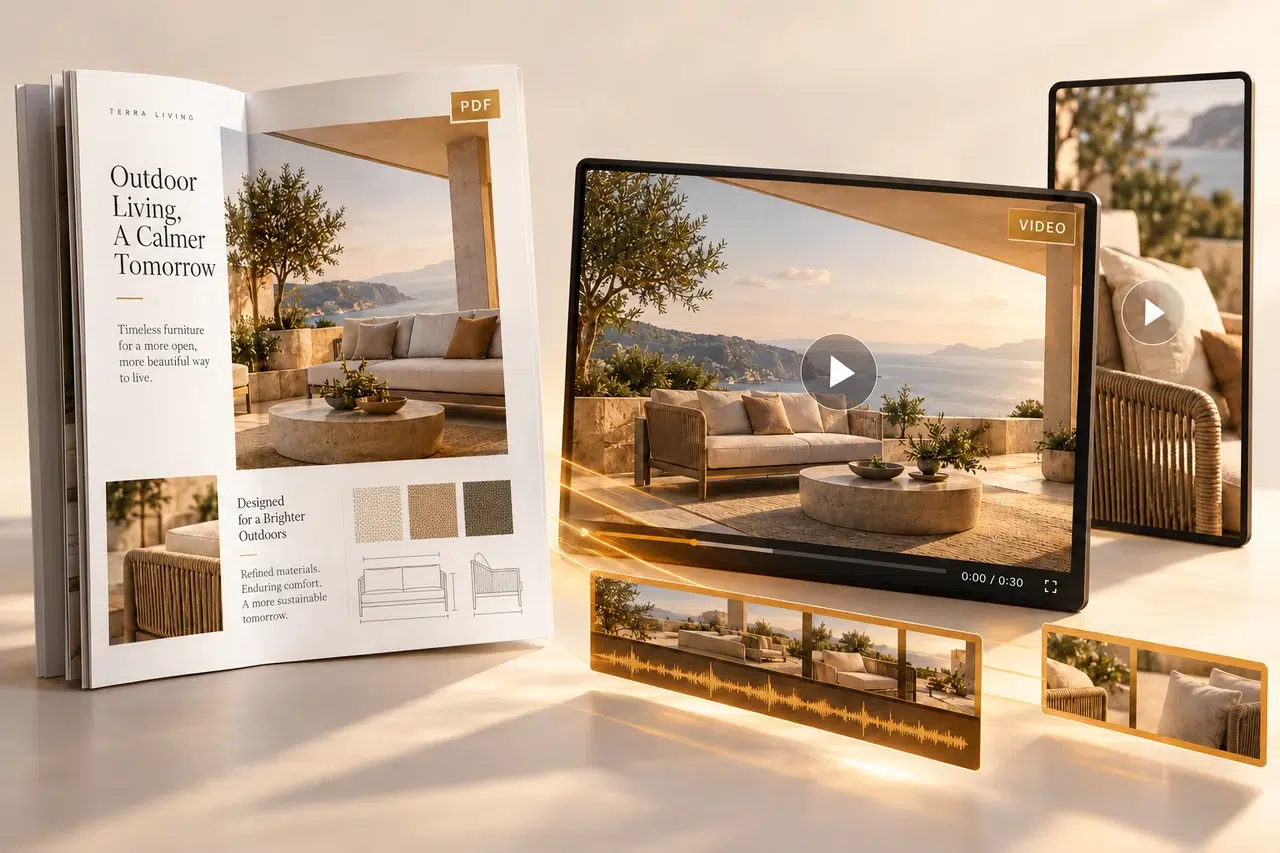
Convert a PDF to slideshow video in Recastia. Choose pages, set page timing, add optional background music, and download or share your finished video.
-
5 Best AI Marketing Video Generators for Repurposing PDFs and Presentations
Choose an AI marketing video generator for your PDFs and presentations. Compare five tools by script editing, slide controls, branding, and video delivery.