
Your PDF slides look finished, but the explanation you would give in person is missing. Interactive presentation websites can help you publish those pages with narration, multimedia, or clickable content. This guide compares six interactive presentation websites so you can choose a tool that fits your PDF without rebuilding more than you need to.
Key Takeaways
- Recastia: Present finished PDF slides with optional narration.
- FlipHTML5 or Publuu: Add videos, links, and other media.
- Canva: Edit the imported slide design.
- Genially: Build clickable lessons and quizzes.
- Issuu: Publish reports and lookbooks for online reading.
Interactive Presentation Websites Compared
| Website | PDF Workflow | Main Interaction | Best Fit |
| Recastia | Convert selected PDF pages into a hosted presentation | Page navigation, transitions, optional narration | Presenting a finished deck |
| FlipHTML5 | Upload a PDF and add multimedia | Flip or slide navigation, links, video, animations | Sales material with supporting media |
| Canva | Import the PDF as a design | Edit elements and add presentation effects | Revising an existing deck |
| Publuu | Convert the PDF into a flipbook | Hotspots for video, audio, galleries, and links | Browsable product or teaching material |
| Issuu | Publish the PDF as a digital publication | Publication-style page navigation | Reports, lookbooks, and editorial decks |
| Genially | Import a PDF and add interactive elements | Hotspots, pop-ups, quizzes, and click actions | Self-paced lessons and training |
Page transitions change how slides appear. Hotspots let viewers open something on a page. Quizzes ask them to respond. These are different features, so choose according to what you want viewers to do after opening the presentation.
Recastia for Presenting a Finished PDF
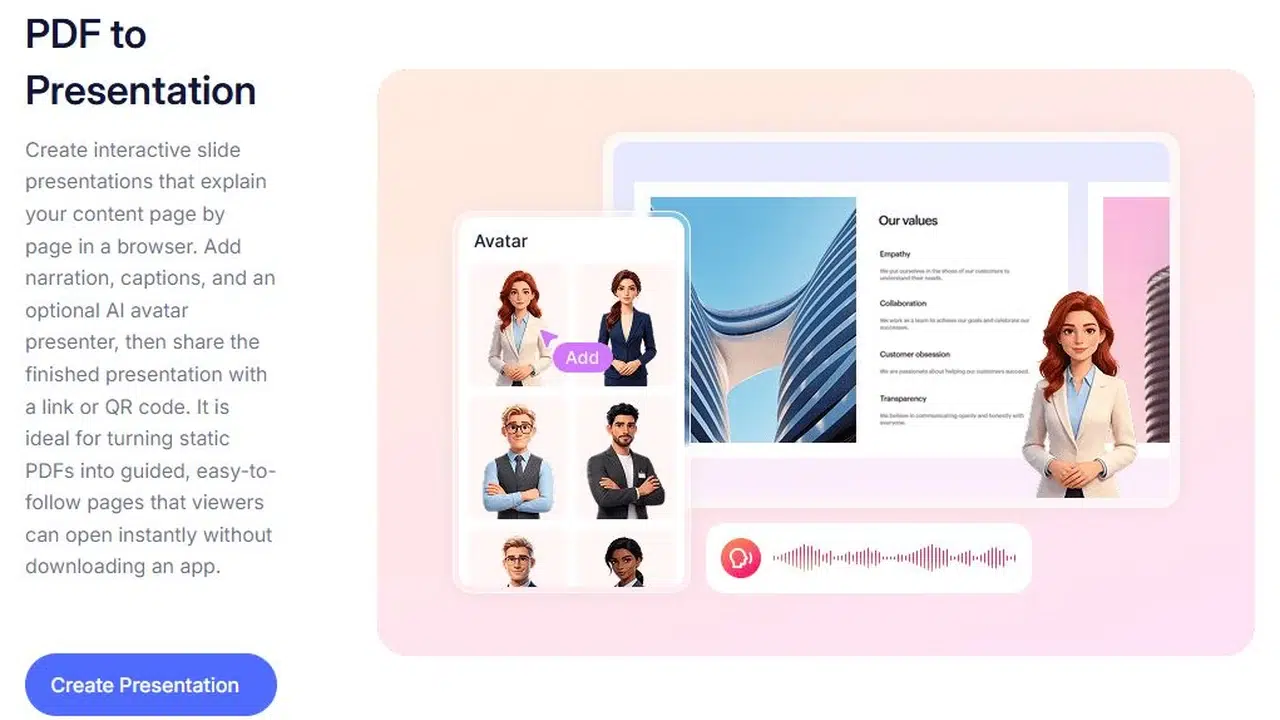
Recastia’s PDF to Presentation tool turns PDF pages into a hosted presentation with transitions and optional narration. Use it when your layout is already finished and you want to present the material online without rewriting each slide.
Key Features
- Select the PDF pages to include in your presentation.
- Choose transitions between slides.
- Add optional narration to explain the content.
- Share the hosted presentation by link or QR code.
Pros
- Reuse a finished PDF deck without redesigning its pages.
- Add spoken context for viewers watching without a presenter.
Cons
- Website embedding requires a paid plan.
- The free plan includes Recastia branding.
Best For
- Finished proposals, portfolios, and briefings.
For editable PowerPoint slides, use the PDF to PowerPoint guide.
For the complete publishing workflow, follow the online PDF presentation tutorial.
FlipHTML5 for Multimedia Slides and Flipbooks
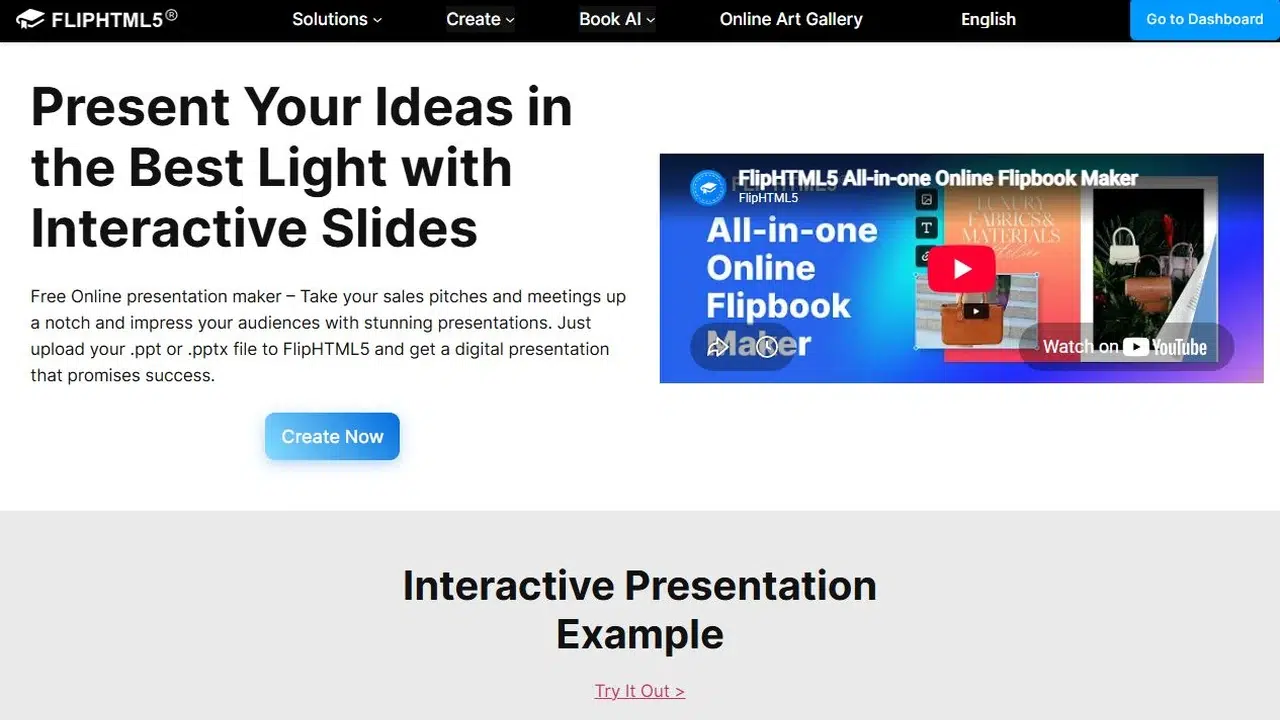
FlipHTML5 imports PDF and PowerPoint files and lets you add media to their pages. You can choose slide or flip navigation, including horizontal or vertical movement.
Key Features
- Import PDF or PowerPoint files.
- Add videos, links, and photo galleries to pages.
- Apply animations to added content.
- Choose slide or flip navigation.
Pros
- Keep the original page design while adding supporting media.
- Use the same publication format for decks, catalogs, or portfolios.
Cons
- The free plan includes ads and a watermark.
- Offline book downloads are unavailable on the free plan.
Best For
- Sales decks and portfolios with product demos or project links.
Canva for Revising the PDF Design
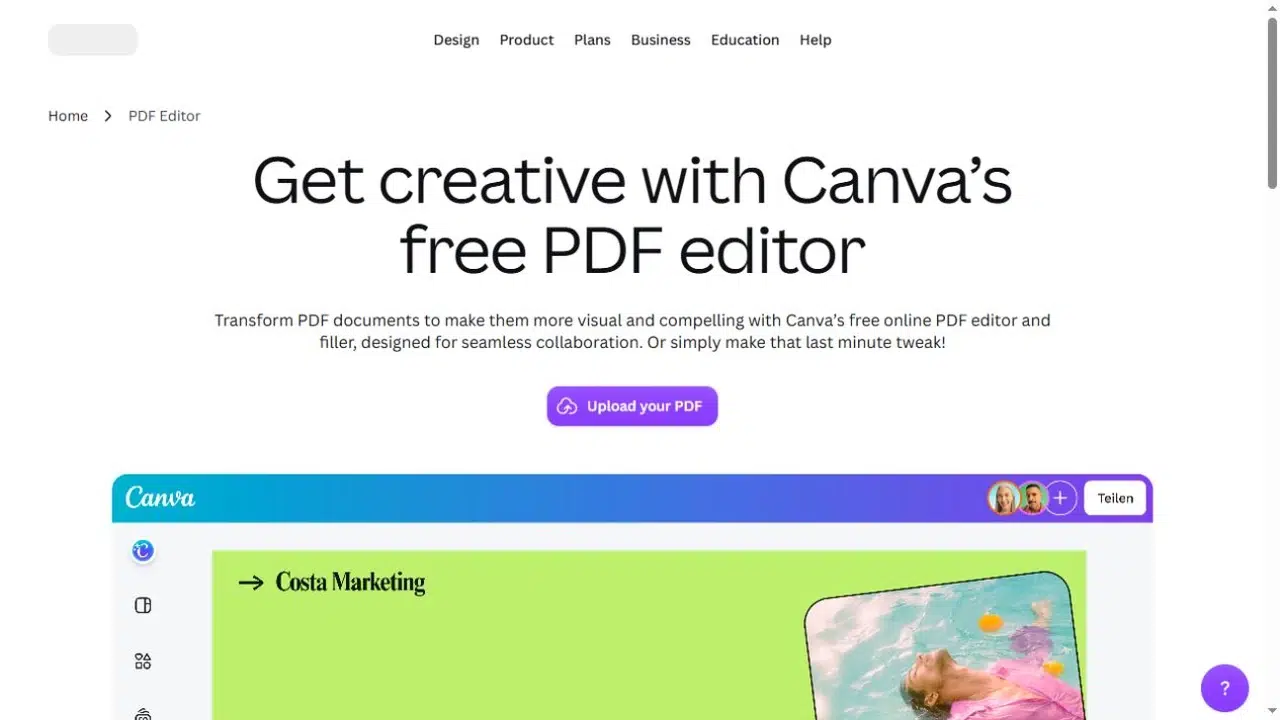
Canva imports a PDF into its design editor and converts its content into editable elements. You can change text, replace images, or rearrange the layout before presenting it.
Key Features
- Import PDF content into the design editor.
- Edit supported text and images and rearrange the layout.
- Add animations, GIFs, and music.
- Share designs by link or export them as PDF or PPTX.
Pros
- Revise slide content and design in one editor.
- Reuse an existing PDF when the original deck is unavailable.
Cons
- Imported fonts may not match the originals.
- Text and objects flattened into images are not individually editable.
Best For
- Older decks that need content or design changes.
Publuu for Clickable PDF Publications
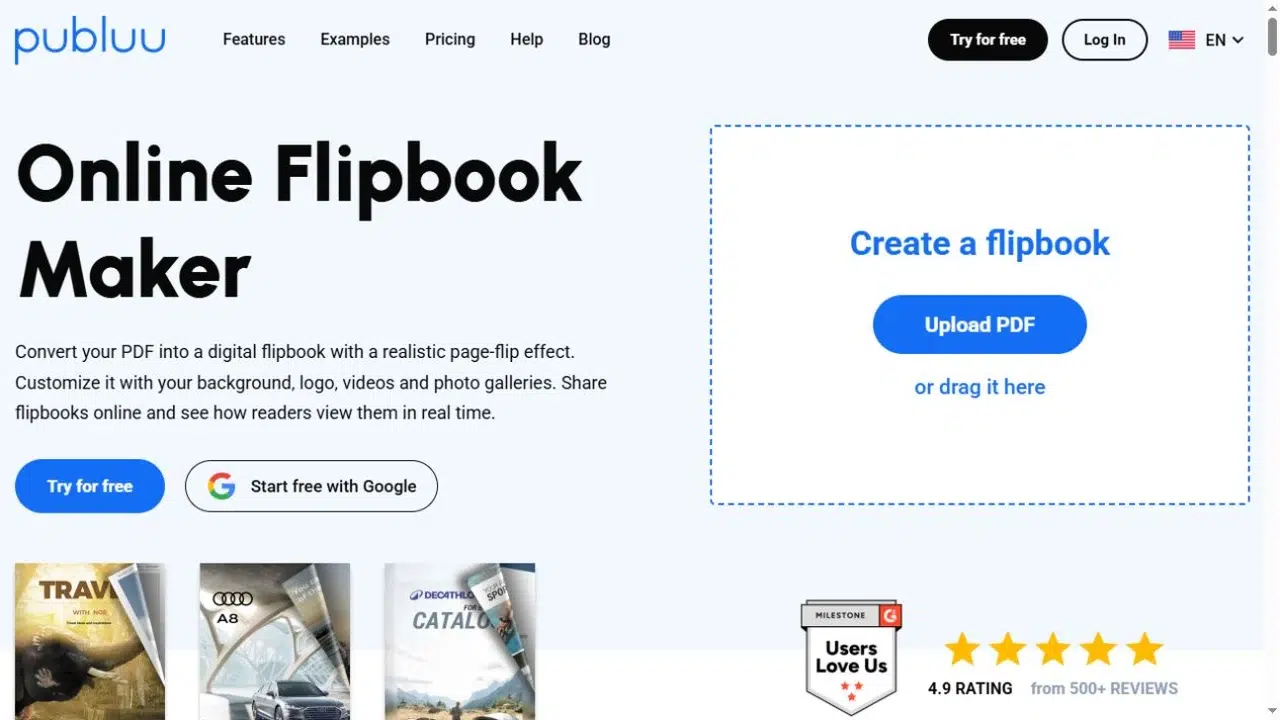
Publuu converts a PDF into an online flipbook and lets you place interactive hotspots on its pages. Readers can click those areas to open supporting media.
Key Features
- Convert a PDF into a hosted flipbook.
- Add video and audio hotspots.
- Attach image galleries and links to pages.
- Share the publication by link or website embed.
Pros
- Place supporting media beside the content it explains.
- Let readers explore product details at their own pace.
Cons
- Continued use requires a subscription after the free trial.
- The fixed PDF page layout can make dense text difficult to read on small screens.
Best For
- Product brochures, event guides, and teaching handouts.
Issuu for Document Distribution
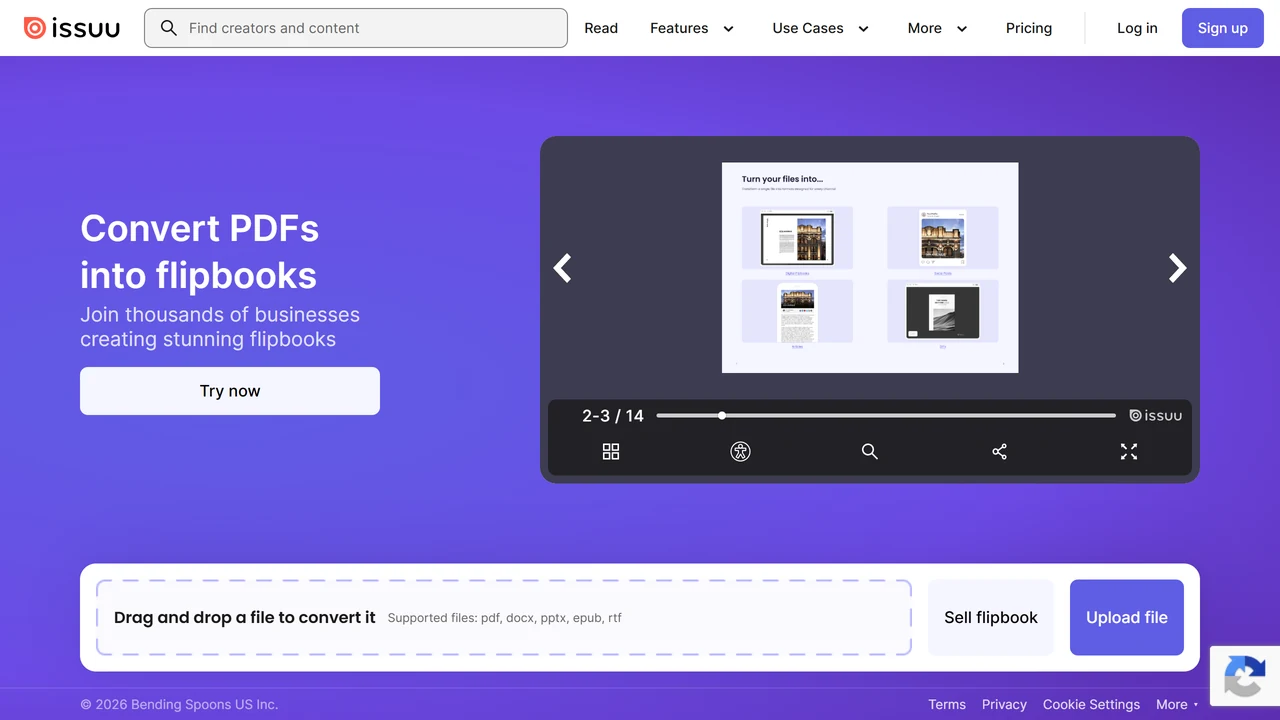
Issuu publishes PDFs as digital publications. Its document-oriented format fits content that people will read and browse, such as reports or lookbooks.
Key Features
- Upload PDFs as digital publications.
- Browse pages in an online publication viewer.
- Distribute the publication through a shareable link.
- Embed the publication in a website, subject to plan availability.
Pros
- Reuse a finished report or lookbook without rebuilding each page.
- Let readers browse the document without receiving a PDF attachment.
Cons
- The publication format is less suited to a live, one-slide-at-a-time talk.
- Dense PDF layouts remain difficult to read on small screens without zooming.
Best For
- Reports, lookbooks, and editorial decks.
Genially for Lessons With Clickable Activities
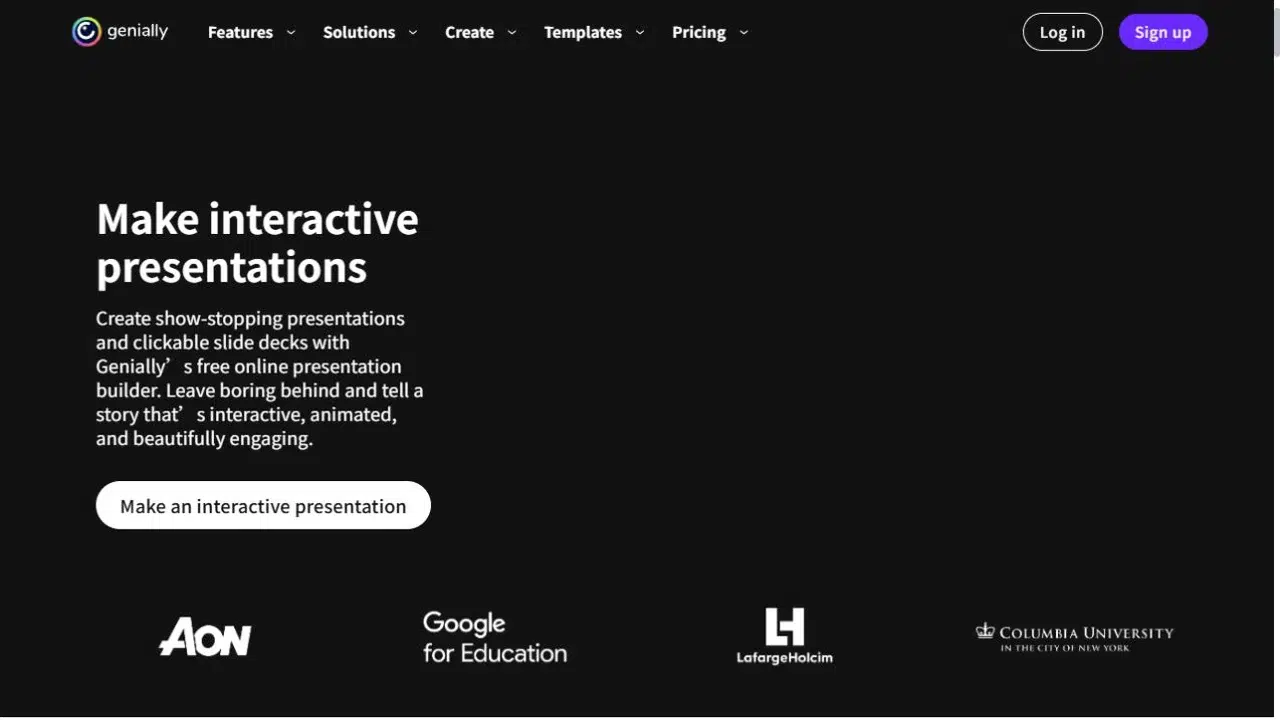
Genially lets you add hotspots, pop-up windows, quizzes, and media to presentations. It also supports PDF import, so existing material can be the starting point.
Key Features
- Import an existing PDF as a starting point.
- Add hotspots and pop-up explanations.
- Build quizzes and clickable activities.
- Embed media within the presentation.
Pros
- Keep extra explanations off the main slide until viewers click.
- Turn existing material into lessons with questions and activities.
Cons
- PDF import is in beta.
- Interactive activities require additional setup after import.
Best For
- Self-paced lessons and training activities.
Match the Format to Your Presentation
- Live pitch: Move through slides while you speak.
- Self-paced briefing: Add narration to explain the slides.
- Interactive lesson: Use clickable definitions and questions.
The portfolio below shows a hosted presentation made from document pages. Try moving between pages and opening it in full screen to see whether this format suits your own deck.
If you need a video file for a video platform, follow the presentation to video guide instead. A hosted presentation link and an MP4 are different deliverables.
Frequently Asked Questions
Yes. These workflows start from a PDF. Keep an editable source file if you have one, though: correcting a chart or changing small text is often simpler before you export the PDF.
A PDF does not carry PowerPoint’s animation timeline. You can add effects supported by the chosen website, but those are separate from the original slide animations. Use the original presentation file and its native export options when those timings matter.
No. A browser player may resize to fit the screen, but the original page can still contain small text. Use larger type and simpler pages for mobile viewing, and open a sample on your phone before sharing the full deck.
No. A link that is not listed publicly can still be forwarded. For confidential material, check the platform’s access controls and plan requirements rather than relying on a hard-to-guess address.
Yes, particularly when readers will browse a report, catalog, or guide at their own pace. Slide navigation is a more natural fit when you want to show one idea at a time during a talk.
Conclusion
Choose interactive presentation websites according to the work your PDF still needs. Recastia suits a finished deck with optional narration; Canva supports design changes; FlipHTML5 and Publuu add media around the pages; Issuu suits publications; and Genially supports learning activities.
Before committing to one of these interactive presentation websites, try your most detailed page and the interaction you actually need. That will tell you more than a long feature list.
Bring Your PDF to Life With Recastia
Create, customize, and share your content in a more engaging way.