Author: Cassie
-
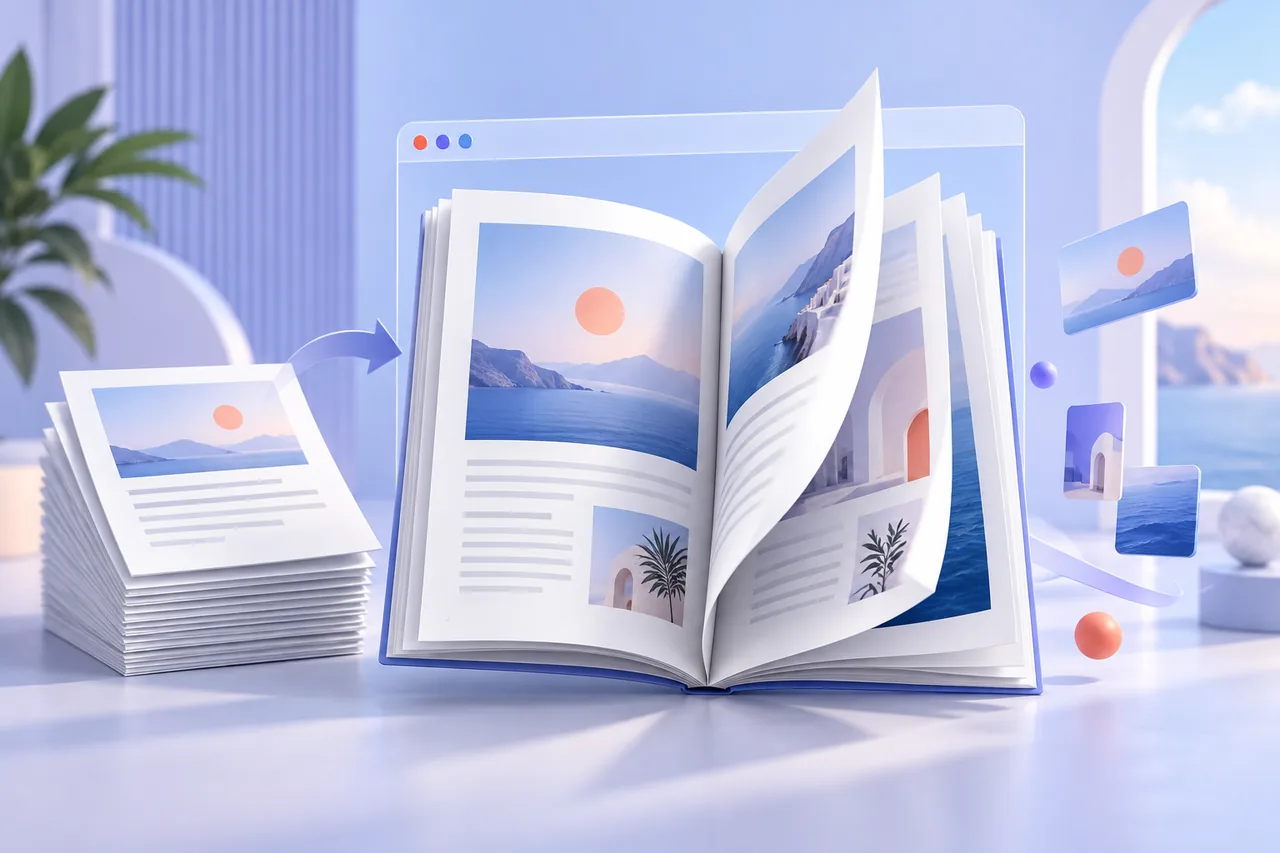
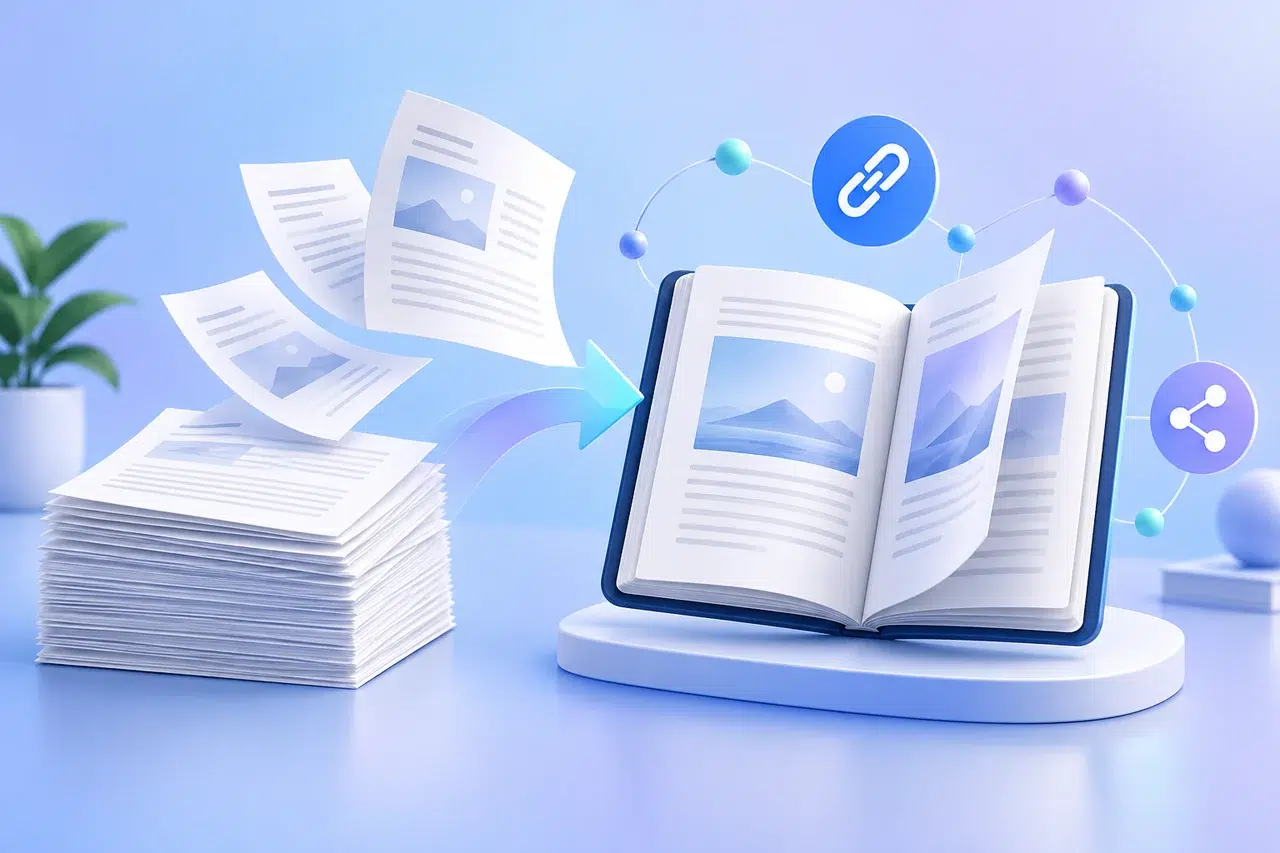
HTML5 Flipbook: How It Works, Key Features, and When to Use One
Learn how an HTML5 Flipbook works, how it differs from a PDF or web page, and what to check before publishing a document for browser reading.
-

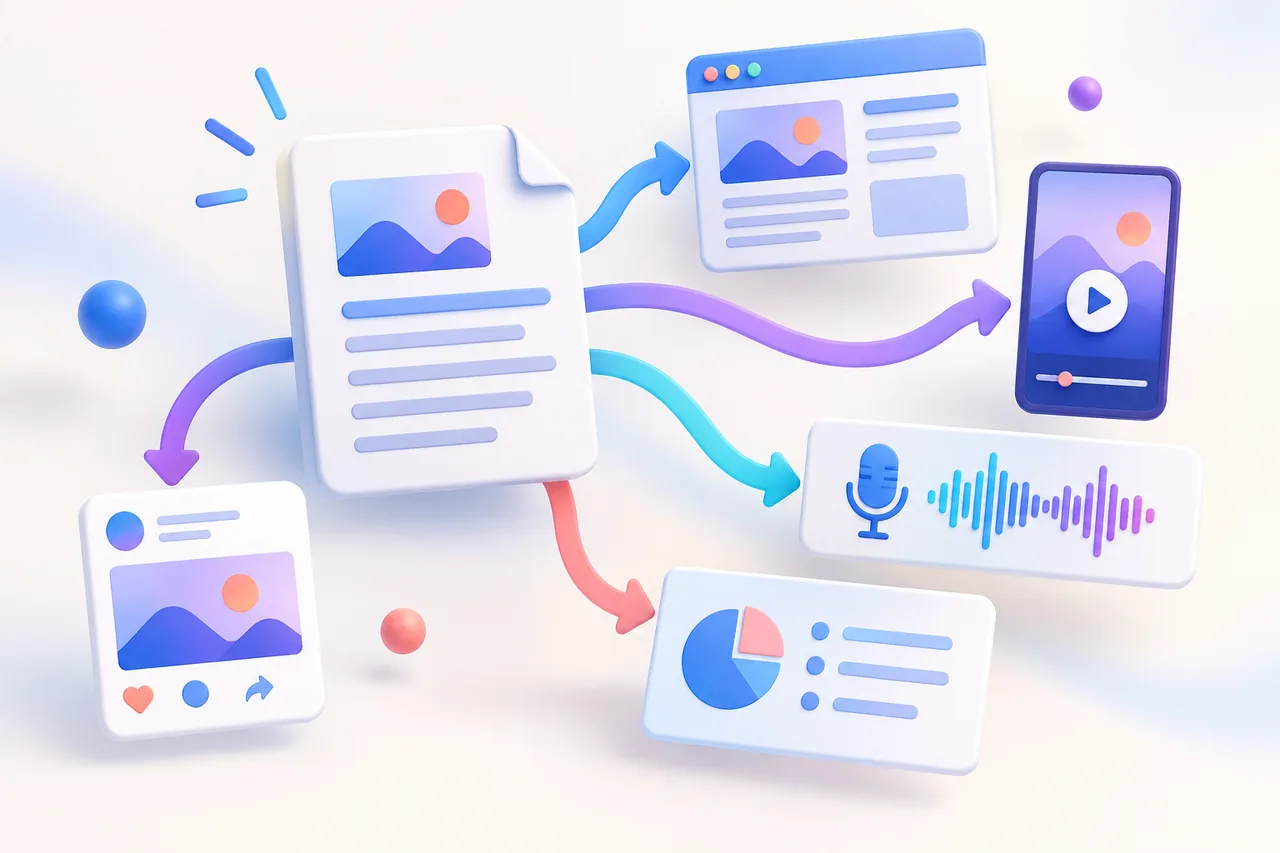
6 Content Repurposing Tools for PDFs, Video, and Social Media
Compare six content repurposing tool options for PDFs, video, audio, articles, and social media, and choose the right one for your source content.
-
PDF to Flipbook Free: Create and Share a Flipbook Online
Use PDF to flipbook free with Recastia to create a page-turning publication, check the free plan limits, and share it by link, QR code, or embed.
-
PDF Page Flipper: How to Add Realistic Page Turns Online
Use a PDF page flipper to control page-turn modes, direction, speed, gestures, sound, and single- or double-page display for an online PDF.
-
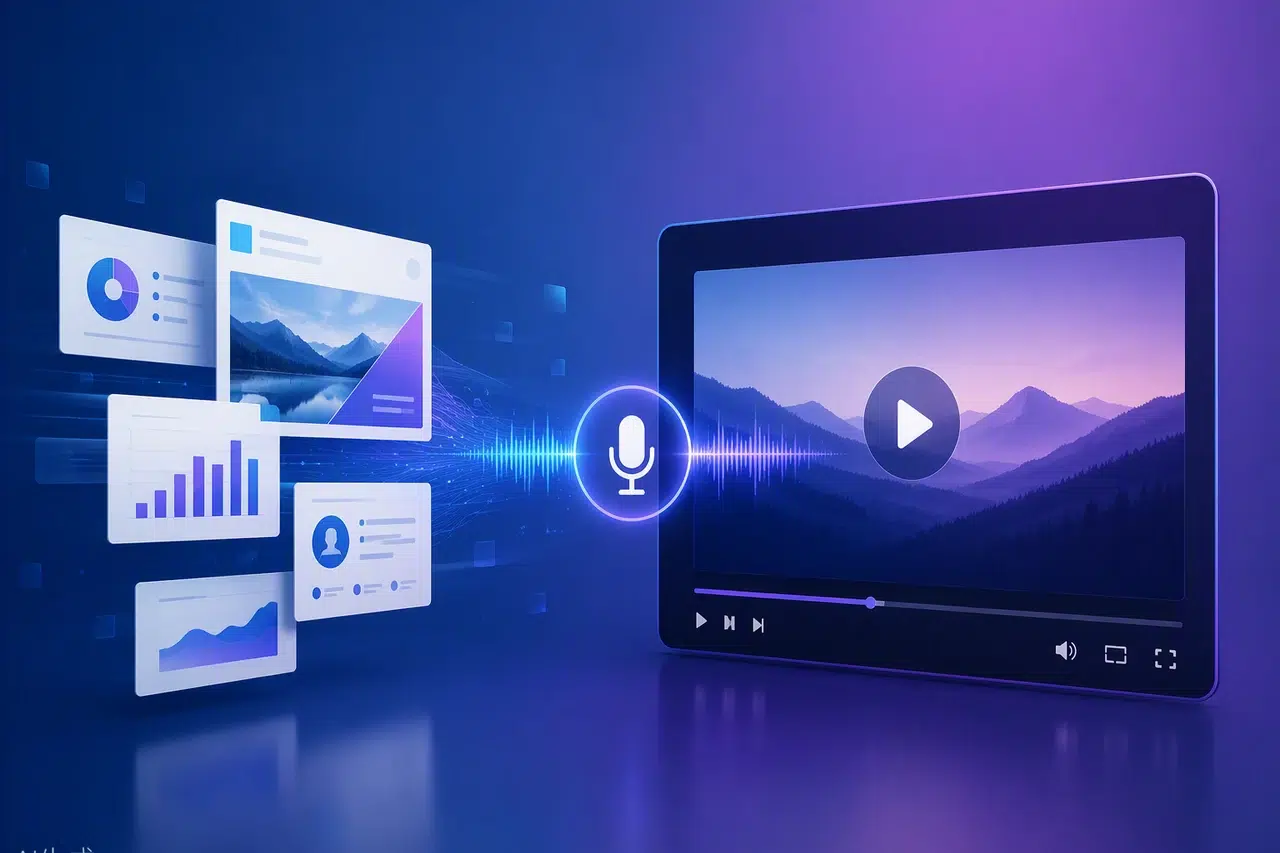
How to Turn a Presentation into a Video for Sharing & Training
Learn how to convert a presentation to video with AI in 5 steps. Turn PowerPoint or Google Slides into a narrated MP4 — no editing needed. Free guide.
-
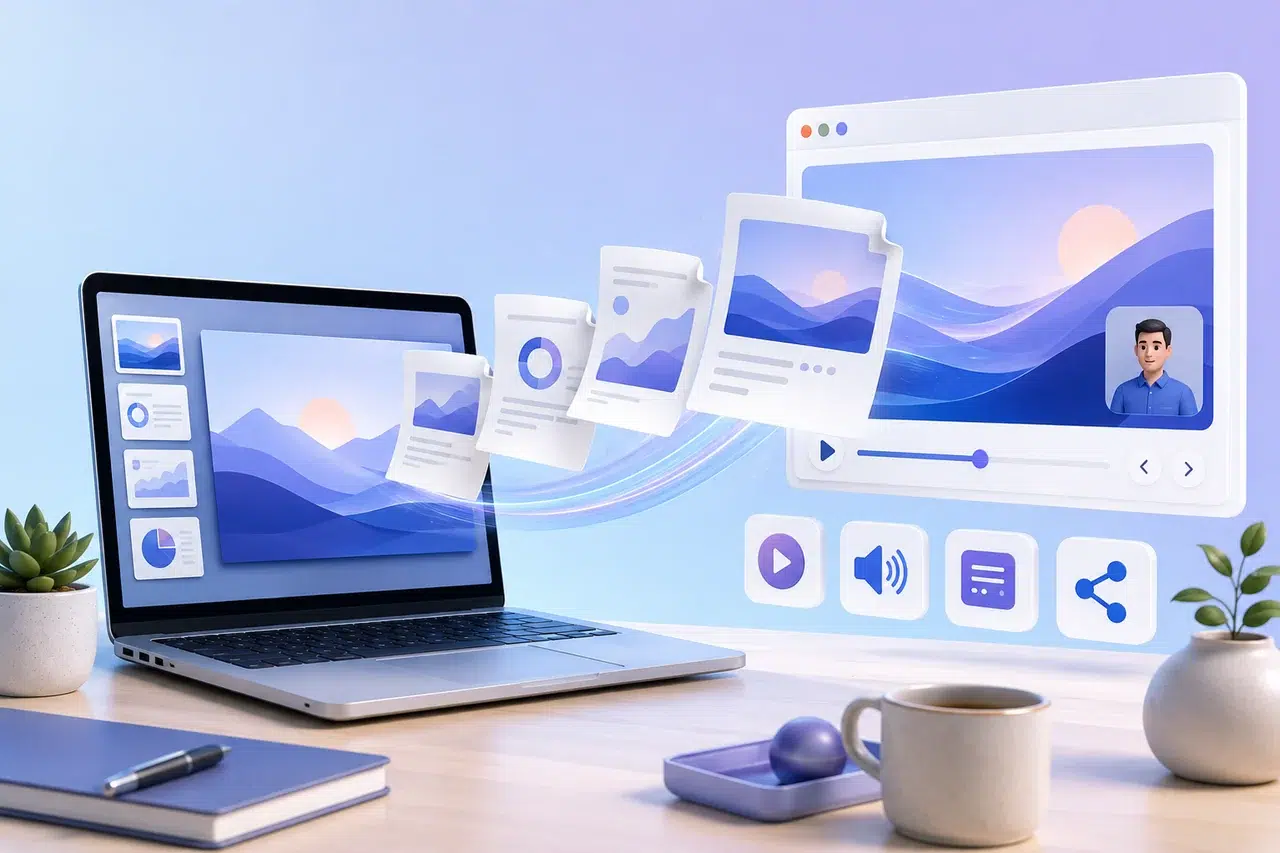
PDF Presentation Online: Present and Share a PDF Without PowerPoint
Create a PDF presentation online with narration, subtitles, page transitions, a virtual presenter, and a browser link you can share or embed.
-
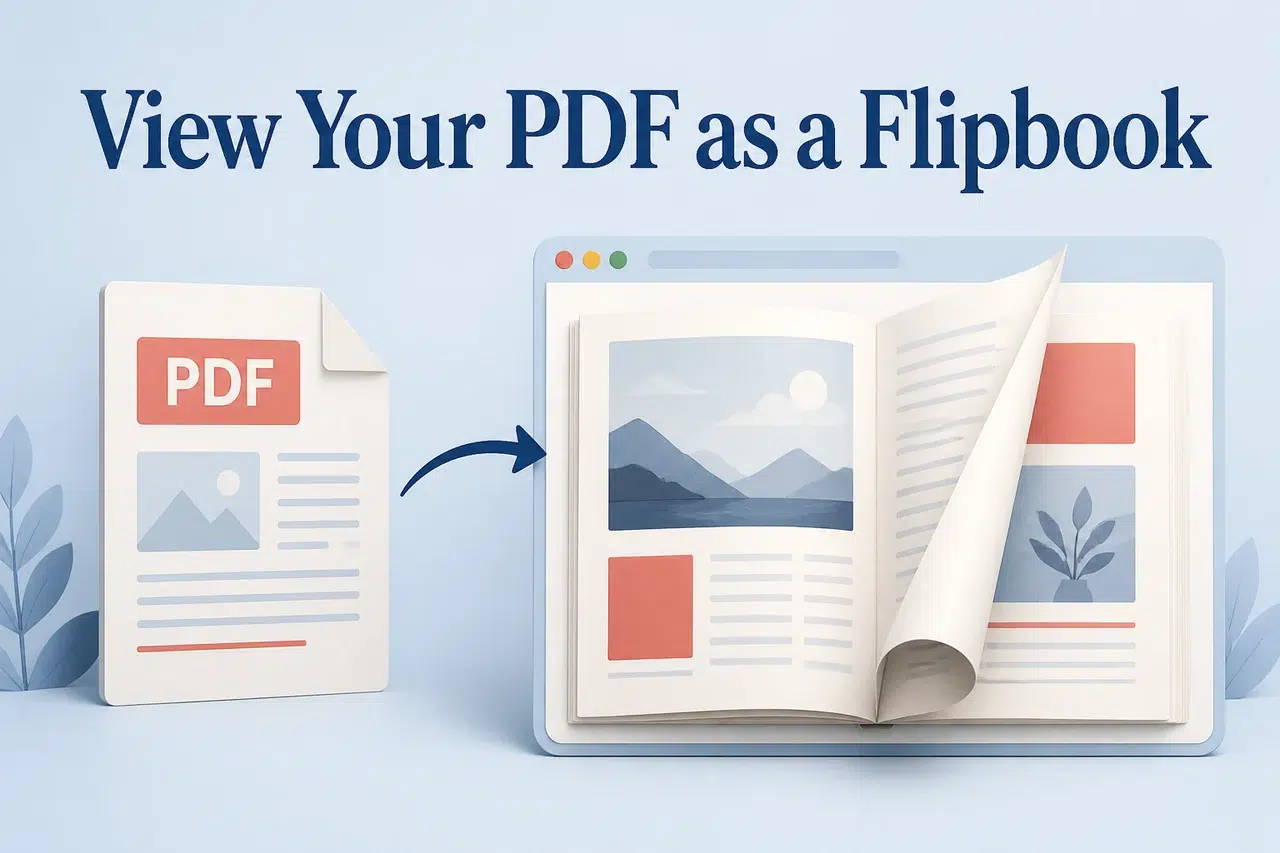
How to View a PDF as a Flipbook Online
Learn how to view a PDF as a flipbook with Recastia. Upload your document, open the online book, and share a reading link or embed it on your website.
-
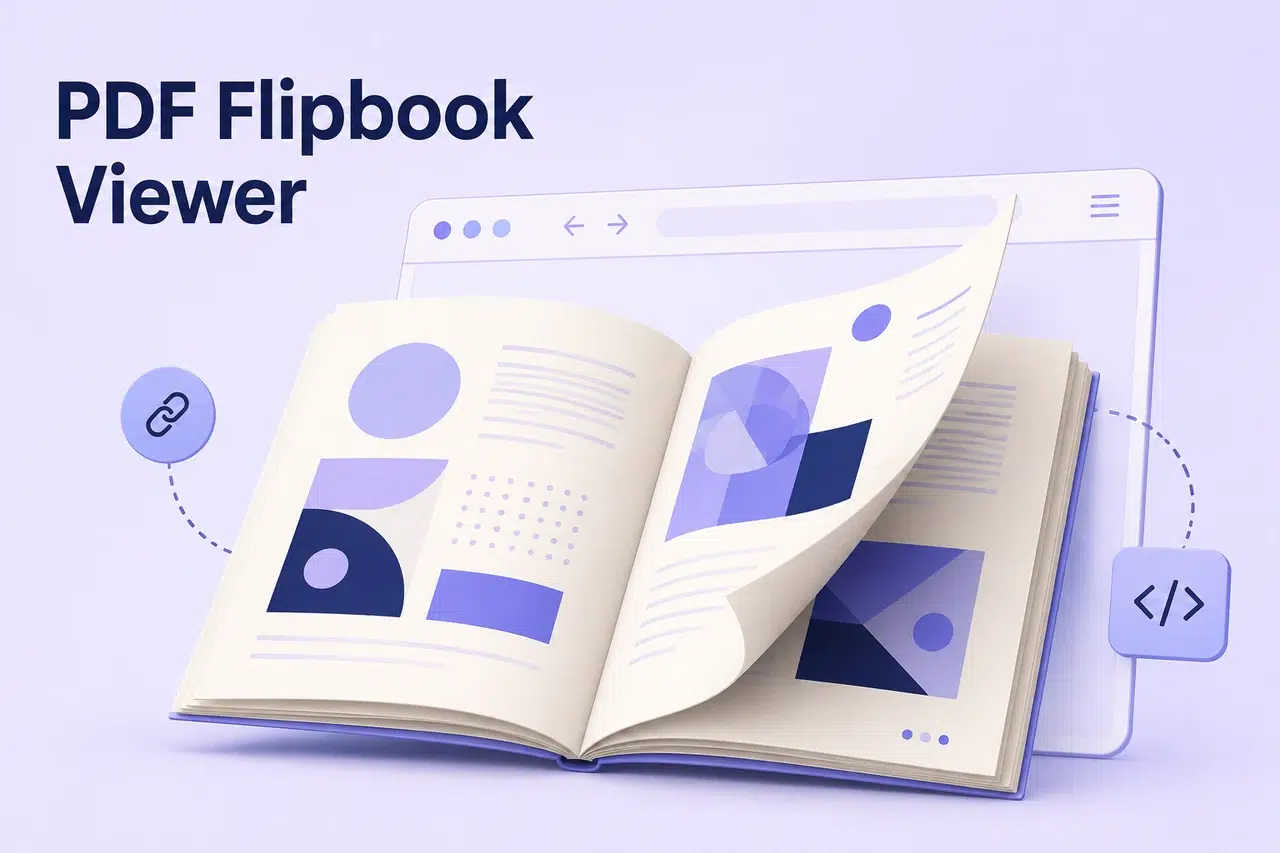
PDF Flipbook Viewer: Read, Share, and Embed PDFs With Page Turns
Use a PDF flipbook viewer to browse pages, zoom in, share a link, and embed your book on a website. See how to read and share PDFs online with Recastia.
-
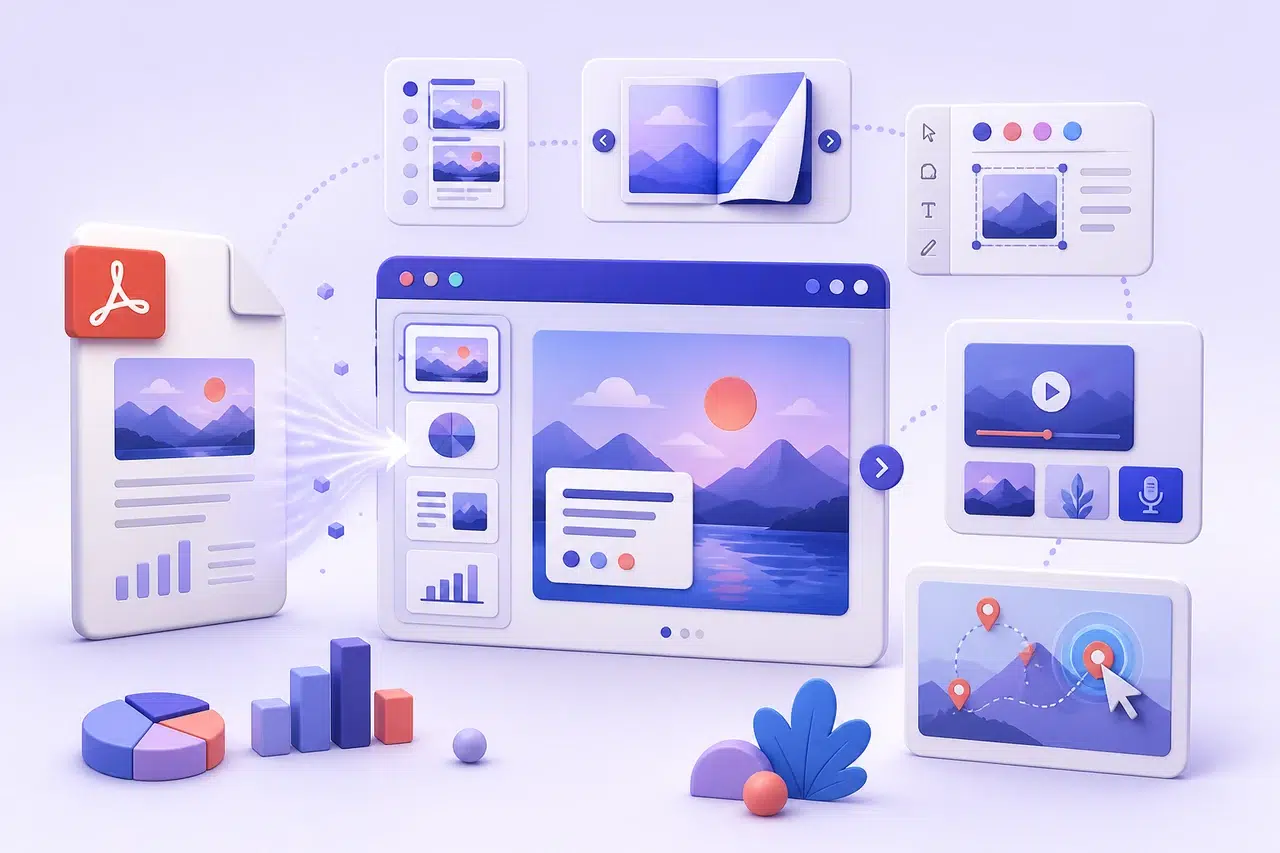
6 Interactive Presentation Websites for Turning PDFs Into Online Slides
Compare six interactive presentation websites that turn existing PDFs into online slides, flipbooks, or click-to-explore content you can share in a browser.
-
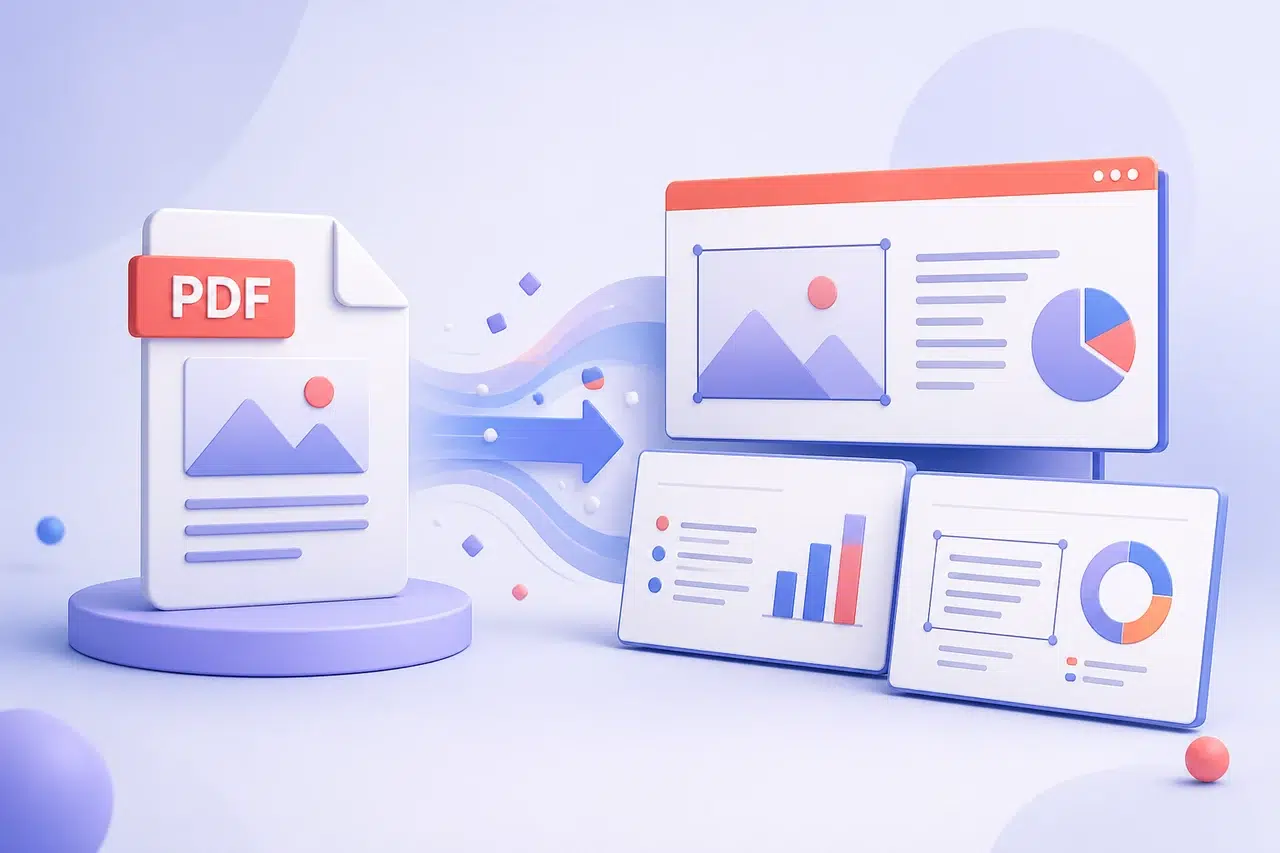
How to Convert PDF to PowerPoint Online
Convert PDF to PowerPoint online with Recastia, download the PPTX, and refine its text, slide order, images, and layout for your presentation.