
A newspaper needs room for stories, not just a convincing front page. The right online newspaper maker should help you handle columns, longer articles, and the edition you want to deliver: printed copies, a downloadable PDF, or pages readers can browse online.
This comparison covers six tools for school, community, and small editorial teams. Some design the pages; others publish a finished PDF. Choose an online newspaper maker for the work you still need to do: page design, text placement, print production, or online publication.
Key Takeaways
- Recastia and FlipHTML5 suit a newspaper PDF that is ready for online publication.
- Canva helps you assemble an issue visually; Adobe Express adds text flow for articles that outgrow a text box.
- Marq is worth considering for linked columns and stories continuing across pages.
- MakeMyNewspaper connects page design with newsprint and digital-edition orders. Budget for the output, not just the designer.
- A page-turning issue and a continuously updated news website serve different purposes.
Compare the Online Newspaper Maker Tools
Choose your output first. A school newspaper printed for an event needs the printer’s page size and margins. A community issue distributed by email needs an online reading link. If you want both, you may use a layout tool for the print PDF and a separate publishing tool for the digital edition.
| Tool | Newspaper Task | Main Choice Point |
| Recastia | Publish an approved newspaper PDF | Keep the designed edition and share a page-turning reading link |
| FlipHTML5 | Publish and enrich a newspaper PDF | Add links or multimedia to an online issue |
| Canva | Design pages from copy and photographs | Start with a document template and place each story visually |
| Adobe Express | Design an issue with changing article lengths | Flow overflow text into linked text boxes |
| Marq | Lay out longer stories across columns or pages | Use linked text boxes and reuse an editorial layout |
| MakeMyNewspaper | Design an issue for newsprint or digital delivery | Work within a newspaper supplier’s design and ordering process |
1. Recastia
Recastia is a publishing option for a newspaper you have already designed. Its PDF to Flipbook feature turns the PDF into an online edition with page-turning navigation, zoom, and fullscreen reading. Your masthead, columns, photographs, and page order remain part of the publication.
That suits a monthly community paper or a school issue whose layout has already been approved. You can send the reading link instead of asking everyone to download the attachment, or embed the edition on your website.
- Keep the complete issue together, including the front page and story continuations.
- Let readers enlarge a column or open the publication fullscreen.
- Share the edition by link or place the flipbook on an existing website.
Finish copy changes and column layout in your source document before uploading. Recastia handles online presentation; choose a design tool from the list below if you still need to compose the newspaper pages. For website placement and reading controls, see our guide to sharing and embedding a PDF flipbook.
2. FlipHTML5
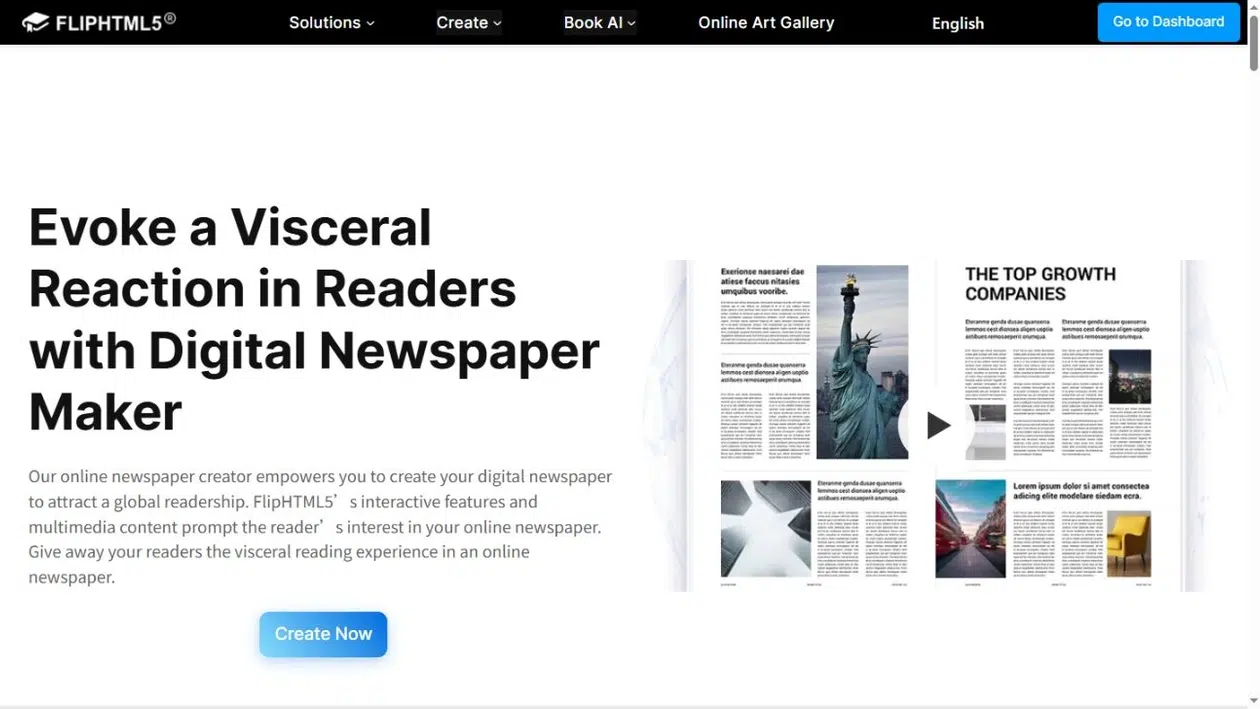
FlipHTML5 publishes newspaper PDFs as page-turning editions and lets you add interactive content. It is a useful choice when a printed story has material that would also work online: a link to the full interview, an audio clip, or a video accompanying a school event report.
- Add links and multimedia to the online publication.
- Distribute a reading URL or QR code, or embed the issue on your website.
- Keep the PDF’s editorial layout while adding content around the original pages.
Choose it when those additions are part of your publishing plan. Keep dates and essential facts in the newspaper itself, so a printed copy still makes sense without the video or external link. Check the plan requirements for the editing and distribution features you need.
3. Canva
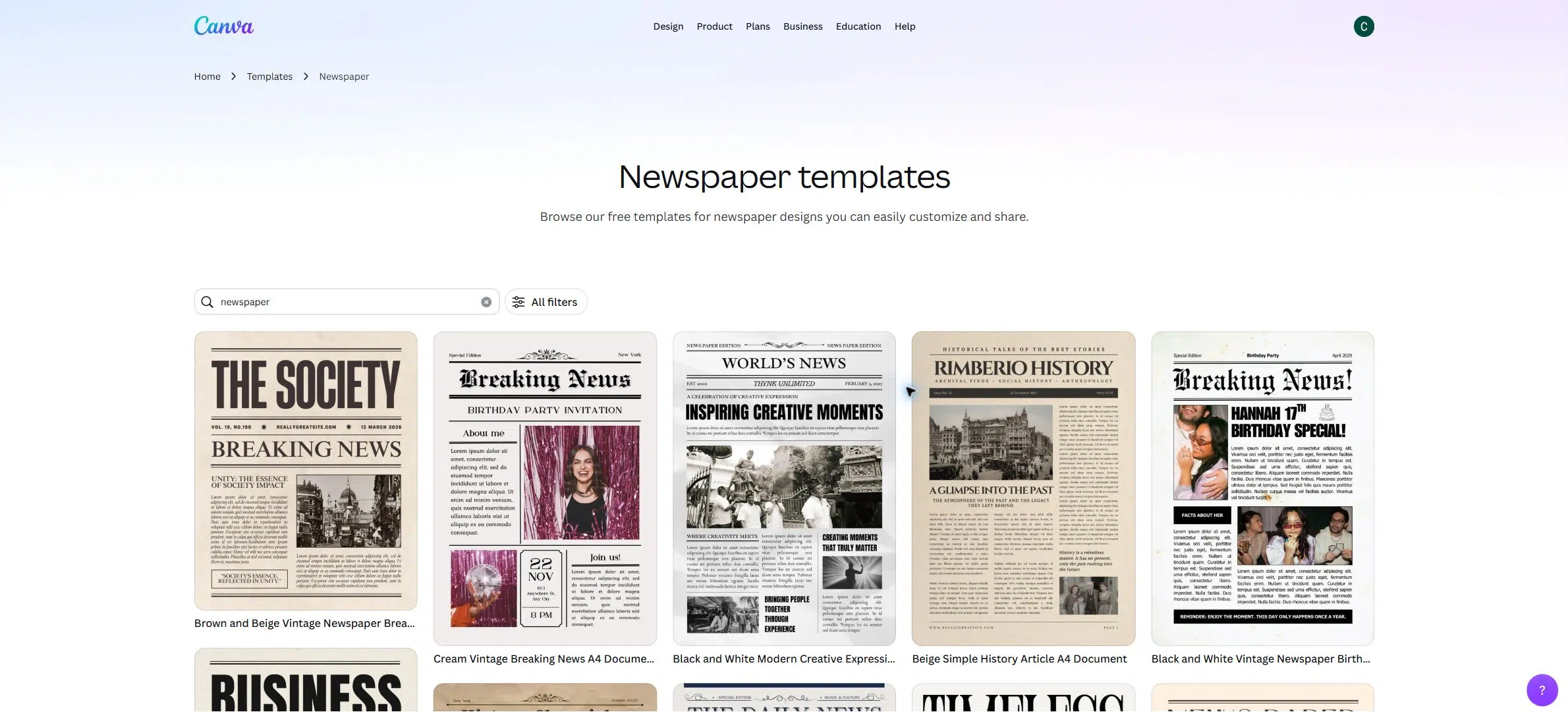
Canva is a practical starting point when you have the articles and photographs but no finished page layout. Its newspaper template gallery gives you masthead, headline, and column arrangements you can adapt for a school or community issue.
Choose the template carefully. The gallery also contains newspaper-style social posts and presentations. A square news graphic is not a newspaper document, even if the headline looks right.
- Pick a document layout at the page dimensions your printer requires.
- Replace the sample stories and images, then adjust the space given to each article.
- Use the appropriate PDF export for screen delivery or print production.
Canva works well for occasional issues with a manageable amount of copy. If one story grows, you still need to decide where it continues and make the reading order clear. For a text-heavy publication, compare that work with the linked-text options in Adobe Express or Marq before committing to your page grid.
4. Adobe Express
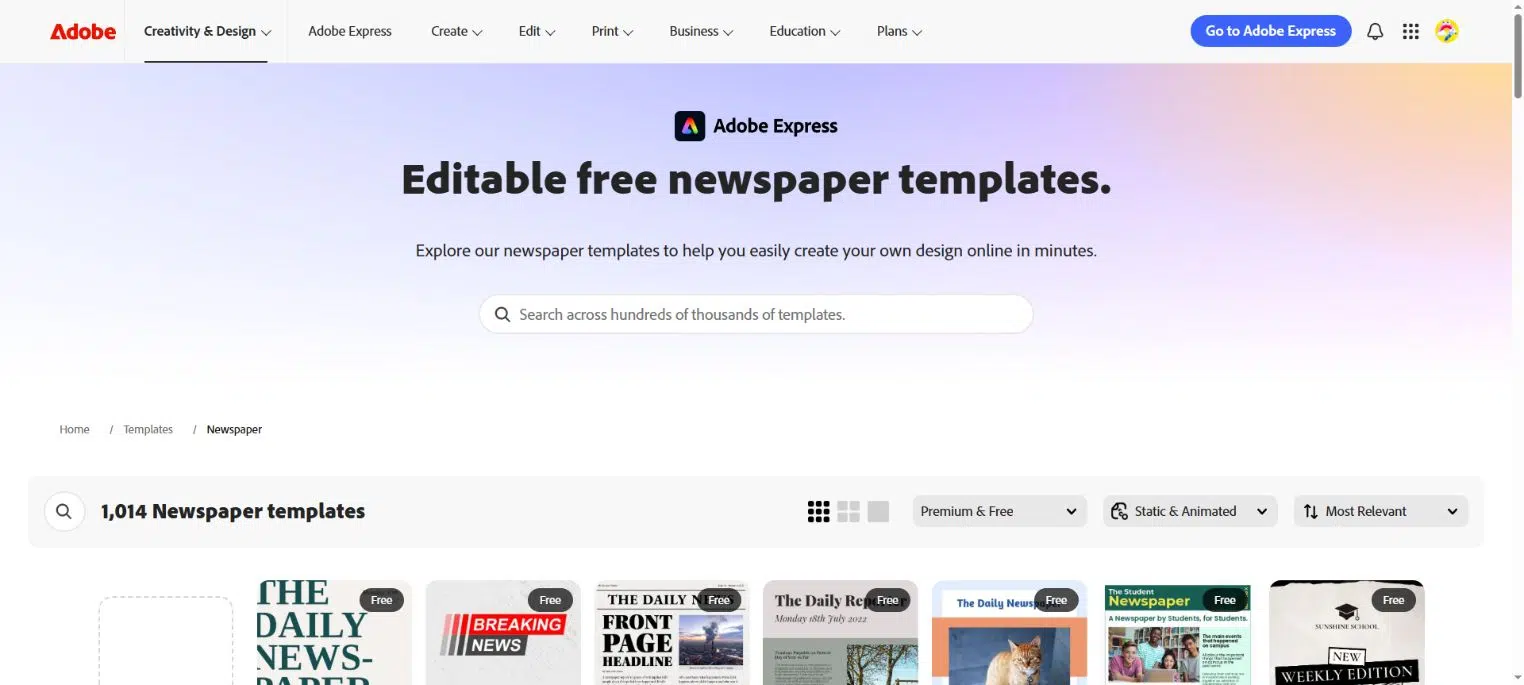
Adobe Express combines document templates with text flow. When a story no longer fits its first text box, overflow text can continue into another linked box. That is useful when an editor adds a paragraph after the page layout is underway.
Its document text-flow guide explains linked boxes and how to add, combine, or stop a text flow. Choose a newspaper document template rather than a newspaper-themed poster or social graphic.
- Let changing copy continue through linked text boxes.
- Adjust the page design around photographs and other story elements.
- Export a print PDF with the settings required by your print supplier.
Text flow helps fit the article, but you still control its editorial route. Put a continuation note where readers leave the story and a matching note where they pick it up. Review the final PDF after late edits, especially where a story meets a photograph, caption, or page break.
5. Marq
Consider Marq when you regularly work with long stories or produce a new issue using the same layout. Its linked text boxes can carry an article through several boxes; its documentation also covers flowing text across pages.
For example, a feature can start below the front-page headline and continue inside the issue without requiring you to divide the copy into separate fragments. You can build a reusable page layout around the masthead, columns, and recurring sections.
- Link the text areas that belong to the same article.
- Reuse the issue’s page layout instead of rebuilding its structure each month.
- Export a PDF with the page and print settings your supplier requests.
Choose Marq when managing text is more important than finding a quick decorative template. Set the column grid before linking stories, then review how each article ends. Linked boxes move text; they do not decide which story deserves the front page or whether a continuation is easy to find. Check the subscription requirements for your export and template controls.
6. MakeMyNewspaper
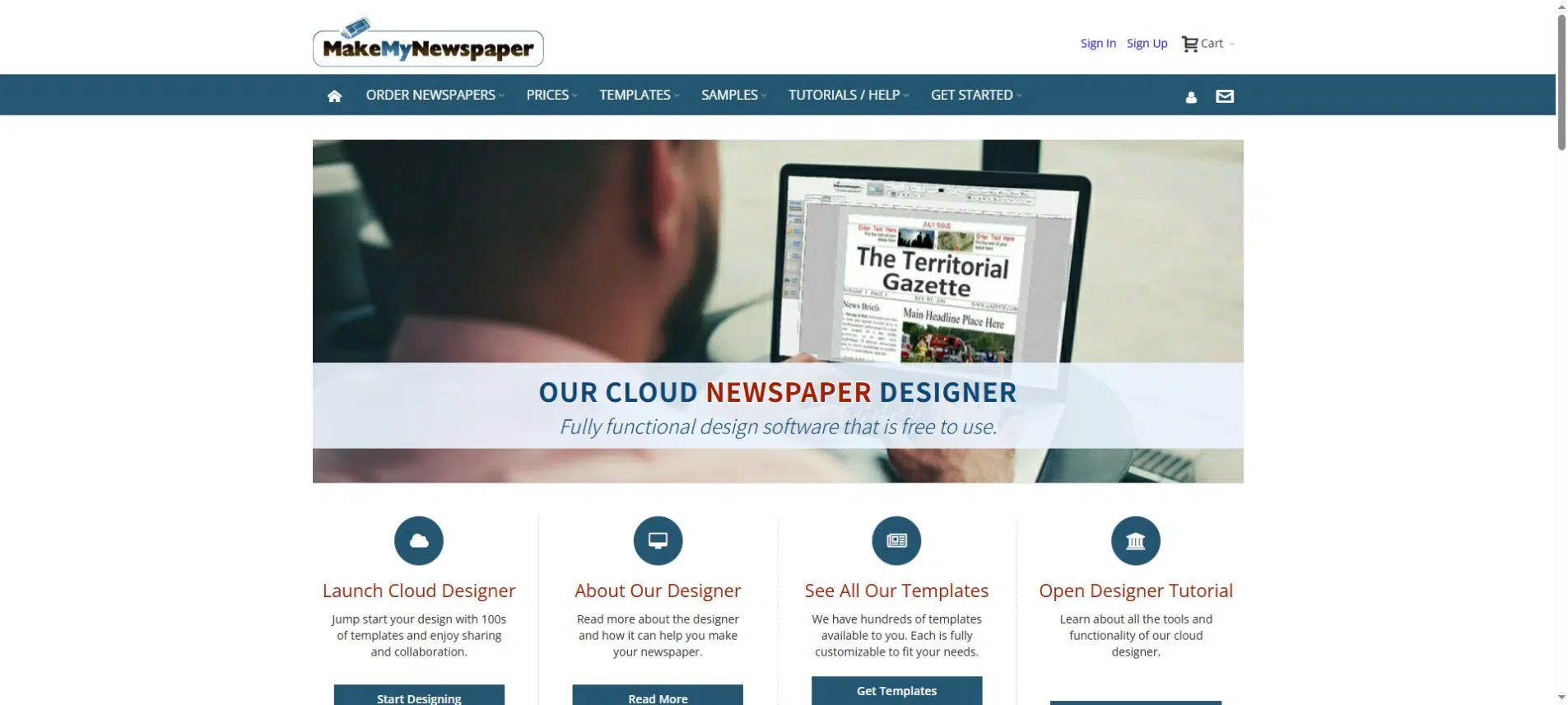
MakeMyNewspaper is the most directly print-oriented option here. Its browser designer provides newspaper templates and text-and-picture layout tools, with routes to order printed newspapers or an eNewspaper.
It suits a school paper, community edition, or event newspaper that needs actual newsprint. Designing within the supplier’s system can simplify the handoff between the layout and the print order.
- Start with a newspaper template or create a layout from scratch.
- Work with the newspaper sizes and printing margins offered by the service.
- Plan the issue in multiples of four pages, as required by the designer.
- Order printed copies, a digital edition, or the output available for your project.
The word “free” refers to using the designer, not every finished output. Its official FAQ states that printing, a downloadable PDF, and digital newspaper creation are charged; some features require Designer PRO. Confirm the complete output cost and delivery requirements before spending time on the layout.
Check Columns, Continuations, and Print Size Before Choosing
Before choosing newspaper design software, try placing one of your longer articles beside a photograph and caption at the final page size. You will see whether the copy fits, how much space the photograph takes, and where you need a continuation.
- Masthead and issue identity: reserve consistent space for the newspaper name, date, and issue information. Readers should be able to tell which edition they have.
- Column reading order: make it clear where a story starts and which column follows. A nearby headline should not look like part of the same article.
- Story continuations: use matching page references, such as “Continued on page 4” and “Continued from page 1.” Recheck them after moving pages.
- Print specifications: confirm final page dimensions, margins, page order, and export settings with your supplier. Do not treat A4 as a substitute for its newspaper format.
Avoid a blanket rule to enable crop marks and bleed. Different printers need different files. For example, Newspaper Club’s Canva instructions specify PDF Print without crop marks and bleed. Follow your own supplier’s requirements rather than copying settings from another newspaper project.
Decide Whether Readers Need a Whole Issue or Individual Articles
A PDF or flipbook keeps a dated issue together. Readers can browse the front page, follow a story to an inside page, and see photographs in the layout you designed. The graduation newspaper below is an example of that edition-based format.
For frequent breaking updates, use a news website with separate article pages. That lets you revise one story, give it its own link, and arrange the text for a narrow screen. A news CMS serves that purpose; the tools here focus on designing or publishing complete issues.
If you publish a dense newspaper as a flipbook, preview the longest story on a phone. Check that readers can enlarge its columns and reach the continuation page. A responsive viewing frame does not mean the designed columns automatically become a single scrolling article. You can offer short web summaries with links to the complete issue when readers need both quick updates and the publication itself.
Choose for the Newspaper You Plan to Deliver
Choose an online newspaper maker for the task ahead: Canva for visually assembling an issue, Adobe Express or Marq for linked text, and MakeMyNewspaper when design and a newsprint order belong together. If the PDF is already approved, Recastia or FlipHTML5 can publish it as an online edition.
Before you commit, check a long story, its continuation, and the final delivery format. The right online newspaper maker is the one that handles those needs without making you redesign the issue at the last moment.
Bring Your PDF to Life With Recastia
Create, customize, and share your content in a more engaging way.
Frequently Asked Questions
You may be able to design pages using free templates or a free editor, but check the output separately. Premium assets, PDF downloads, digital publication, and printing can have different charges. For a school project, confirm what you can export before building the whole issue in one service.
Follow your printer’s specification. Many newspaper workflows require individual pages in reading order rather than paired spreads. Keep page numbers visible and check the exported PDF, not just the editor preview. For an online edition, also confirm that the cover and inside pages appear in the intended sequence.
Check each tool’s collaboration permissions and editing rules. MakeMyNewspaper warns that when several people edit the same project, the last save overwrites other changes. Assign one person to approve the final layout, especially after changes to long stories or page order. Keep the approved copy in a shared document rather than making conflicting changes immediately before export.
Not necessarily. A hosted publication can have its own reading link, which you can share by email or place on an existing school or community website. A separate domain is a branding decision. Check custom-domain requirements only if using your own address is part of the publishing plan.