
A video pitch deck introduces your business through slides and narration. It gives potential investors a way to hear your explanation before you meet: what the company does, who needs the product, and what you are working toward.
This guide explains what to include in a video pitch deck and how to divide the story between the screen and the voiceover. You’ll also find a six-slide example with on-screen text and a complete sample script.
Key Takeaways
- Explain the customer problem before introducing the product’s features.
- Use slides to show the product and evidence. Use narration to explain why they matter.
- Make it clear which features and results already exist and which are planned.
- Finish with a specific request, such as a prototype demo or a meeting to discuss funding.
What to Include in a Video Pitch Deck
The main questions are straightforward: What does the business do? Who needs it? How will it make money? Why is this team suited to build it?
Sequoia’s business-plan outline covers these foundations. In a recorded presentation, your slides and narration need to answer them without relying on questions from the audience.
1. The Business and the Customer Problem
Start with a sentence that names the customer and the job your product helps them do.
For example:
“We help independent repair shops find replacement parts across supplier catalogs.”
That tells viewers more than “We’re transforming the future of repair.” Follow it with the difficulty customers face today: technicians search several catalogs, compare part numbers, and check compatibility before placing an order.
A specific situation gives viewers something to picture. You can then show where your product fits.
2. The Product and Its Difference
Show how someone would use the product to solve that problem. A short sequence of relevant screens is usually easier to follow than a slide listing every feature.
Focus on:
- The task: What is the customer trying to do?
- The product’s role: Which part of that task does it handle?
- The difference: How does this compare with the customer’s current approach?
Use working product screens where available. Label mockups and planned features so viewers can distinguish the current product from the roadmap.
3. The Market and Business Model
Explain who you expect to buy first, not just the broad industry your product belongs to.
For the repair-parts example, “independent appliance-repair shops” is a clearer starting point than “the global repair market.” From there, explain:
- Who pays: The shop owner, technician, supplier, or another customer?
- What they pay for: A subscription, a transaction, or a service?
- How you’ll reach them: Direct outreach, industry partners, or another planned route?
If you include a market estimate, show its source and how it relates to your target customers. Distinguish a proposed pricing model from pricing that customers have already accepted.
4. Progress and the Team
Describe the stage you have actually reached. A working prototype, a scheduled pilot, and paying customers are different milestones.
Useful evidence might include a product demonstration, customer research, or measured usage. When showing numbers, include the period and what the numbers represent.
Then connect the team’s experience to the work ahead. Instead of reading a biography, explain who understands the customer’s problem and who can build or deliver the solution.
5. The Ask and the Next Milestone
Make the ending match the purpose of the video.
For an introduction, the request might be:
“We’d welcome a meeting to demonstrate the prototype and discuss our pilot plan.”
For a fundraising presentation, explain the amount being raised, what the funding will support, and the milestone it should help you reach.
Keep the request and contact details visible on the final slide.
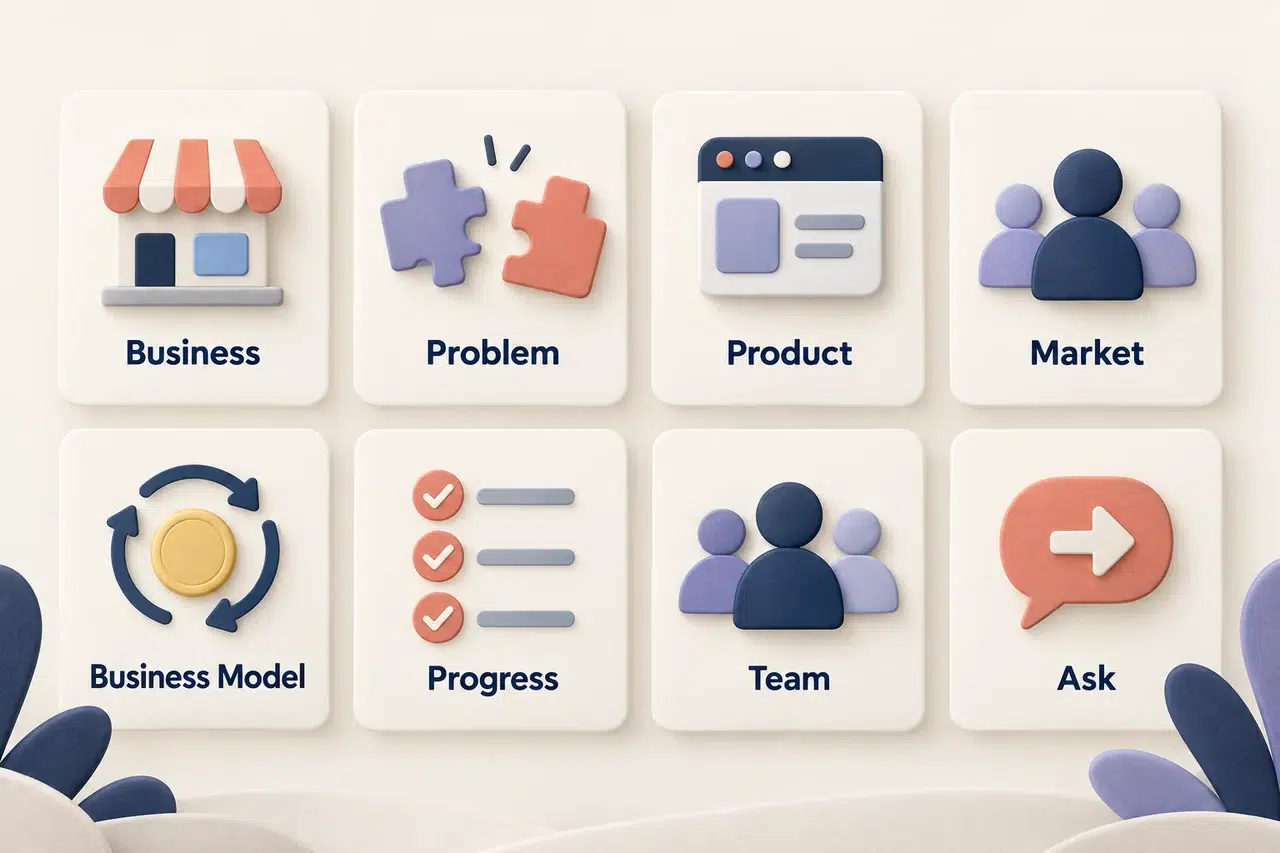
How to Structure the Slides and Narration
A useful starting order is:
Business and problem → Product → Market and business model → Progress → Team → Ask
The order can change with the business. Slidebean’s pitch-deck structure guide discusses this flexibility. For example, strong customer results may deserve an earlier place in the story.
The more important question is whether each slide prepares viewers for the next one.
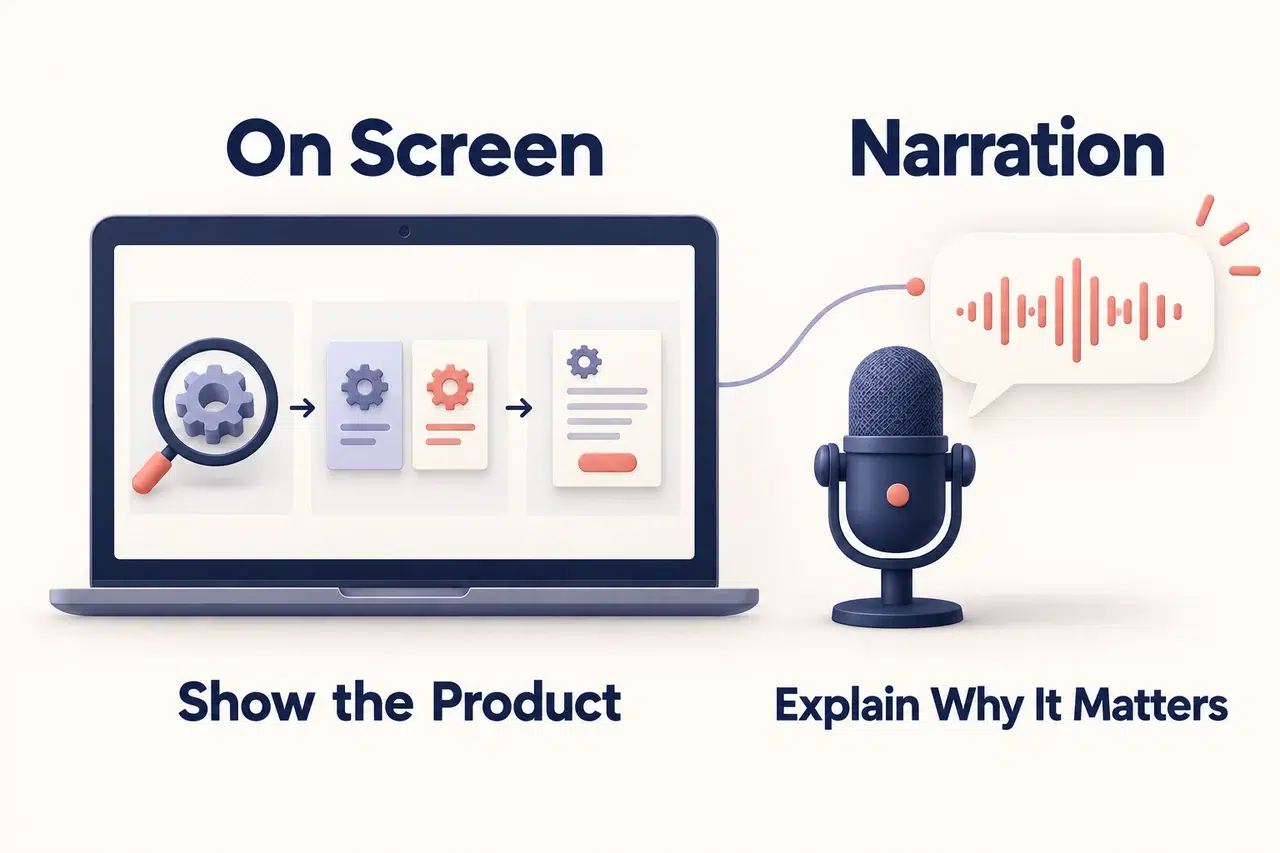
Give the Screen and the Voice Different Jobs
The slide should help viewers see the point. The narration should explain it.
On a product slide, that could mean:
- On screen: A search box, a compatibility filter, and the matching parts.
- In the narration: Why searching those catalogs together helps a technician complete the task.
Avoid filling the slide with the same paragraph you plan to read aloud. Viewers would have to read and listen to identical information at different speeds.
Keep essential evidence on screen, though. A chart still needs its labels, source, and time period; narration should not carry those details alone.
Write the Connections Between Slides
A presentation can contain all the right sections and still feel disjointed. The transitions explain why the next section belongs.
For the repair-parts example:
Problem to product:
“Instead of checking each catalog separately, technicians can search them from one place.”
Product to business model:
“Because shops search for parts throughout the working week, we plan to offer the service through a monthly subscription.”
These sentences connect the customer’s task to the product and the product to the proposed business model.
Read the Narration as One Script
Read the narration from beginning to end without looking at the slides.
Check whether someone unfamiliar with the business could follow it:
- Is the customer introduced before their problem?
- Is the product explained before its revenue model?
- Are current results clearly separated from future plans?
- Does the closing request follow from the work you’ve described?
Then read it alongside the slides. Remove spoken descriptions that merely repeat obvious labels, and add explanations where a chart or product screen needs context.
A Video Pitch Deck Example: A Repair-Parts Startup
The following example is fictional. The product, team backgrounds, and business plans are illustrative—not claims about a real company.
The startup has a working parts-search prototype. Ordering is planned, and the pilot has not started. This introductory video aims to secure a meeting to demonstrate the prototype.
Read the six narration sections consecutively and they form one short pitch.
Slide 1: The Business and the Problem
On the slide:
Find Replacement Parts Across Supplier Catalogs
- For independent appliance-repair shops
- One repair job can require several catalog searches
- Technicians still need to check compatibility
Narration:
“We help independent appliance-repair shops find replacement parts. A technician may need to search several supplier catalogs for one repair job, comparing part numbers and checking compatibility along the way. We’re building a service that brings those searches into one place.”
Slide 2: The Product
On the slide:
One Search Across Connected Catalogs
Use a screenshot of the working prototype with three short labels:
- Enter the appliance details
- Search available catalog data
- Review compatible parts
Label any separate ordering mockup “Planned Feature.”
Narration:
“Our prototype lets technicians enter appliance details and search the supplier catalogs we’ve connected. They can then review matching parts without starting a separate search in each catalog. Parts search is working today. Ordering is the next part of the workflow we plan to build.”
Slide 3: The Customer and Business Model
On the slide:
Starting With Independent Appliance-Repair Shops
- Customer: repair-shop owners
- Proposed model: monthly subscription
- Initial outreach: direct contact with shops
Narration:
“We’re starting with independent appliance-repair shops, where finding parts is a recurring task. We plan to charge shop owners a monthly subscription. Our first customer conversations will focus on how often technicians need the service and whether it covers the suppliers they use.”
Slide 4: Progress and the Next Test
On the slide:
Working Prototype, Pilot Next
- Complete: parts-search prototype
- Next: pilot with repair shops
- Measure: successful searches, separate catalog visits, and missing parts
Narration:
“The search prototype is ready for a pilot. We’ll observe technicians using it on repair jobs and record whether they find suitable parts, how often they still visit separate catalogs, and which parts are missing. Those findings will guide catalog coverage and the planned ordering workflow.”
Slide 5: The Team
On the slide:
Repair Operations + Catalog Software
- Co-founder: repair-shop operations experience
- Co-founder: product-data and catalog software experience
Narration:
“Our team combines experience in repair-shop operations with experience building catalog software. One co-founder understands how technicians identify and source parts. The other works on product data and search. Together, we’re focused on making the service fit the way repair shops actually work.”
Slide 6: The Ask
On the slide:
Let’s Walk Through the Prototype
- Next milestone: complete the pilot and define the ordering workflow
- Request: a prototype-demo meeting
- Founder’s name, email, and website
Narration:
“Our next milestone is to complete the pilot and use the findings to define the ordering workflow. We’d welcome a meeting to demonstrate the prototype, explain the pilot plan, and discuss the resources needed for the next stage. You can reach us using the details on this slide.”
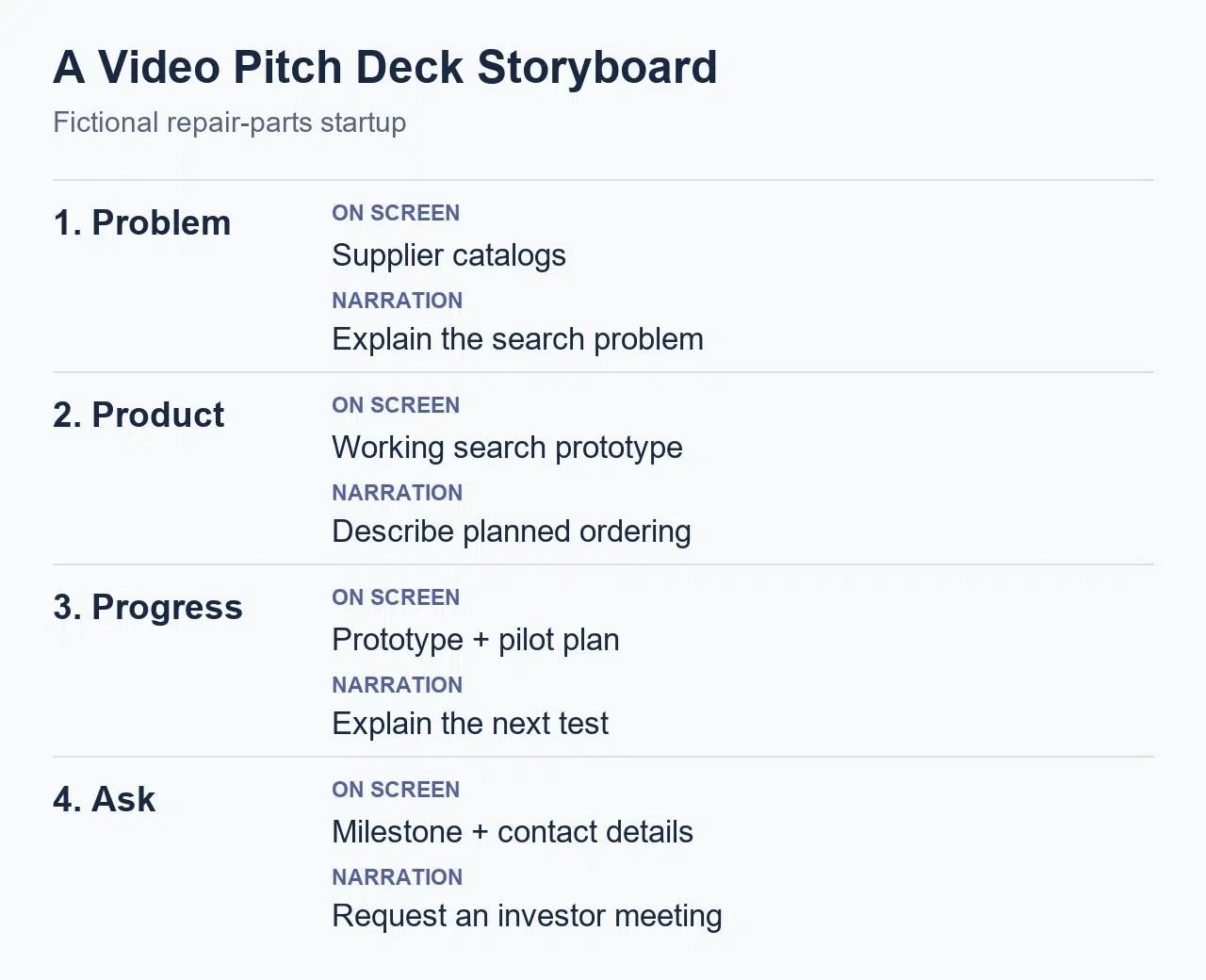
Four moments from the example, showing how slide content and narration work together.
Turn the Deck Into a Video With Recastia
Once the slides and script are ready, you can use the PDF to Video tool to create a narrated version of the deck.
Arrange the PDF pages in presentation order. In Advanced Mode, enter the narration beside its corresponding page. This keeps each part of the script connected to the slide it explains.
You can also explore:
- Voice: Choose the voice used for the narration.
- Avatar: Add an on-screen presenter.
- Subtitles: Display captions alongside the narration.
- Background music: Add music to accompany the presentation.
- Video ratio: Choose the frame shape for where you plan to share it.
Watch the finished video from beginning to end. Check that product details and chart labels remain readable, and that names, figures, and dates match the slides.
For the full creation walkthrough, see how to turn a PDF into a video.
Video example created by Recastia.
Make the Next Conversation Easy to Start
Your video pitch deck should leave viewers able to explain what the business does, who it serves, and what you’re asking for. Pair each slide with the point its narration needs to explain, then read the script from start to finish.
When you share the video pitch deck, include a readable PDF and a short message with your request. That gives recipients a way to watch the explanation, revisit the details, and respond.
Bring Your PDF to Life With Recastia
Create, customize, and share your content in a more engaging way.
Frequently Asked Questions
Follow any time limit set by the recipient or application. Otherwise, rehearse the script and remove repetition. The video needs enough time to explain the business and support its main claims; detailed financials and supporting material can remain in the accompanying deck.
Yes. The video provides your explanation, while the PDF lets recipients revisit a chart, check a figure, or share a particular slide with a colleague. Send matching versions so the information stays consistent.
No. Slides and narration can explain the business without a camera recording. A founder introduction can add personal context, but the choice depends on what you want to show and any requirements from the recipient.
You can reuse the core explanation of the business. Before each send, check whether the introduction, level of detail, and closing request suit the recipient. Update any figures or milestones that have changed, and follow specific submission requirements.